I just built my 5th app using Replit AI and Agent. Not a single...

Paul Couvert@itsPaulAi
47 views
Nov 30, 2024
~2 min read
Advertisement
1
I just built my 5th app using Replit AI and Agent.
Not a single line of code written by myself as I don't know how to code.
You have to follow the right methods and you can even create a full SaaS.
Here's how to create anything without coding 🧵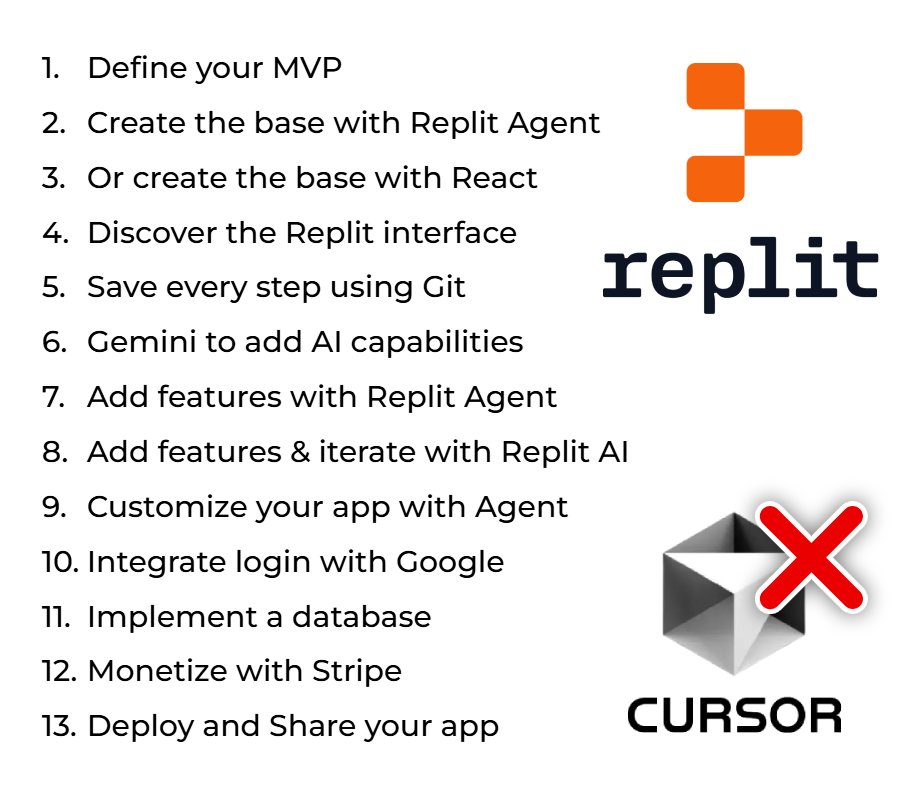
Not a single line of code written by myself as I don't know how to code.
You have to follow the right methods and you can even create a full SaaS.
Here's how to create anything without coding 🧵
2
1. Define your Minimum Viable Product (MVP)
- What core features do you want your app to have?
- To solve what problem?
- With which UI?
Keep it simple for the initial prototype.
- What core features do you want your app to have?
- To solve what problem?
- With which UI?
Keep it simple for the initial prototype.
3
2. Replit Agent is your coding assistant
Use it to build the foundation of your app.
Give it instructions in plain English, and it will generate the code.
But take it one step at a time:
It's IMPOSSIBLE to create a complete app with just 1 prompt.
Use it to build the foundation of your app.
Give it instructions in plain English, and it will generate the code.
But take it one step at a time:
It's IMPOSSIBLE to create a complete app with just 1 prompt.
4
3. Get familiar with the Replit interface.
Locate all the important tabs:
- For example, the Webview tab lets you preview your app
- The Git tab is crucial for saving your progress
Etc. take the time to understand each feature.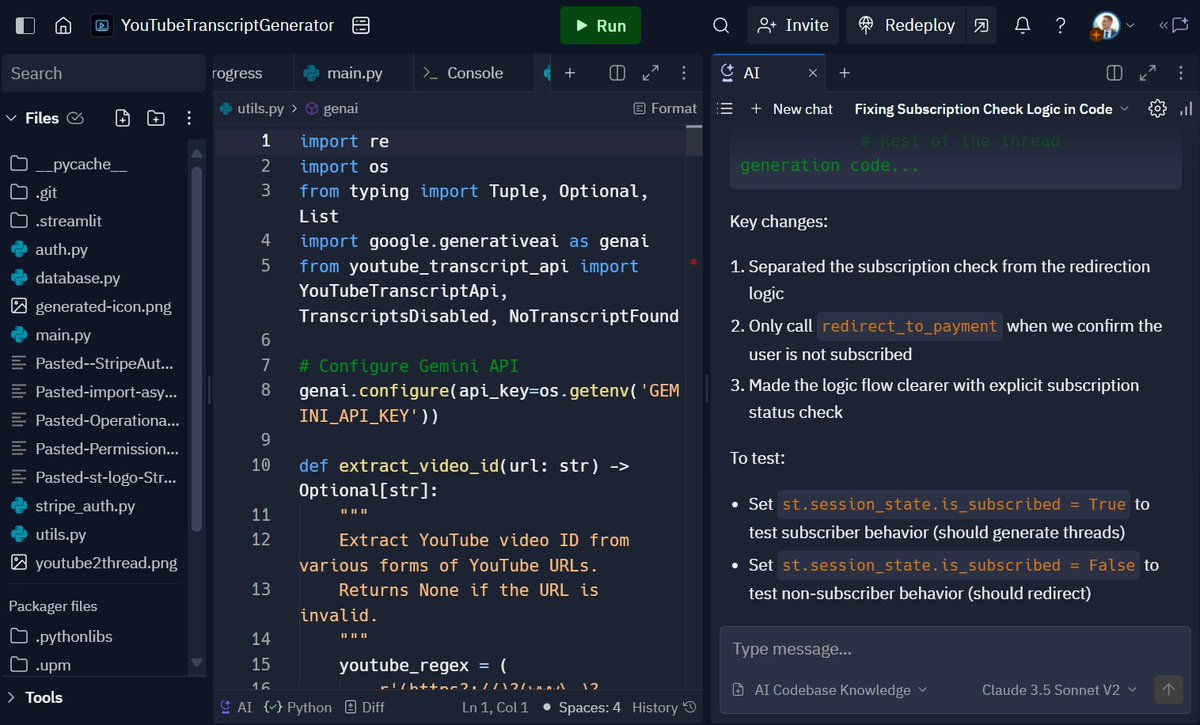
Locate all the important tabs:
- For example, the Webview tab lets you preview your app
- The Git tab is crucial for saving your progress
Etc. take the time to understand each feature.
5
4. Want to add AI capabilities? Or sign in with Google?
Integrate Gemini from Google AI Studio:
Experiment to find the best model (1.5 Pro? 1.5 Flash) for your app's needs.
You can also easily integrate “Sign in with Google” without writing a single line of code.
Integrate Gemini from Google AI Studio:
Experiment to find the best model (1.5 Pro? 1.5 Flash) for your app's needs.
You can also easily integrate “Sign in with Google” without writing a single line of code.
6
5. Replit Agent can add new features automatically
Here too, proceed step by step.
Sometimes you'll need to provide the agent with additional information to get it to work properly.
Example:
Provide instructions and, for example, the Gemini API documentation, and let the Agent integrate AI inside your app.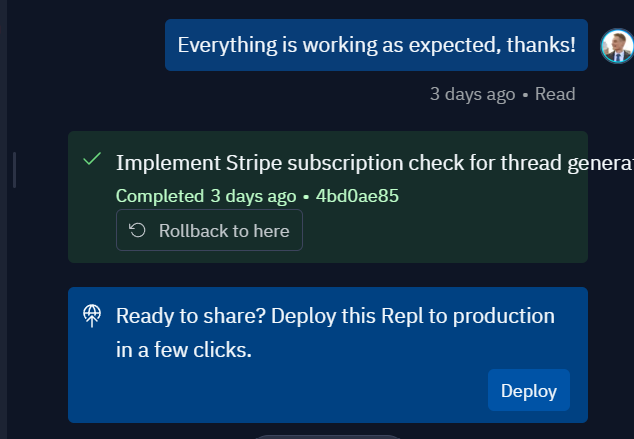
Here too, proceed step by step.
Sometimes you'll need to provide the agent with additional information to get it to work properly.
Example:
Provide instructions and, for example, the Gemini API documentation, and let the Agent integrate AI inside your app.
7
6. Replit AI is another option for adding features
Many complain about the lack of Replit Agent credits.
But there are many reasons why you should use Replit AI:
- It's easier to iterate with AI than Agent
- Shorter response time
- You can choose between several models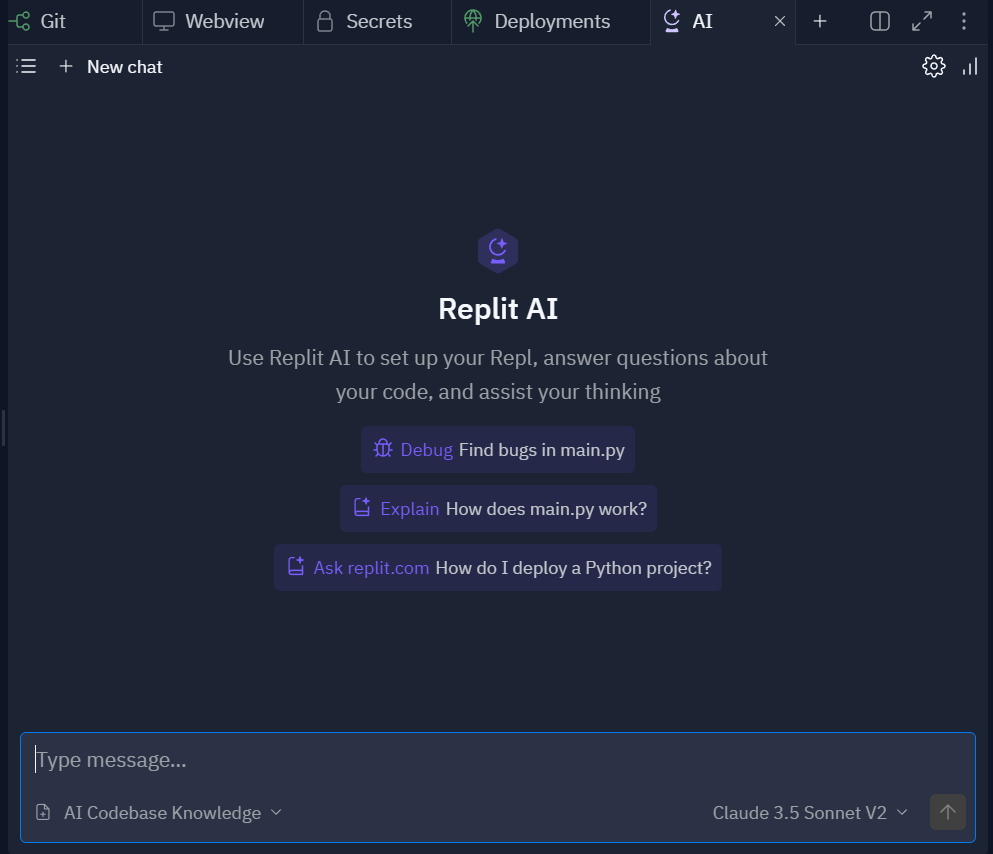
Many complain about the lack of Replit Agent credits.
But there are many reasons why you should use Replit AI:
- It's easier to iterate with AI than Agent
- Shorter response time
- You can choose between several models
8
7. Customize your app's look and feel
Use Replit Agent and AI to change colors, add a logo, and make it your own.
You have no limits on customization, unlike other no-code tools.
Modify element by element.
Use Replit Agent and AI to change colors, add a logo, and make it your own.
You have no limits on customization, unlike other no-code tools.
Modify element by element.
9
8. Ready to share your app with the world
Deploy it easily with Replit's built-in tools.
This is Replit's great strength:
When your app is ready, you can deploy it in just a few seconds.
With your custom domain name, the right secrets, and so on.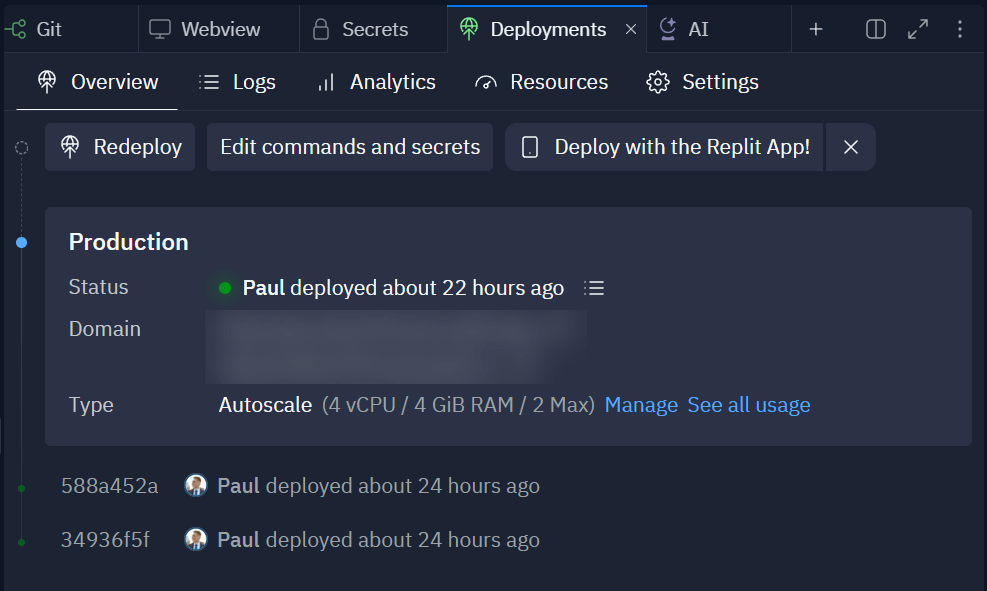
Deploy it easily with Replit's built-in tools.
This is Replit's great strength:
When your app is ready, you can deploy it in just a few seconds.
With your custom domain name, the right secrets, and so on.
10
9. Building an app is a journey
I've created a complete course that shows you from scratch how to build your own app.
11 videos (soon 20+) and elements you can give to Agent to make it easy.
With Black Friday offer, instant access and lifetime updates: aipoweredbuilders.com
I've created a complete course that shows you from scratch how to build your own app.
11 videos (soon 20+) and elements you can give to Agent to make it easy.
With Black Friday offer, instant access and lifetime updates: aipoweredbuilders.com