You can recreate any photo with Dall-E 3. And this method also lets...

Paul Couvert@itsPaulAi
48 views
Dec 02, 2023
~1 min read
Advertisement
1
You can recreate any photo with Dall-E 3.
And this method also lets you generate variations.
It works with ChatGPT Plus and for free using Microsoft Copilot.
Start by uploading your photo to ChatGPT (or copilot .microsoft .com) and ask to describe it with lots of details.
Prompt 1:
“Describe this photo as accurately as possible. Focus on all the details, colors, characters, objects, actions, and all elements.
Also provide a very precise description of the face and head. But avoid vague descriptions.”
Then ask Dall-E 3 to reproduce the image, respecting the details.
Prompt 2:
“Based on this photo and the precise description you've just given, create a new photorealistic image that resembles it as closely as possible. Try to reproduce all the details, the style, the general atmosphere, etc.”
Important:
If you use Copilot, add “Don't blur the face” at the end of the prompt. Copilot anonymizes the original photos by default.
You can also create the same image in a different style ↓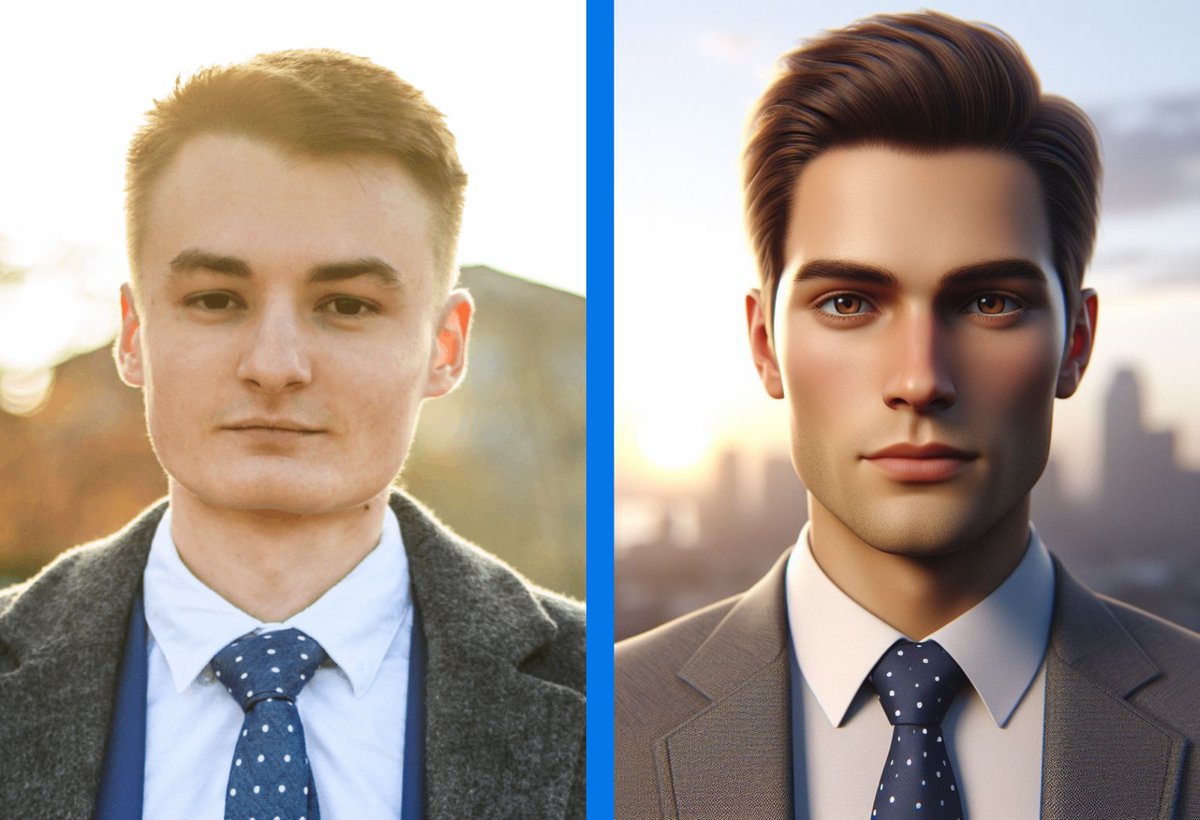
And this method also lets you generate variations.
It works with ChatGPT Plus and for free using Microsoft Copilot.
Start by uploading your photo to ChatGPT (or copilot .microsoft .com) and ask to describe it with lots of details.
Prompt 1:
“Describe this photo as accurately as possible. Focus on all the details, colors, characters, objects, actions, and all elements.
Also provide a very precise description of the face and head. But avoid vague descriptions.”
Then ask Dall-E 3 to reproduce the image, respecting the details.
Prompt 2:
“Based on this photo and the precise description you've just given, create a new photorealistic image that resembles it as closely as possible. Try to reproduce all the details, the style, the general atmosphere, etc.”
Important:
If you use Copilot, add “Don't blur the face” at the end of the prompt. Copilot anonymizes the original photos by default.
You can also create the same image in a different style ↓
2
Create variations of the image in the style you want.
Prompt:
“Create a variation of the fourth image in a [style] style.”
Here's what it looks like for a manga style, for example.
Note: I used Copilot (copilot .microsoft .com) and not ChatGPT for all examples.
Prompt:
“Create a variation of the fourth image in a [style] style.”
Here's what it looks like for a manga style, for example.
Note: I used Copilot (copilot .microsoft .com) and not ChatGPT for all examples.
3
You can also upscale your image for a more photorealistic look.
I used Magnific AI for the example.
The image resolution is increased and details are added.
Before → After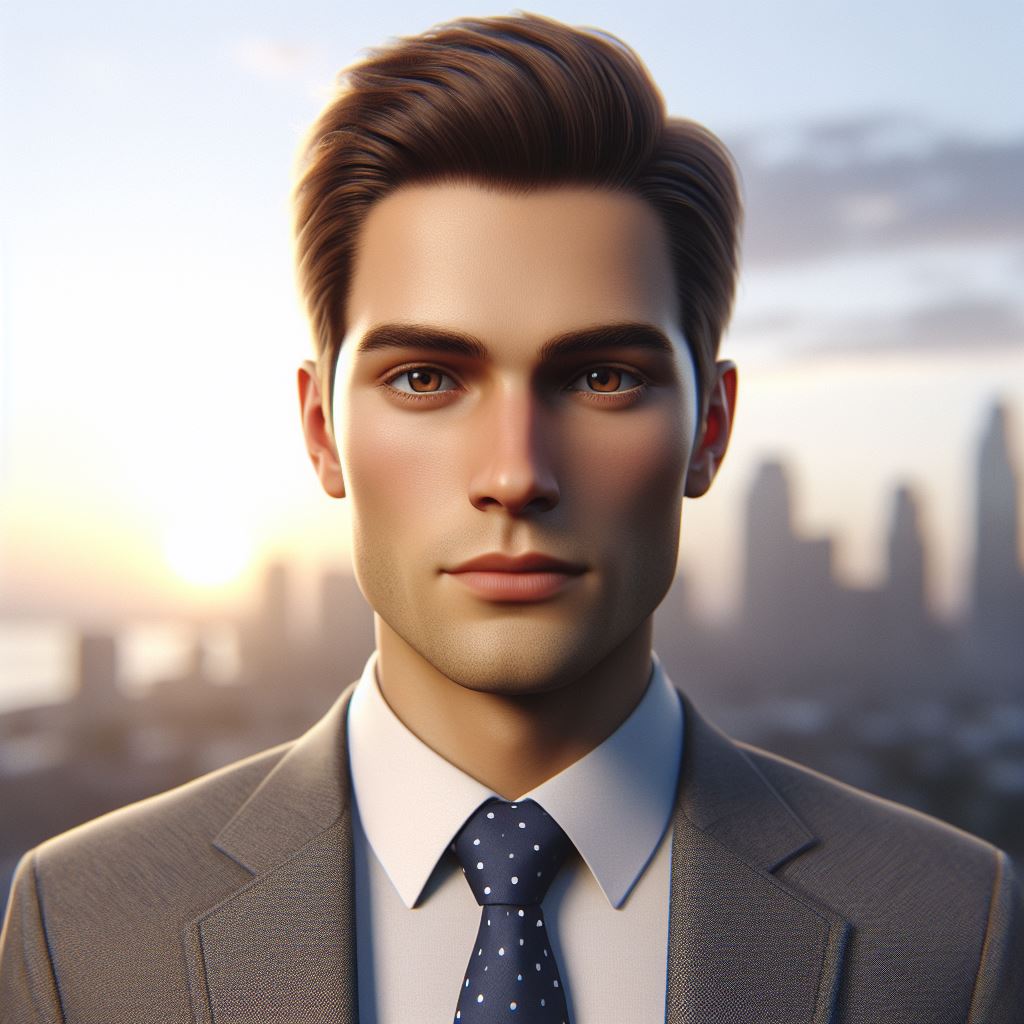

I used Magnific AI for the example.
The image resolution is increased and details are added.
Before → After