I created a Copilot that writes exactly like me It only took a few...

Paul Couvert@itsPaulAi
34 views
Mar 14, 2024
~2 min read
Advertisement
1
I created a Copilot that writes exactly like me
It only took a few minutes using the Copilot GPT Builder.
After several tests, I can confirm that it will save me several hours a week.
Here's how I created it (and how to create your own):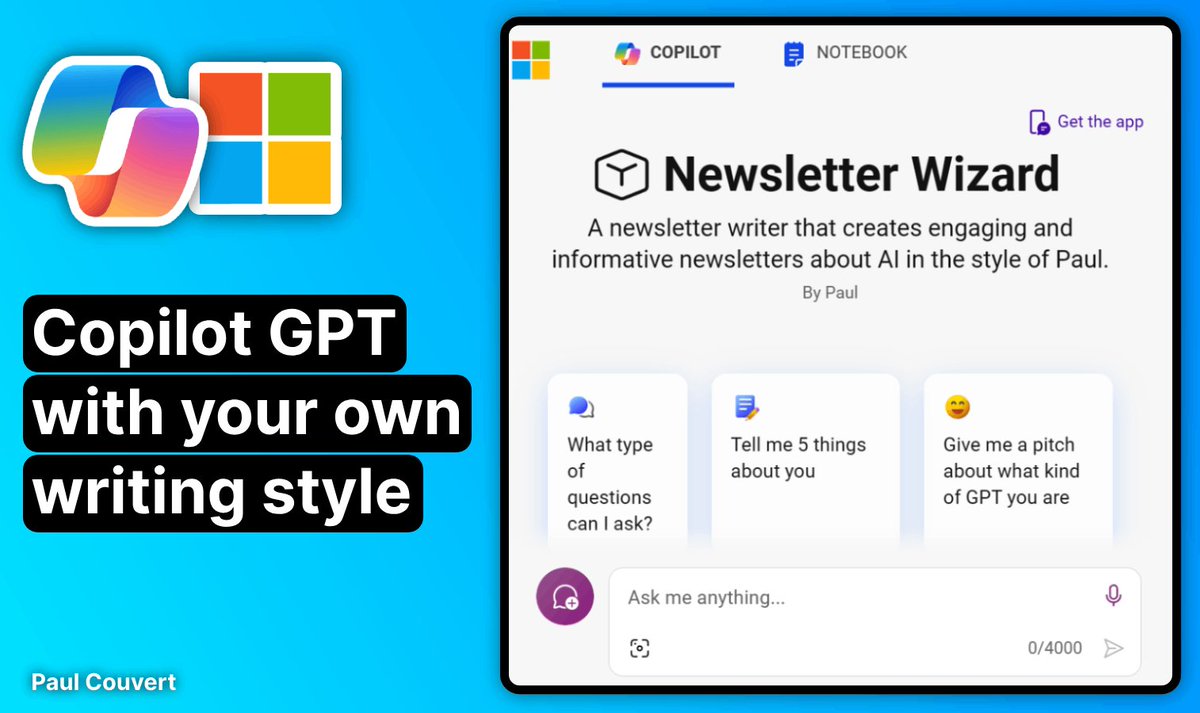
It only took a few minutes using the Copilot GPT Builder.
After several tests, I can confirm that it will save me several hours a week.
Here's how I created it (and how to create your own):
2
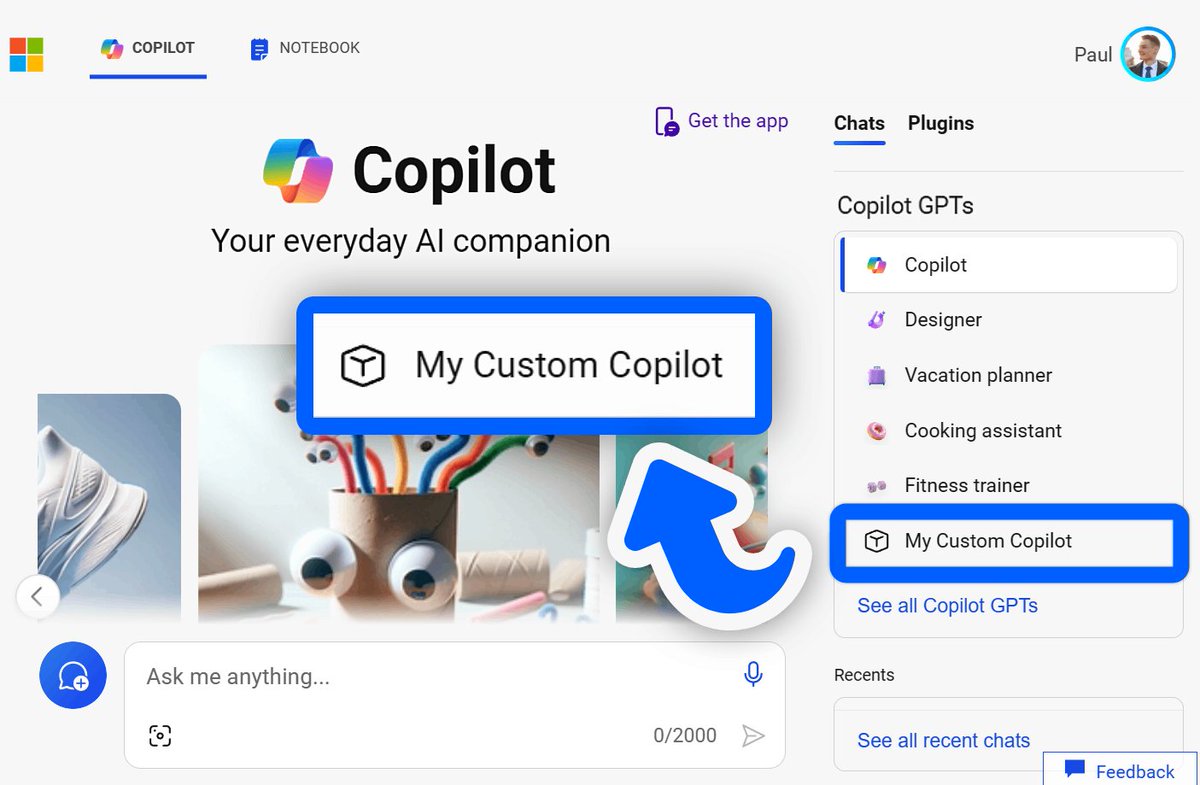
Before getting started, feel free to take a look at my previous guide.
I explained how custom Copilot GPTs work in general:
I explained how custom Copilot GPTs work in general:
Paul Couvert@itsPaulAi
Big update for Microsoft Copilot
Custom Copilot GPTs are now available.
This means you can create your own GPTs and share them.
Here's how to create yours and what you can do with them:
Custom Copilot GPTs are now available.
This means you can create your own GPTs and share them.
Here's how to create yours and what you can do with them:
3
Start by selecting "See all Copilot GPTs" and create a new Copilot GPT.
Reminder:
You can create Copilot GPTs with Copilot Pro and use them even with a free account.
Reminder:
You can create Copilot GPTs with Copilot Pro and use them even with a free account.
0:05
4
Start chatting with the creation wizard:
→ Give your Copilot GPT a name
→ Explain its general purpose
In my case, I tell it that it needs to write a newsletter for my audience.
→ Give your Copilot GPT a name
→ Explain its general purpose
In my case, I tell it that it needs to write a newsletter for my audience.
0:14
5
Now go to the "Configure" tab.
→ The creation wizard will have already filled in the instructions
→ Modify them using the template below
→ In the "Knowledge" section, upload a file (PDF or TXT) with sample texts you've written yourself
In my case, this will be 5 newsletters.
→ The creation wizard will have already filled in the instructions
→ Modify them using the template below
→ In the "Knowledge" section, upload a file (PDF or TXT) with sample texts you've written yourself
In my case, this will be 5 newsletters.
0:17
6
Instructions template:
"I am designed to follow the user instructions carefully and all the steps below in order:
STEP 1:
I should ask the topic of the new [TEXT TYPE, e.g. newsletter].
STEP 2:
After the first answer, I should ask for specific elements or steps to include in the new [TEXT TYPE].
STEP 3:
After the second answer, I should analyze the writing style, redundant elements and structure of the [TEXT TYPE] examples in the "[YOUR FILE NAME]" file that contains [NUMBER] examples of a [TEXT TYPE] that [YOUR NAME] [has written/sends out once a week/ …].
STEP 4:
I should write a new [TEXT TYPE] with exactly the same writing style, structure and elements as in the "[YOUR FILE NAME]" file about the topic chosen above and include the elements provided to me.
IMPORTANT NOTE:
I have to be very careful to reproduce the way the [TEXT TYPE] examples are written in the [FILE TYPE] file "[YOUR FILE NAME]" and I'll produce a markdown answer, without emoji. I'm going to use the same tone as [YOUR NAME] and pretend to be [him/her] when I write by starting the [TEXT TYPE] with "[INTRO]", signing with his name "[CONCLUSION]" and writing in the [first/third] person."
7
Now all you have to do is publish and try out your Copilot GPT:
→ Give it the topic
→ Some elements you'd like to include (if you want)
And it takes examples from the texts in your file to write your new content.
→ Give it the topic
→ Some elements you'd like to include (if you want)
And it takes examples from the texts in your file to write your new content.
0:21
8
And that's just the surface of what's possible with the Copilot GPT Builder!
I go one step further in using Copilot and AI in my personal letter that I send out every week.
So don't hesitate to subscribe for free to receive it:
paulcouvert.com
I go one step further in using Copilot and AI in my personal letter that I send out every week.
So don't hesitate to subscribe for free to receive it:
paulcouvert.com