Here's my review on Cursor's New Agent/ Context: Cursor released a...

CJ Zafir@cjzafir
45 views
Nov 30, 2024
~4 min read
Advertisement
1
Here's my review on Cursor's New Agent/
Context: Cursor released a new feature (Agent) in their 0.43 build update
Cursor Agent solved:
- keeping updated context of files
- running terminal in composer
- iterating itself to fix issues
It is Amazing.
Details below:
🧵
Context: Cursor released a new feature (Agent) in their 0.43 build update
Cursor Agent solved:
- keeping updated context of files
- running terminal in composer
- iterating itself to fix issues
It is Amazing.
Details below:
🧵
2
Cursor is the best IDE so far. Yes, better than Windsurf.
Because it had few bugs than others and now with the release of Agent.
Cursor saved 50% of dev time for any AI coder.
In simple words:
If you write detailed docs and attach them to Cursor and use Agent, you'll be amazed.
Because it had few bugs than others and now with the release of Agent.
Cursor saved 50% of dev time for any AI coder.
In simple words:
If you write detailed docs and attach them to Cursor and use Agent, you'll be amazed.
3
Here's what I did:
Opened a blank project
Asked it: "Install Nextjs 14 with app router, TypeScript, tailwind"
Vague prompt but it worked
Agent ran all commands, and we have a Nextjs app running
Next, I attached docs:
- PRD
- App flow doc
- Tech Stack doc
- File Structure doc
Opened a blank project
Asked it: "Install Nextjs 14 with app router, TypeScript, tailwind"
Vague prompt but it worked
Agent ran all commands, and we have a Nextjs app running
Next, I attached docs:
- PRD
- App flow doc
- Tech Stack doc
- File Structure doc
4
I did not tag any doc by doing "@".
I asked: "What do you know about my project?"
Surprisingly, it scanned all docs and gave me an overview of the project.
Then I asked some specific questions:
"Do you understand my file structure for this project?"
It pulled out the structure
I asked: "What do you know about my project?"
Surprisingly, it scanned all docs and gave me an overview of the project.
Then I asked some specific questions:
"Do you understand my file structure for this project?"
It pulled out the structure
5
Then I asked:
"Let's create all folders and files now so I can put a lock. So we don't create any unnecessary files on the go."
It ran all commands to create all docs and files inside.
(Bolt was really good for project setup before; now Cursor is as good.)
So I moved forward and
"Let's create all folders and files now so I can put a lock. So we don't create any unnecessary files on the go."
It ran all commands to create all docs and files inside.
(Bolt was really good for project setup before; now Cursor is as good.)
So I moved forward and
6
asked it to:
"Study 'frontend-design .md' file and share your plan for how to code all the frontend screens?"
It created the plan accordingly to the doc.
I tweaked a few things and asked it to start with the core skeleton.
But before that, I created a file "progress-log .md" to document progress.
"Study 'frontend-design .md' file and share your plan for how to code all the frontend screens?"
It created the plan accordingly to the doc.
I tweaked a few things and asked it to start with the core skeleton.
But before that, I created a file "progress-log .md" to document progress.
7
It created the file. I added this condition in the .cursorrules file.
And we started coding the frontend.
Usually, I use v0 for this, but after recent updates of v0, it is getting super messy.
So I decided to give Cursor a shot.
We started with Sidebar design, and we ran into an error.
And we started coding the frontend.
Usually, I use v0 for this, but after recent updates of v0, it is getting super messy.
So I decided to give Cursor a shot.
We started with Sidebar design, and we ran into an error.
8
And I pasted the error in Composer and ran into another error.
Here I used my old trick: "Use chain of thought reasoning to find the core cause of this error. Then fix it properly."
Boom. Error fixed. I see the left sidebar.
(It also installed Shadcn packages, which I forgot to ask for.)
Here I used my old trick: "Use chain of thought reasoning to find the core cause of this error. Then fix it properly."
Boom. Error fixed. I see the left sidebar.
(It also installed Shadcn packages, which I forgot to ask for.)
9
It was addictive. I ran out of my 500 fast requests.
But I battle-tested, and I'm glad I stuck with Cursor.
Is it perfect? No, there are still some issues, but is it better than other IDEs?
For me, yes.
It still has error handling issues. Bolt is great at that.
But I battle-tested, and I'm glad I stuck with Cursor.
Is it perfect? No, there are still some issues, but is it better than other IDEs?
For me, yes.
It still has error handling issues. Bolt is great at that.
10
But bolt is 5x more expensive than cursor.
So why not make cursor's error handling capability great.
How?
1. Write detailed docs. Even if you have 10 docs explaining 10 parts of the app, it's great.
2. Break down tasks into small pieces. ("Code me this app") won't work.
So why not make cursor's error handling capability great.
How?
1. Write detailed docs. Even if you have 10 docs explaining 10 parts of the app, it's great.
2. Break down tasks into small pieces. ("Code me this app") won't work.
11
3. Tag (@) the right doc when working on that page or feature. It provides context.
4. Write a great .cursorrules file for your project. Explain the whole process from 0 to 10.
5. Use chain of thought reasoning prompts for complex errors.
4. Write a great .cursorrules file for your project. Explain the whole process from 0 to 10.
5. Use chain of thought reasoning prompts for complex errors.
12
6. Try to understand the error yourself. This helps a lot in learning and understanding code.
7. Create a file to document errors: "What you did, why you did it, and how it worked." Refer to this file if you see the same error again.
7. Create a file to document errors: "What you did, why you did it, and how it worked." Refer to this file if you see the same error again.
13
8. Maintain a progress log file. It's a checklist for Cursor: what's done, what are we working on now, and what's next.
9. Commit to GitHub continuously when you achieve milestones before moving to the next step.
10. Keep the file structure clean. Less mess -> fewer errors.
9. Commit to GitHub continuously when you achieve milestones before moving to the next step.
10. Keep the file structure clean. Less mess -> fewer errors.
14
11. Save time by automating all the docs creation because it will take at least 60% of your dev time.
To automate this, I'm building codeguide.dev
In 2 days, we have 580 signups for early access.
So, sign up, and I'm burning my tokens to release this app very soon.
To automate this, I'm building codeguide.dev
In 2 days, we have 580 signups for early access.
So, sign up, and I'm burning my tokens to release this app very soon.
15
We now have 600 homies 🙌
The Code Guide Gang.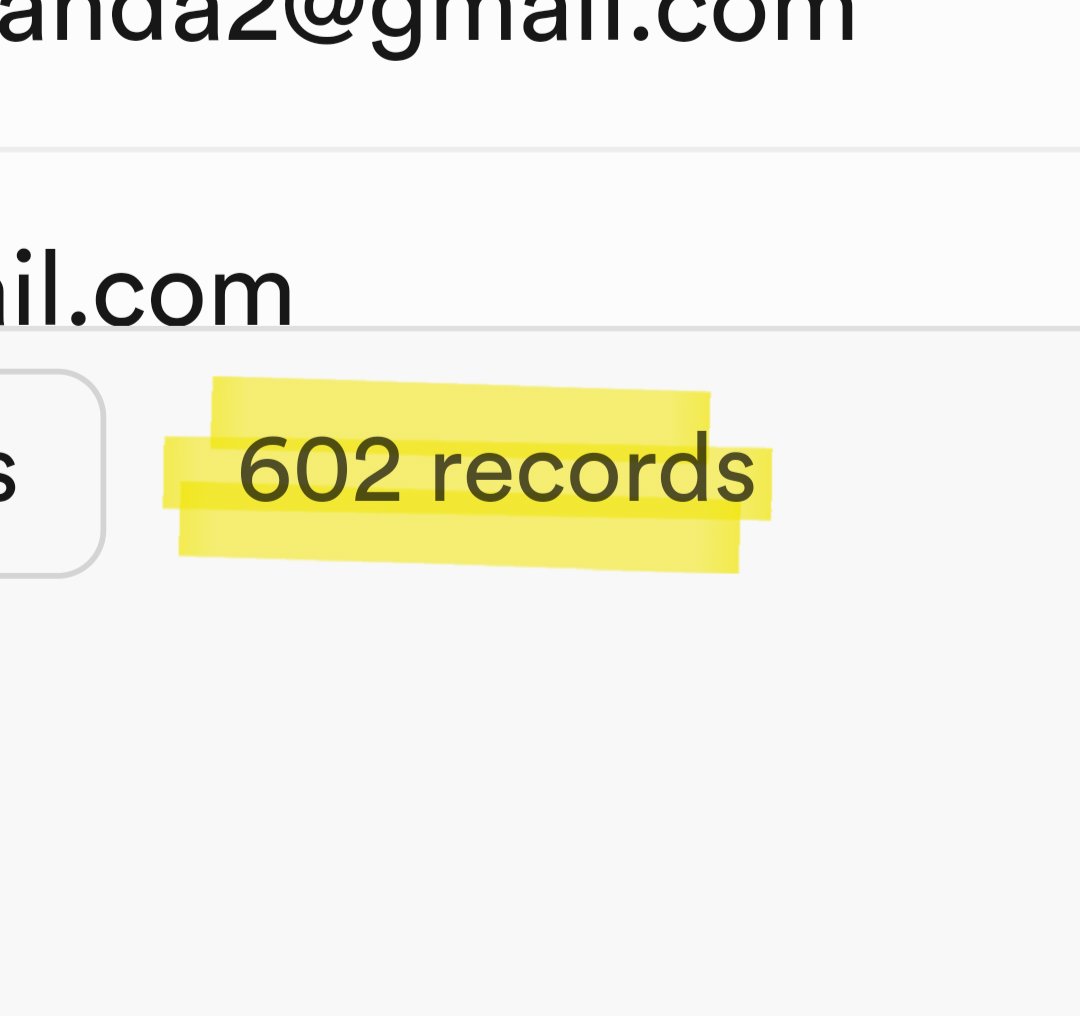
The Code Guide Gang.