🤯 Crazy: it only takes a few minutes to create pro motion designs...

Pierrick Chevallier | IA@CharaspowerAI
64 views
Sep 28, 2025
~1 min read
Advertisement
1
🤯 Crazy: it only takes a few minutes to create pro motion designs from any logo.
I’ve prepared the full workflow with prompts for each step.
🔖 Bookmark this for later
I’ve prepared the full workflow with prompts for each step.
🔖 Bookmark this for later
0:10
2
👉 Step 1: generate your logo.
Best option → #Ideogram V3.
Here’s the prompt I used
Professional vector logo, brand name "PULSE", organic and energetic look, rounded yet bold typography, integrated leaf or plant sprout replacing a letter, flat vector design, earthy green and natural brown palette, simple and powerful composition, scalable vector, strong natural identity, perfect for organic beverage branding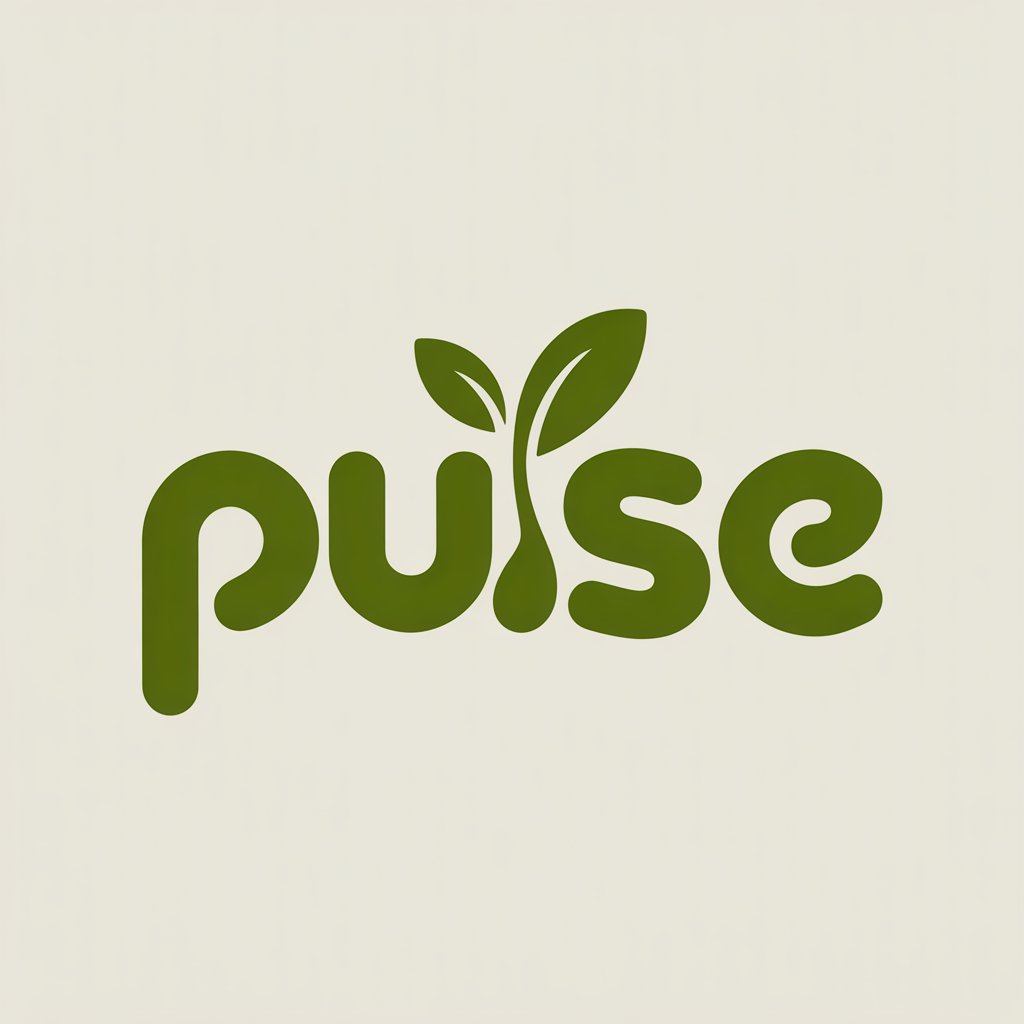
Best option → #Ideogram V3.
Here’s the prompt I used
Professional vector logo, brand name "PULSE", organic and energetic look, rounded yet bold typography, integrated leaf or plant sprout replacing a letter, flat vector design, earthy green and natural brown palette, simple and powerful composition, scalable vector, strong natural identity, perfect for organic beverage branding
3
👉 Step 2: animate your logo.
Easiest way is using the End Frame system available in many video AIs.
For this example, I used #Hailuo AI 🎥✨
Start with a clean beige background. One by one, the letters of the word "pulse" appear as if being smoothly hand-drawn with fluid strokes, following elegant motion paths. The lines have a soft organic glow, fading perfectly into solid green. When the "l" is drawn, it transforms into a growing plant stem, animated like time-lapse growth, sprouting upward with natural motion. Two fresh green leaves unfurl gracefully at the top of the stem, slightly swaying as if touched by a gentle breeze. The whole animation feels alive, with subtle light flares and soft shadows giving depth. End on the complete logo, crisp and vibrant, centered on the beige background. Cinematic, professional, polished, motion design worthy of a premium brand reveal.
Easiest way is using the End Frame system available in many video AIs.
For this example, I used #Hailuo AI 🎥✨
Start with a clean beige background. One by one, the letters of the word "pulse" appear as if being smoothly hand-drawn with fluid strokes, following elegant motion paths. The lines have a soft organic glow, fading perfectly into solid green. When the "l" is drawn, it transforms into a growing plant stem, animated like time-lapse growth, sprouting upward with natural motion. Two fresh green leaves unfurl gracefully at the top of the stem, slightly swaying as if touched by a gentle breeze. The whole animation feels alive, with subtle light flares and soft shadows giving depth. End on the complete logo, crisp and vibrant, centered on the beige background. Cinematic, professional, polished, motion design worthy of a premium brand reveal.
4
And that’s it ✅
Now you know the full process to animate any logo in just a few steps.
👉 If you liked this: like & share 🔁
And follow #CharaspowerAI for more AI & tech gems 🚀
Now you know the full process to animate any logo in just a few steps.
👉 If you liked this: like & share 🔁
And follow #CharaspowerAI for more AI & tech gems 🚀
0:10
