The Notes app on your iPhone is one of the most powerful tools...

RAVI KUMAR SAHU@RAVIKUMARSAHU78
37 views
Apr 29, 2025
~3 min read
Advertisement
1
The Notes app on your iPhone is one of the most powerful tools available.
But 99% of People don't know its true potential.
Here are 20 amazing features you must know:⤵️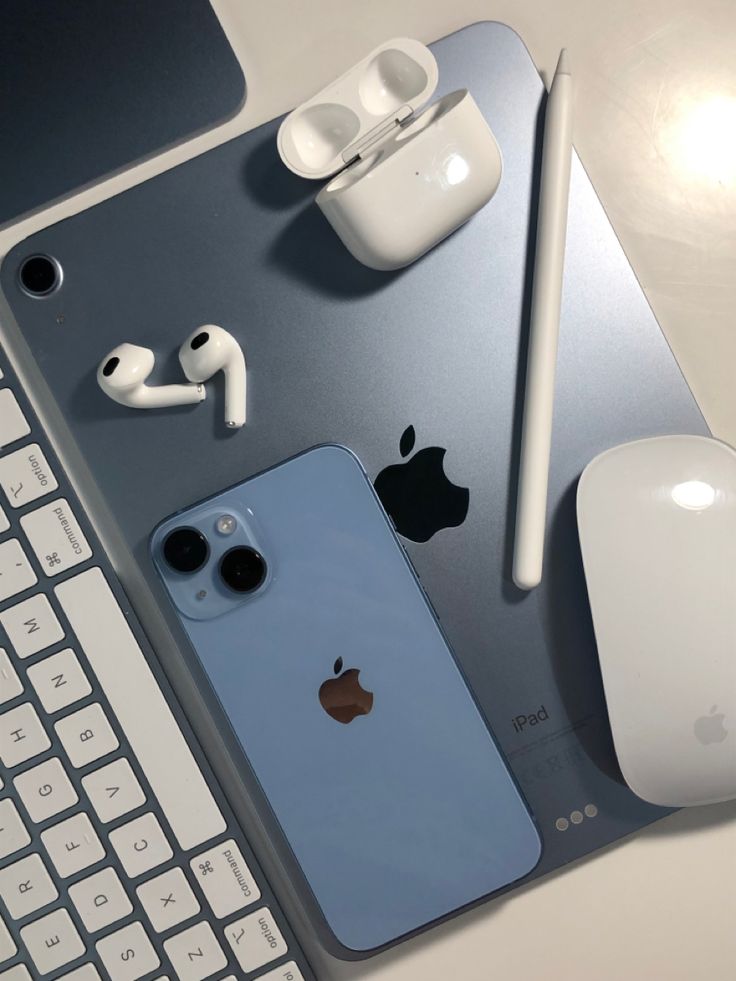
But 99% of People don't know its true potential.
Here are 20 amazing features you must know:⤵️
2
1. Document Scanning
• Long-press on the Notes app until the submenu appears.
• Select "Scan Documents."
• Scan your document and tap save.
• Long-press on the Notes app until the submenu appears.
• Select "Scan Documents."
• Scan your document and tap save.
0:19
3
2. Password-Protect a Note
• Open your note, tap the "..." menu, and choose "Lock."
• Decide whether to use your iPhone’s code or create a custom one (note: forgotten manual codes can’t be recovered).
• Now, Face ID or a code is required to access this note.
• Open your note, tap the "..." menu, and choose "Lock."
• Decide whether to use your iPhone’s code or create a custom one (note: forgotten manual codes can’t be recovered).
• Now, Face ID or a code is required to access this note.
0:13
4
StudyPal | @getStudyPal
Still wasting time highlighting textbooks and rewatching lectures?
StudyPal builds a full Study Kit from any content in seconds:
📚Summaries
🕸️Mindmaps
🃏Flashcards
🎯Quizzes
Start learning the smart way.
🔗Try it Now: getstudypal.com/?ref=rvkmx
Still wasting time highlighting textbooks and rewatching lectures?
StudyPal builds a full Study Kit from any content in seconds:
📚Summaries
🕸️Mindmaps
🃏Flashcards
🎯Quizzes
Start learning the smart way.
🔗Try it Now: getstudypal.com/?ref=rvkmx
0:58
5
4. Save a Note as a PDF (Hidden Feature)
• Open the note, tap the share icon, and select "Collaborate."
• Choose "Send a Copy," swipe up, and select "Markup" for a PDF preview.
• Tap "Done" and then "Save File."
• Open the note, tap the share icon, and select "Collaborate."
• Choose "Send a Copy," swipe up, and select "Markup" for a PDF preview.
• Tap "Done" and then "Save File."
0:58
6
5. Turn Notes into a Shared To-Do List
• Create a checklist.
• Tap the share icon and select "Collaborate."
• Share the link with others to collaborate on the list.
• Create a checklist.
• Tap the share icon and select "Collaborate."
• Share the link with others to collaborate on the list.
0:28
7
6. The new Notes app on iOS 18, with Maths Result suggestions and insertions.
0:27
8
7. Organize with Tags and Set Reminders
• Type a hashtag (#) in your note to create a tag.
• When it turns yellow, the tag is active.
• Go to Folders and swipe down to see all your tags in one place.
• Type a hashtag (#) in your note to create a tag.
• When it turns yellow, the tag is active.
• Go to Folders and swipe down to see all your tags in one place.
0:43
9
8. Draw, Add Lines, and Collaborate on Sketches
Use the built-in drawing tools to brainstorm ideas or add visuals with friends in real-time.
Use the built-in drawing tools to brainstorm ideas or add visuals with friends in real-time.
0:39
10
9. Sketch Instantly
Just tap with your Apple Pencil and start sketching!
Just tap with your Apple Pencil and start sketching!
0:06
11
10. Quick Notes for Fast Access
• Go to Settings > Control Center > Quick Note.
• Swipe down from Control Center, tap the Quick Note button, and start writing instantly over any app.
Source: Mr. Saunders
• Go to Settings > Control Center > Quick Note.
• Swipe down from Control Center, tap the Quick Note button, and start writing instantly over any app.
Source: Mr. Saunders
1:10
12
11. Scan Documents with Ease
Your iPhone is a scanner!
Long-press the Notes app, select “Scan Documents,” and save high-quality scans directly into your notes.
No extra apps needed.
Your iPhone is a scanner!
Long-press the Notes app, select “Scan Documents,” and save high-quality scans directly into your notes.
No extra apps needed.
0:31
13
12. Unlock Creativity with Handwriting
Apple Pencil makes Notes a dream for creatives.
Tap the Markup Switch, select the handwriting tool, and start sketching, jotting, or drawing.
Apple Pencil makes Notes a dream for creatives.
Tap the Markup Switch, select the handwriting tool, and start sketching, jotting, or drawing.
0:23
14
13. Linking Notes:
Simply type >> in a note to instantly connect it with any other note.
Simply type >> in a note to instantly connect it with any other note.
0:06
15
14. Boost your productivity: Add Notes to your Control Center
- Head to Settings
- Tap Control Center
- Pick Quick Note
- Head to Settings
- Tap Control Center
- Pick Quick Note
0:38
16
15. Pin your note
- Swipe right on the note
- Tap the pin icon
- To unpin, just swipe right again
- Swipe right on the note
- Tap the pin icon
- To unpin, just swipe right again
0:06
17
16. Calligraphy & watercolor pens
0:21
18
17. Handwriting tool in Notes
- Open the Notes app
- Tap the Markup Switch button to show the tool palette
- Tap the Handwriting tool, which is to the left of the pen
- Start writing with your Apple Pencil
- Open the Notes app
- Tap the Markup Switch button to show the tool palette
- Tap the Handwriting tool, which is to the left of the pen
- Start writing with your Apple Pencil
0:23
19
18. Quick Notes Access
Tap Quick Note in any app or screen to jot down thoughts without leaving your task.
Tap Quick Note in any app or screen to jot down thoughts without leaving your task.
0:24
20
19. Integrating Links and Media
Adding links from web pages or apps into your notes boosts connectivity. Save URLs by sharing them to your notes for easy access later.
Adding links from web pages or apps into your notes boosts connectivity. Save URLs by sharing them to your notes for easy access later.
1:42
21
20. Creating Checklists
Create checklists to organize daily tasks or projects.
Create checklists to organize daily tasks or projects.
0:39
22
That's it:
If you find this helpful, please:
1. 🔁 RT the thread to help others.
2. 🤵 Follow me for more daily content.
Thanks for reading...
If you find this helpful, please:
1. 🔁 RT the thread to help others.
2. 🤵 Follow me for more daily content.
Thanks for reading...
RAVI KUMAR SAHU@RAVIKUMARSAHU78
The Notes app on your iPhone is one of the most powerful tools available.
But 99% of People don't know its true potential.
Here are 20 amazing features you must know:⤵️
But 99% of People don't know its true potential.
Here are 20 amazing features you must know:⤵️

