How-to Prompt AI for beautiful design A step by step guide 🧵

damien@damienghader
60 views
Apr 28, 2025
~2 min read
Advertisement
1
How-to Prompt AI for beautiful design
A step by step guide 🧵
A step by step guide 🧵
2
Lets separate the general prompt structure into
5 steps👇
1) High-level description
2) Look & Feel (buzzwords)
3) Brand (colors, font)
4) UI Library
5) Page/Component Details
5 steps👇
1) High-level description
2) Look & Feel (buzzwords)
3) Brand (colors, font)
4) UI Library
5) Page/Component Details
3
1) High-level description
Describe what you're building:
ex. "Design a high-end, crypto wallet with mobile focus."
Describe what you're building:
ex. "Design a high-end, crypto wallet with mobile focus."
4
2) Look & Feel
Describe how the app should feel with buzzwords:
ex. "The app should feel like it was crafted by a world-class designer, award-winning design: ultra-clean layout, and luxurious effects."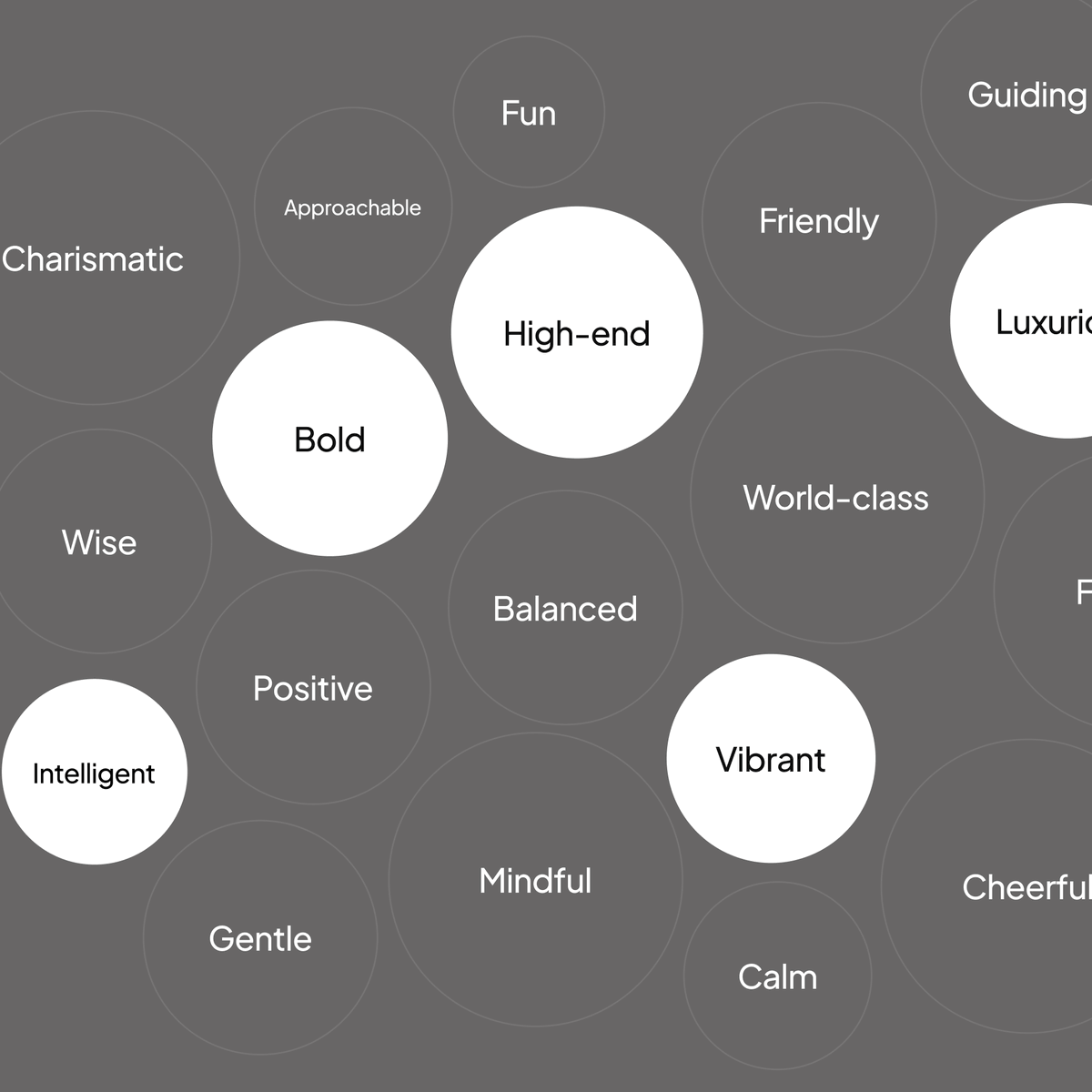
Describe how the app should feel with buzzwords:
ex. "The app should feel like it was crafted by a world-class designer, award-winning design: ultra-clean layout, and luxurious effects."
5
3) Brand
Provide primary/ secondary colors, the font, and font letter spacing/ line height, mention white or dark mode focus as well:
ex. "Use sophisticated typography (Inter or Geist). Regular Boldness and -5 letter spacing. With Grey #4F5D61 as primary color, Light Blue #99B3B6 and Orange #FF6E35 as secondary colors on a clean white mode UI."
Provide primary/ secondary colors, the font, and font letter spacing/ line height, mention white or dark mode focus as well:
ex. "Use sophisticated typography (Inter or Geist). Regular Boldness and -5 letter spacing. With Grey #4F5D61 as primary color, Light Blue #99B3B6 and Orange #FF6E35 as secondary colors on a clean white mode UI."
6
4) UI Library
Mention the UI library or UI library style you would like to use for your project (keep in mind most tools can use ANY UI library):
ex. "Use shadcn UI library for all the components."
Mention the UI library or UI library style you would like to use for your project (keep in mind most tools can use ANY UI library):
ex. "Use shadcn UI library for all the components."
7
5) Page/Component Details
Describe details you would like to see on each respective page you're building.
ex. "Collapsible navigation with the following pages (Home, Portfolio, Buy/Sell, Profile, Settings). On the home screen include analytics on my account health and summarize my portfolio."
Describe details you would like to see on each respective page you're building.
ex. "Collapsible navigation with the following pages (Home, Portfolio, Buy/Sell, Profile, Settings). On the home screen include analytics on my account health and summarize my portfolio."
8
Result Prompt:
"Design a high-end, crypto wallet with mobile focus.
The app should feel like it was crafted by a world-class designer, award-winning design: ultra-clean layout, luxurious effects.
Use sophisticated typography (Inter or Geist). Regular Boldness and -5 letter spacing. With Grey #4F5D61 as primary color, Light Blue #99B3B6 and Orange #FF6E35 as secondary colors in a clean white mode UI.
Use shadcn UI library for all the components.
Collapsable navigation with the following pages (Home, Portfolio, Buy/Sell, Profile, Settings). On the home screen include analytics on my account health and summarize my portfolio."
"Design a high-end, crypto wallet with mobile focus.
The app should feel like it was crafted by a world-class designer, award-winning design: ultra-clean layout, luxurious effects.
Use sophisticated typography (Inter or Geist). Regular Boldness and -5 letter spacing. With Grey #4F5D61 as primary color, Light Blue #99B3B6 and Orange #FF6E35 as secondary colors in a clean white mode UI.
Use shadcn UI library for all the components.
Collapsable navigation with the following pages (Home, Portfolio, Buy/Sell, Profile, Settings). On the home screen include analytics on my account health and summarize my portfolio."
