HOW TO PLAY ROAD TO GENESIS? [The official guide] Below are all the...

Oxya Origin@OxyaOrigin
16 views
Mar 15, 2024
~1 min read
Advertisement
1
HOW TO PLAY ROAD TO GENESIS? [The official guide]
Below are all the important details about the Private Beta 👇
Below are all the important details about the Private Beta 👇
2
1. First, connect to the Dashboard where you can:
- Create and manage your account
- Check your position on the leaderboard
- Monitor your resources and unique NFT collection
- Access the different launchers
👉 app.oxyaorigin.com 👈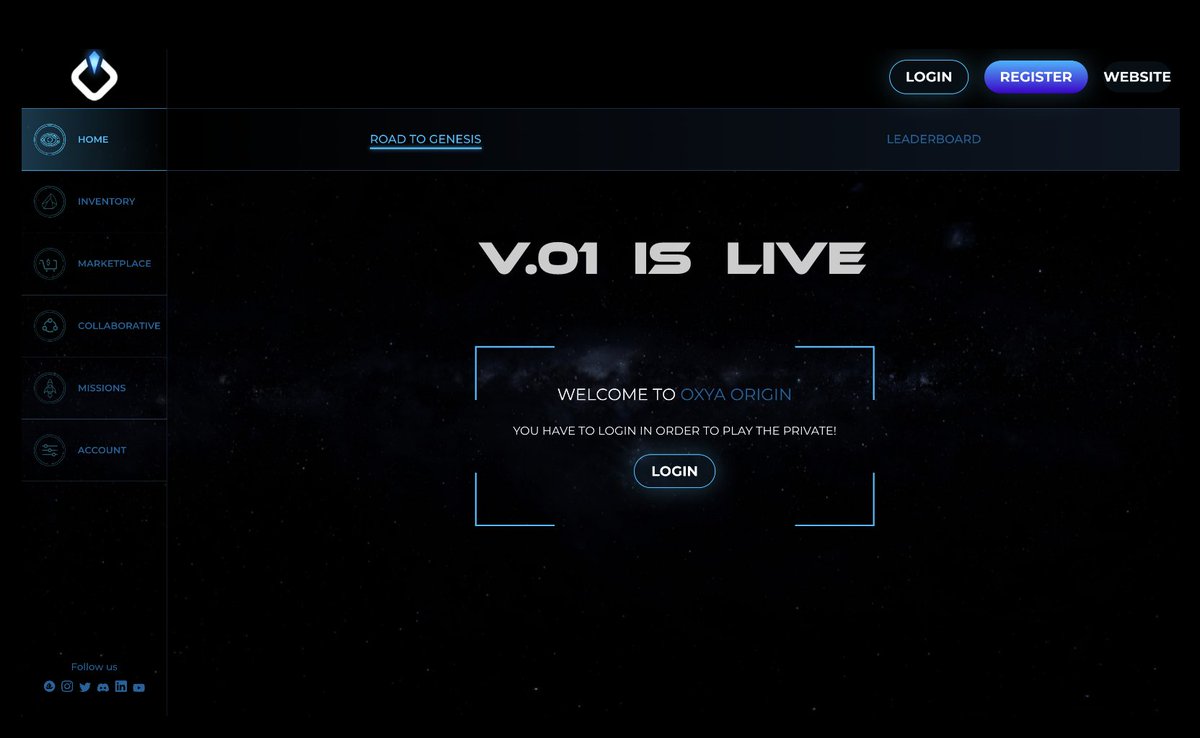
- Create and manage your account
- Check your position on the leaderboard
- Monitor your resources and unique NFT collection
- Access the different launchers
👉 app.oxyaorigin.com 👈
3
2. Download one of our official launchers (listed on the dashboard):
- You can play Road to Genesis on @ultra_io, @GameSwift_io, @elixir_launcher.
Follow the steps provided on the chosen launcher 🚀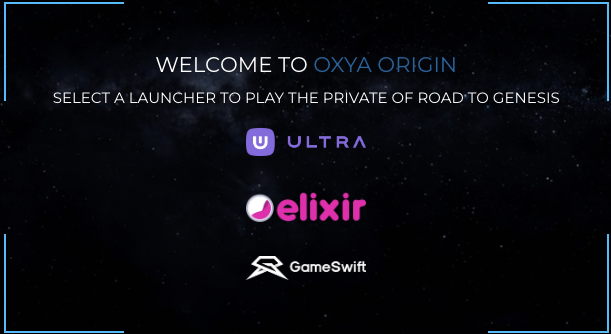
- You can play Road to Genesis on @ultra_io, @GameSwift_io, @elixir_launcher.
Follow the steps provided on the chosen launcher 🚀
4
3. Before starting your Oxya Origin adventure, ensure your gaming rig meets these minimum specs:
- OS: Windows 10 64-bit
- CPU: Intel Core i5-4590 or AMD FX 8350
- RAM: 8 GB
- GPU: NVIDIA GeForce GTX 970 or AMD Radeon R9 290
- Storage: 50 GB available space
Optimize your setup for an unforgettable journey! 💻
- OS: Windows 10 64-bit
- CPU: Intel Core i5-4590 or AMD FX 8350
- RAM: 8 GB
- GPU: NVIDIA GeForce GTX 970 or AMD Radeon R9 290
- Storage: 50 GB available space
Optimize your setup for an unforgettable journey! 💻
5
4. Here is a visual guide to master keyboard & mouse controls for a smooth experience 🖱️

6
5. Explore, fight, and survive in the 2 different modes of Road to Genesis:
- Navigate treacherous dungeons in Dungeon Mode 🏰
- Face relentless waves of enemies in Wave Mode 🌊
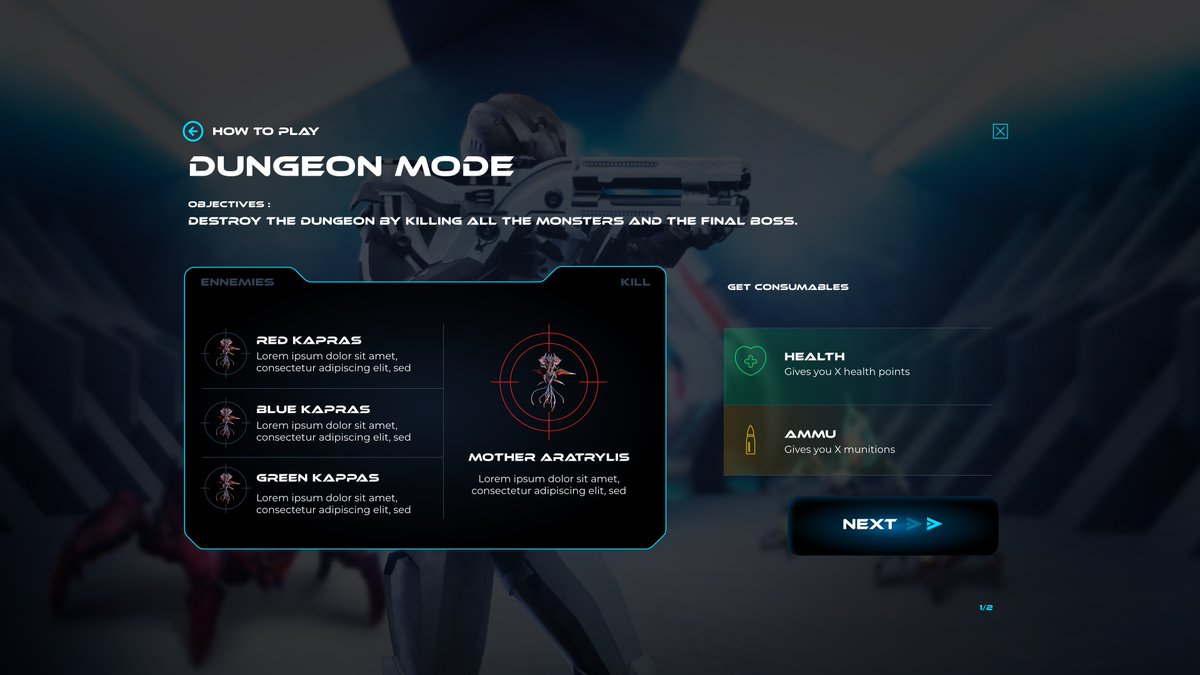
- Navigate treacherous dungeons in Dungeon Mode 🏰
- Face relentless waves of enemies in Wave Mode 🌊
7
6. Climb to the top of the Leaderboard and seize victory! There are 3 different ways of earning during this private Beta:
- $OXYZ Tokens: Triumph on the leaderboard & spin the wheel for over 440,000 $OXYZ tokens up for grabs.
- $OGEM: In-game currency via daily rewards & wheel spins.
- Resources: Alkar, Steelvar, Electrium through daily rewards & wheel 🎁
- $OXYZ Tokens: Triumph on the leaderboard & spin the wheel for over 440,000 $OXYZ tokens up for grabs.
- $OGEM: In-game currency via daily rewards & wheel spins.
- Resources: Alkar, Steelvar, Electrium through daily rewards & wheel 🎁
8
7. Remember, the Private Beta is your gateway to an epic adventure. Immerse yourself, hone your skills, and let your feedback shape the future of Oxya Origin.
We'll answer any questions below this thread, so feel free to ask if you have any 📨
We'll answer any questions below this thread, so feel free to ask if you have any 📨