I created this AI Influencer in 2 minutes Here's how I did it:

Farhan@mhdfaran
30 views
Jan 24, 2024
~1 min read
Advertisement
1
I created this AI Influencer in 2 minutes
Here's how I did it:
Here's how I did it:
2
3
After Signing in
→ Goto Studio
→ Select the model (I choose Epic Realism)
→ Enter the prompt
→ And wait for the magic
→ Goto Studio
→ Select the model (I choose Epic Realism)
→ Enter the prompt
→ And wait for the magic
0:48
4
→ Click on the image you got.
→ Click Face Lock
→ This way it will serve as a reference for our next creations.
→ You can see it in this video
→ Click Face Lock
→ This way it will serve as a reference for our next creations.
→ You can see it in this video
0:43
5
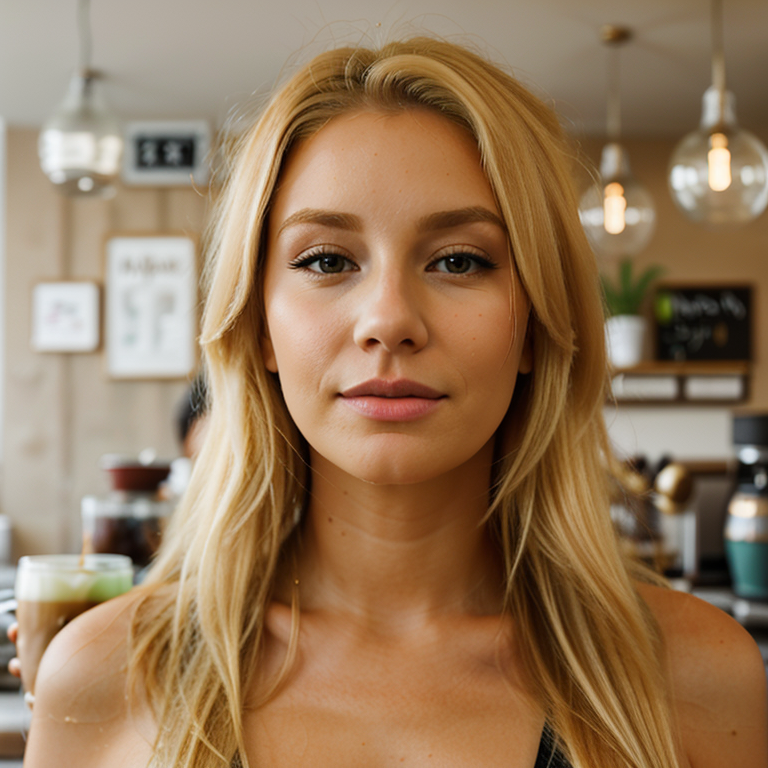
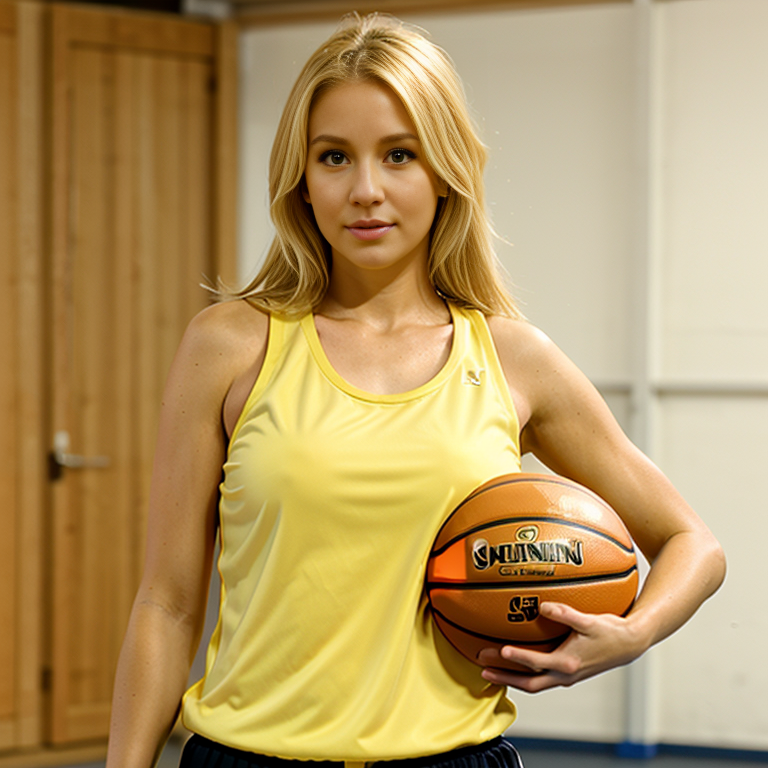
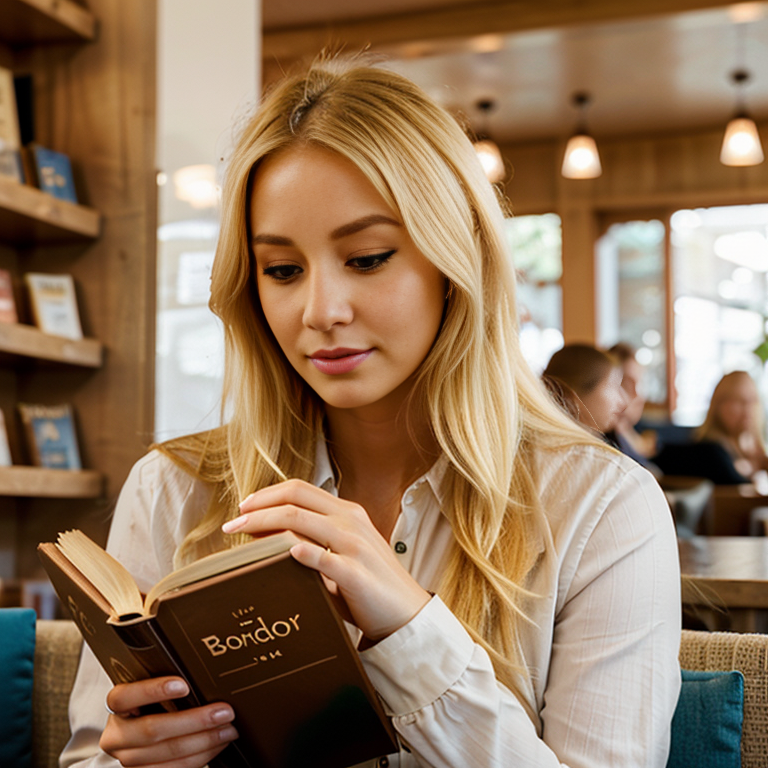
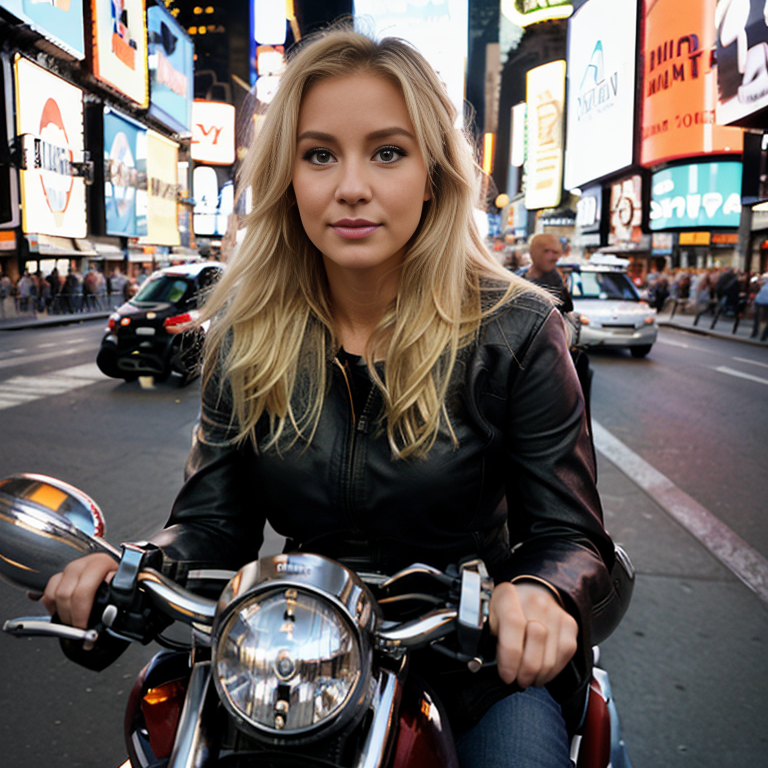
Check the alt for prompts of these images

6
You can generate many images that way

7
Rendernet has 2 great features:
Face Lock: It controls the face
Control Net: It controls the pose
And the best part is you can combine them both. Check this video
Face Lock: It controls the face
Control Net: It controls the pose
And the best part is you can combine them both. Check this video
0:25
8
Check these examples of Face Lock + Control Net
Example # 1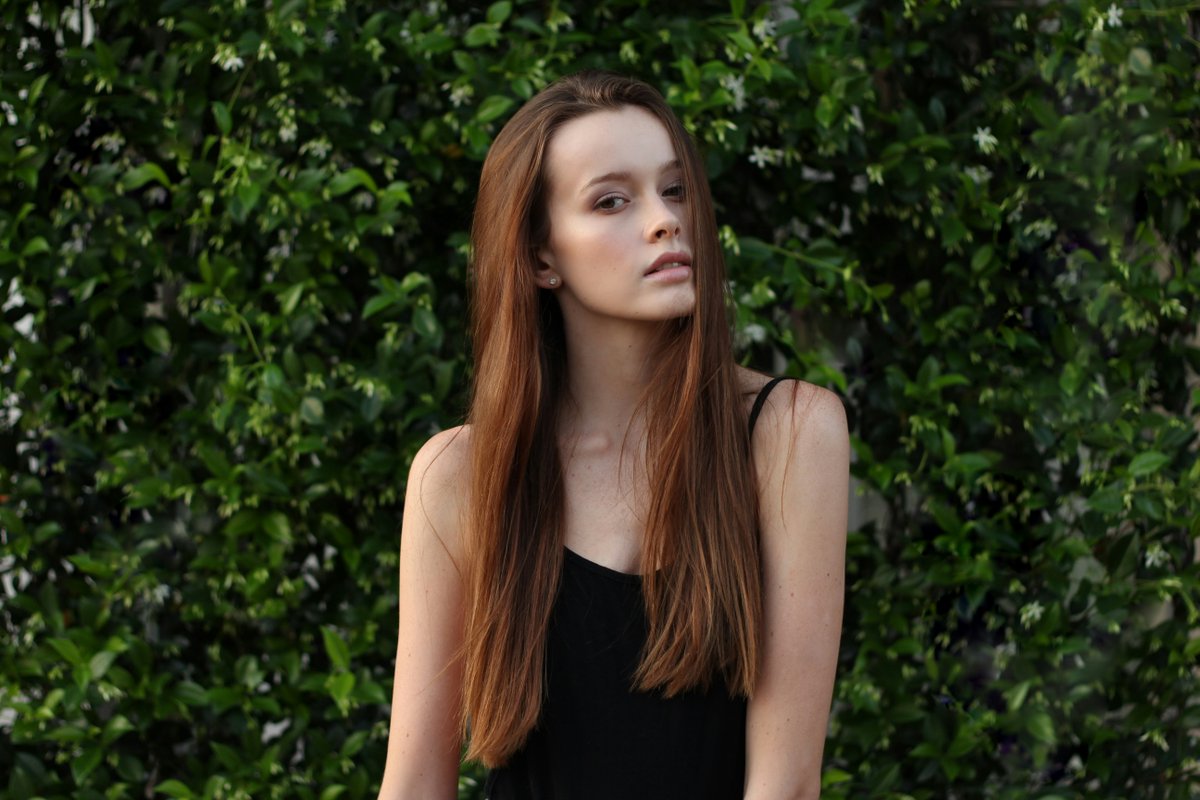

Example # 1
9
Face Lock + Control Net Example # 2


10
Face Lock + Control Net Example # 3

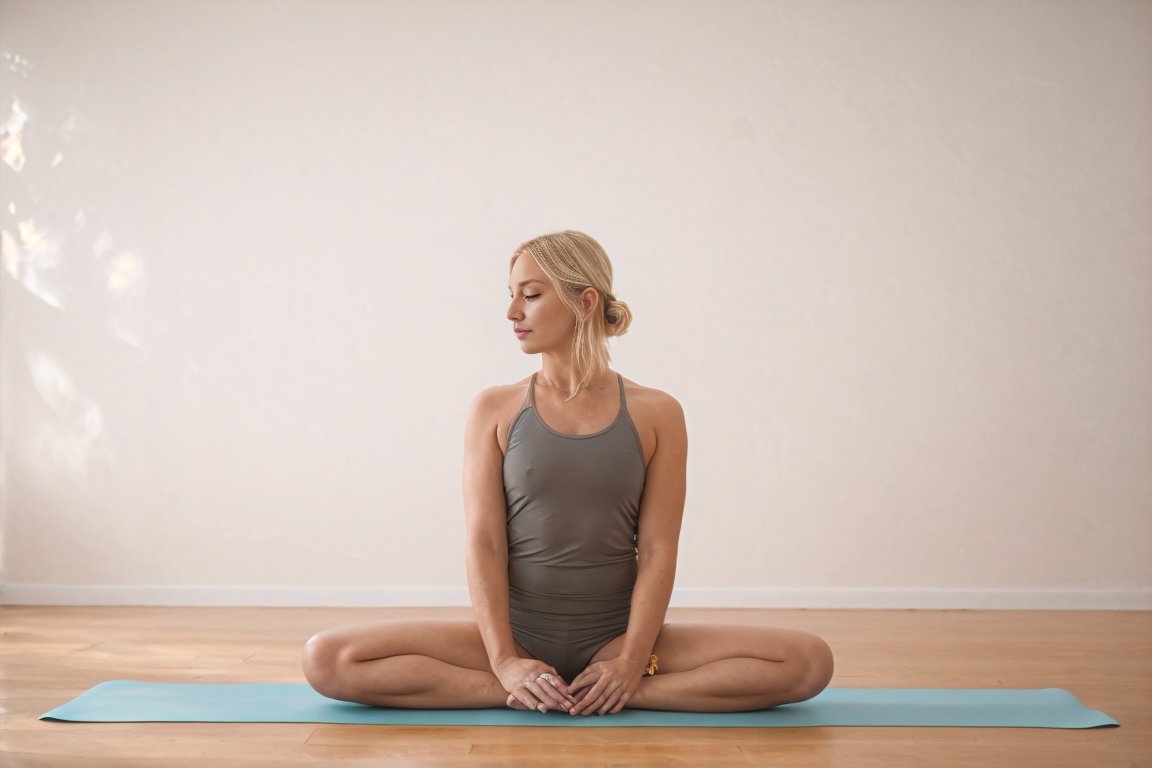
11
Face Lock + Control Net Example # 4
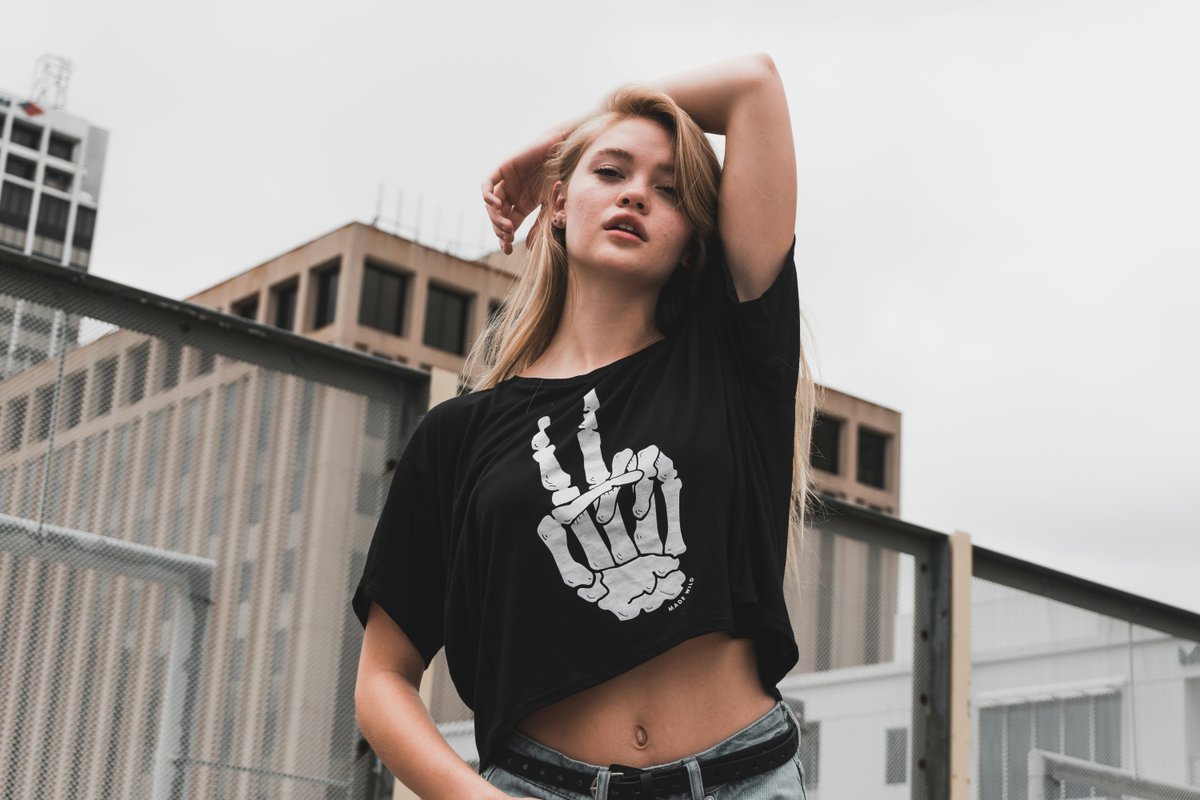

12
Face Lock + Control Net Example # 5


13
Create your AI influencer now with Rendernet.ai
14
Do yourself a favor:
→ Subscribe to The AI Pro Max
→ Get smarter in 5 minutes a day
(I won't guarantee a PhD, but you'll sound super smart at the next dinner party).
Click Below ⬇️
theaipromax.beehiiv.com
→ Subscribe to The AI Pro Max
→ Get smarter in 5 minutes a day
(I won't guarantee a PhD, but you'll sound super smart at the next dinner party).
Click Below ⬇️
theaipromax.beehiiv.com
15
I hope you've found this helpful.
Follow me @mhdfaran for more.
Like/Repost the quote below if you can:
Follow me @mhdfaran for more.
Like/Repost the quote below if you can: