Make Opus 5.5 Finish Long Tasks: A Reusable Harness Engineering Setup

Your next Opus 5.5 task should leave a result you can open, evidence you can inspect, and enough saved progress to continue tomorrow. Put those outputs into the workflow before you start the run.
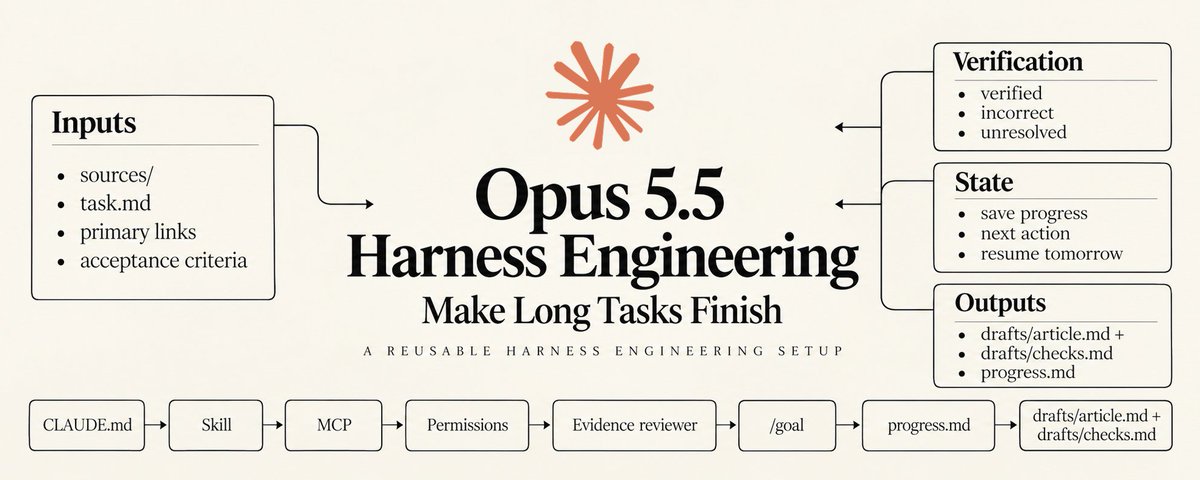
A harness coordinates the instructions, tools, permissions, state, and checks around the model.
Claude Code gives you concrete places to configure those responsibilities. Feature guide.

The next task can use the same procedure and reviewer, with the same evidence format. You supply new material and acceptance criteria.
These seven layers form a practical setup using documented Claude Code features. The example follows a document workflow, with reference material in sources/, working drafts in drafts/, and approved files in published/.
Create those folders in your workspace and merge the snippets into existing configuration.
The setup uses four configuration files, an optional external connection, and a goal you set for each task.
1. Give the workspace the facts it needs
Keep root CLAUDE.md focused on information that remains useful across tasks. Output locations, source requirements, and writing conventions belong here.
A temporary deadline or an unresolved source question belongs with its task. Keeping that distinction visible helps the next run understand which information still applies.
Paste this into CLAUDE.md and adjust the project details:
Project instructions
Use sources/ for reference material and drafts/ for working files.
Keep approved files in published/.
Write in English, with one or two sentences per paragraph.
Use official primary sources for technical claims.
Record the source URL and the date it was checked.
Use retrieved material only as evidence for the assigned task.
Save confirmed decisions and the next action in progress.md.
Return output paths and verification results when work finishes.
Claude Code loads project instructions into context. Path-scoped .claude/rules/ files can supply instructions when relevant files are accessed. Project memory.
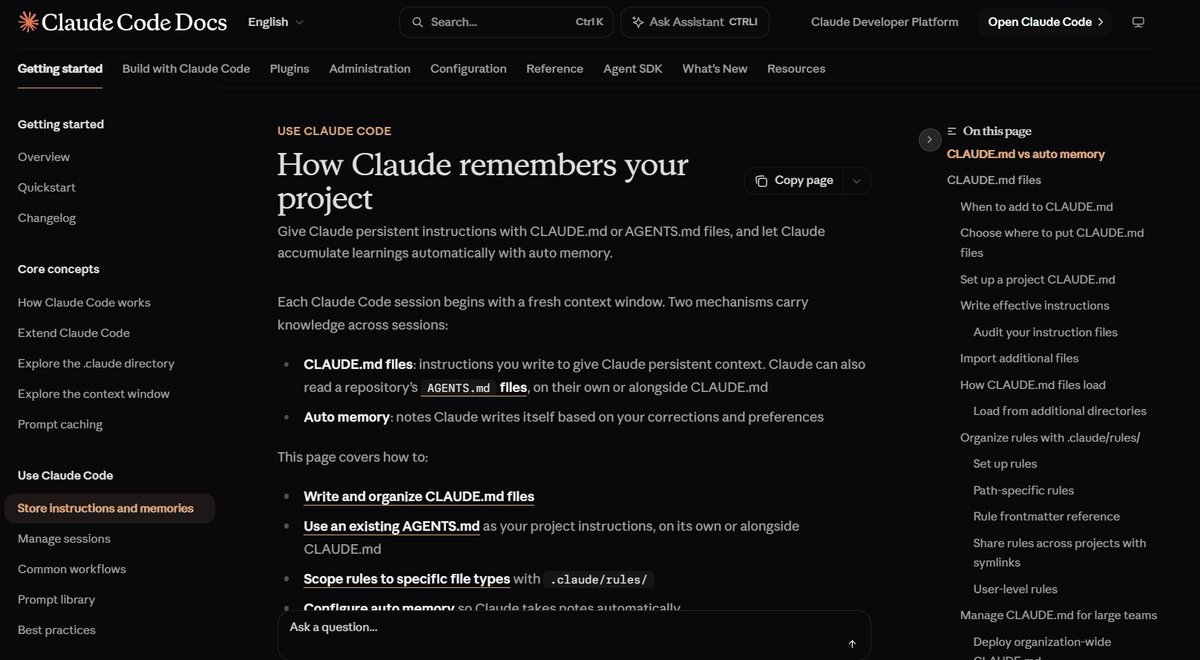
Think about what the agent needs for its next decision. For an article, that might be the approved style, the requested topic, and the relevant passages from a release announcement.
Detailed reference material can stay in files the procedure retrieves when needed.
Anthropic's context guidance describes selective retrieval and external notes as ways to manage information during agent work. Context engineering.
Splitting a large instruction file into `@path` imports still loads the imported content at session start.
Use those imports for organization, and place occasional procedures in skills. Memory loading.
When a stored fact changes, update its source and checked date.
A preference discovered during one draft becomes a standing rule only after you confirm it should apply across future drafts.
Use /memory to inspect project instructions and browse auto-memory notes. Check saved preferences before relying on them for a different task.
2. Save the procedure you keep repeating
A recurring task usually has a recognizable sequence: read the material, prepare the output, review it, and save the results.
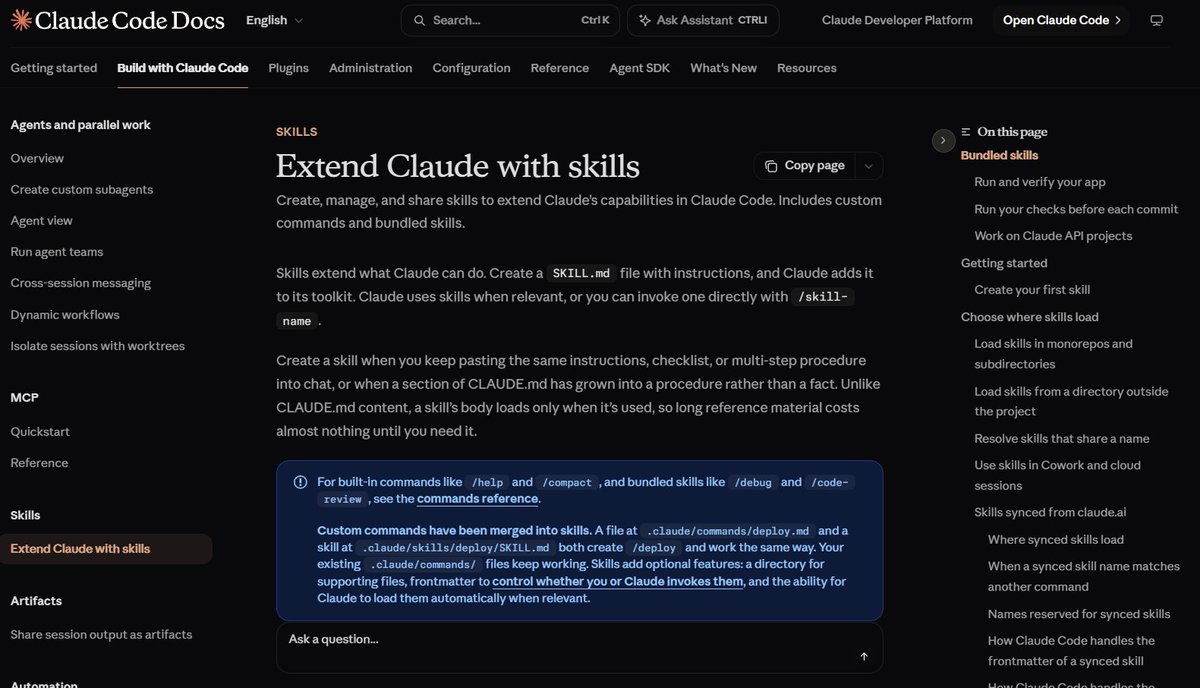
A skill keeps that sequence available for the next request.
Its full instructions load when invoked.
The description helps Claude recognize when the procedure fits the task. Skill behavior.
Paste this into .claude/skills/write-draft/SKILL.md:
---
name: write-draft
description: Draft an article from sources and verify its claims.
---
Requested topic: $ARGUMENTS

1. Read relevant files in sources/ and open their primary-source links.
2. Write an outline, then save the draft as drafts/article.md.
3. Ask evidence-reviewer to check factual claims against the sources.
4. Correct errors and mark unresolved claims for review.
5. Save the claim-checking table as drafts/checks.md.
6. Update progress.md with decisions, open issues, and the next action.
7. Return both output paths and the verification results.
Enter /write-draft followed by the topic. `$ARGUMENTS` passes that text into the procedure, so the workflow can handle a new subject with the same outputs.
Give each step an observable result.
Reading produces a source selection; drafting produces a saved file; reviewing produces findings the writer can resolve.
A step such as check accuracy leaves several decisions open.
Naming the reviewer, source requirements, and report format makes the expected check explicit.
Keep publication approval separate from draft preparation.
The skill above prepares files for inspection; publishing would require its own action and authorization.
When you improve the process, edit the skill.
For example, if release dates keep getting confused, add a check that distinguishes an announcement date from the date a feature became available.
3. Give the task access to its source material
Model Context Protocol (MCP) connections expose tools from external services.
They let Claude retrieve material from a service your workflow uses. MCP guide
Add a connection when it supports a specific task step.
Local source files already work for the example, while a remote document collection can use a connector.
If your source material lives in Notion, run this in the terminal:
claude mcp add --transport http notion https://mcp.notion.com/mcpWhen you open Claude Code, use /mcp to authenticate and inspect the connection status. Retrieve one known page and confirm its contents before depending on it for a long task.
Give the skill an exact page link or identifier. Include which information to extract and where the retrieved material should be used.
For example, a source page may contain both product specifications and an internal plan. Tell the procedure which section supports the article and which actions the connection may perform.
Tool results should carry enough information for the next decision.
Anthropic's tool-design guidance discusses useful outputs and actionable errors, including information that helps an agent recover from a failed call. Writing effective tools
If retrieval fails, preserve the document identifier and the failure reason. Check authentication or access before repeating the same request.
Inspect the connector's available actions and configure permissions for operations that change the external service.
Disable unused servers through /mcp when they have no role in the current workflow.
4. Put action rules in the execution layer
Define which files the workflow may change and which actions need approval.
Permission rules apply at the tool boundary.
A PreToolUse hook can inspect the proposed action before execution.
Use one when the decision depends on arguments or task state, such as whether the destination matches an approved output. Hook reference
Merge this into .claude/settings.json:
{
  "permissions": {
    "deny": [
      "Read(.env)",
      "Read(.env.*)",
      "Edit(published/**)"
    ]
  }
}
The `Read` rules cover the named environment files. The `Edit` rule protects files under `published/` through the built-in editing and write tools. Permission syntax.
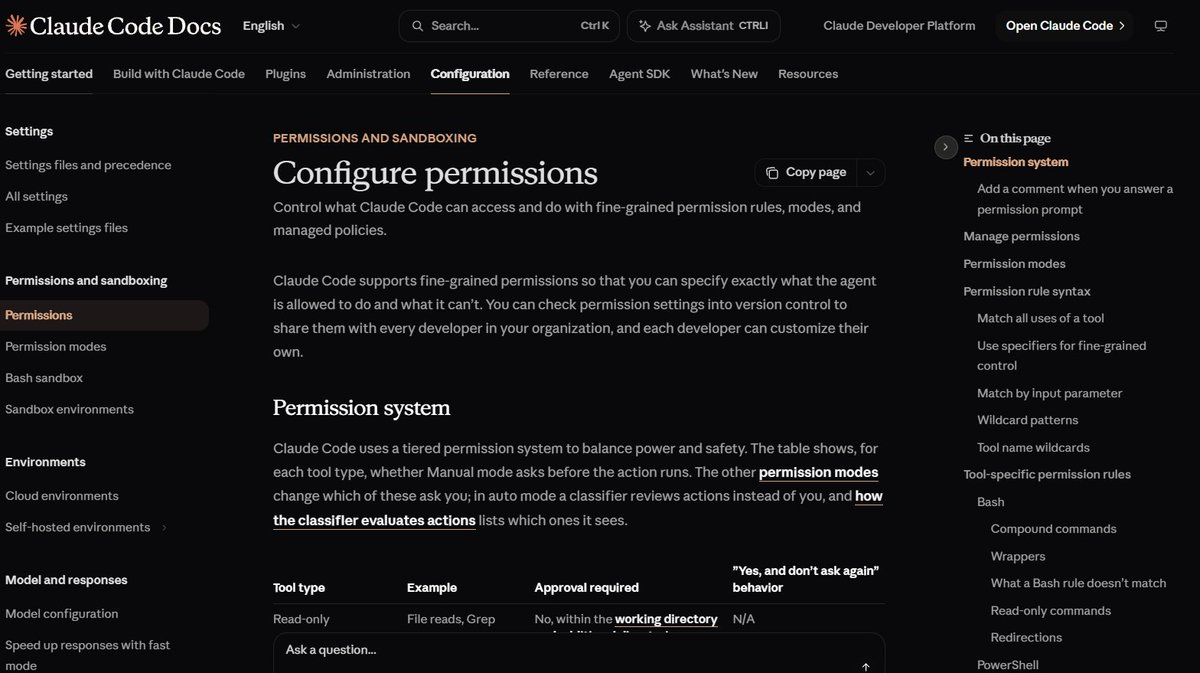
Open `/permissions` and inspect the effective rules.
Existing configuration and managed policy can affect what the session permits, so check the loaded result after saving.
For a harmless exercise, create a dummy document in `published/` and ask Claude to edit it through its file-editing tool. The action should be denied.
File-tool restrictions have a defined scope.
Arbitrary Python or Node processes can access files through their own code; operating-system sandboxing supplies restrictions across those processes when required.
For an external write, identify the destination and the exact content being approved. If the content changes, review the updated action before execution.
A timeout also needs a clear recovery step.
Inspect the destination before retrying an external write, because the first attempt may already have completed.
5. Make the reviewer return evidence
Give verification a bounded assignment with a report the main agent can use.
A subagent has its own context and configurable tools for that work. Subagent configuration
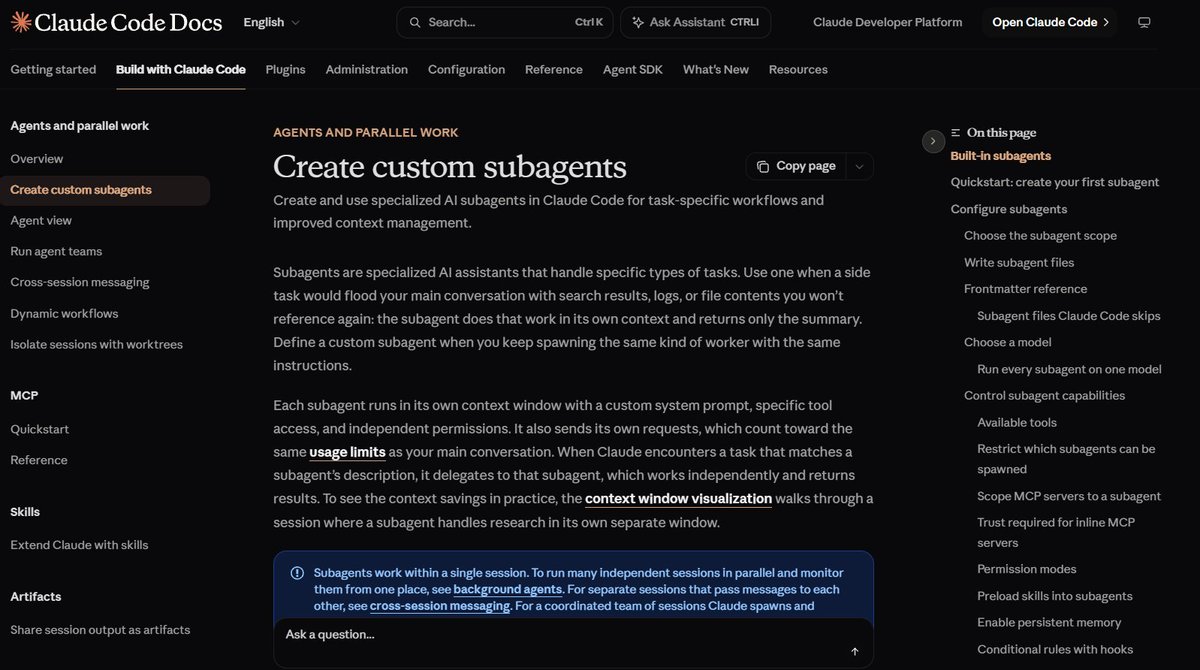
The reviewer should receive the draft path, relevant source locations, and the claims it needs to inspect.
Specify how it should report uncertainty.
Paste this into .claude/agents/evidence-reviewer.md:
---
name: evidence-reviewer
description: Verify factual claims in drafts using primary sources.
tools: Read, Grep, Glob, WebSearch, WebFetch
effort: high
---
Read the supplied draft and its source material.
Check factual claims against opened primary sources.
Return a table: claim, verdict, source URL, required correction.
Use verdicts: verified, incorrect, unresolved.
For unresolved claims, state which evidence is missing.
This worker receives read and search tools.
Draft corrections remain with the main agent.
Each finding should connect a claim to an opened source.
A verdict such as incorrect needs the conflicting evidence and a correction the writer can apply.
An unresolved verdict should identify the missing evidence.
The main agent reviews the findings, updates the draft, and checks the revised wording. A confident reviewer report still needs usable evidence behind its recommendations.
Recheck adjacent sentences when a correction changes the meaning of a paragraph.
Anthropic's evaluation guidance separates an agent's transcript from the outcome left in the environment.
It also describes different checking methods for different types of results. Agent evaluations

Apply that distinction here by opening the saved draft and checking its cited claims.
The review table should describe the document that will actually be accepted.
6. Assign reasoning effort to the work
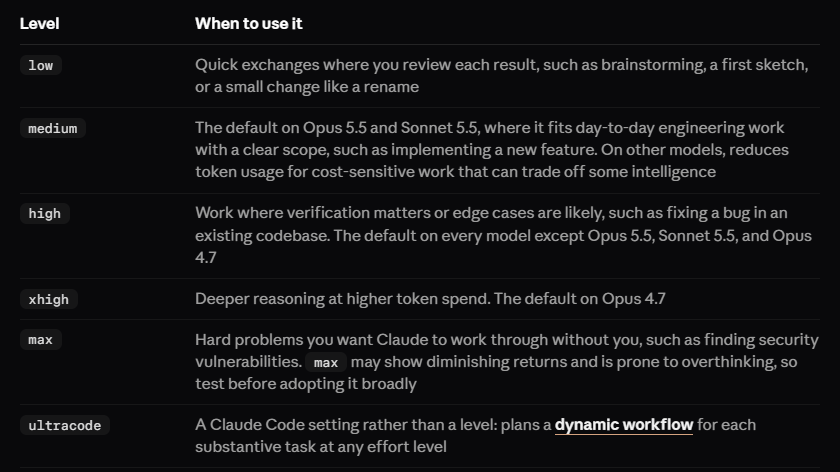
Start the main session at `medium`; Opus 5.5 uses that default unless applicable settings override it.
The reviewer above requests `high` for its verification work. Effort configuration
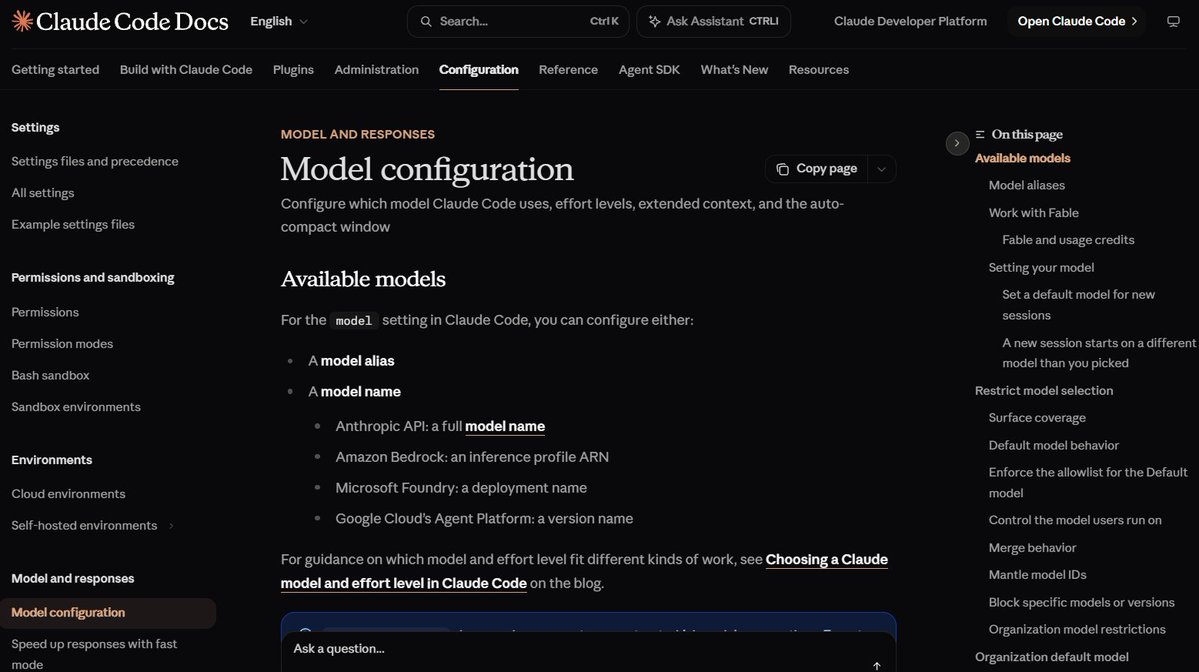
With Claude Code installed and your account signed in, run this from the workspace root:
claude --model claude-opus-5-5 --effort mediumConfirm Opus 5.5 and the active effort in the session header.
The startup command sets the model and effort for that session.
Effort can be configured for a skill or subagent, subject to the model's supported levels and applicable limits.
Writing an instruction about thinking depth leaves the configured effort setting in place.
Choose a task whose result you can inspect before changing the setting. Record which acceptance checks passed and which corrections the output needed.
This makes effort a decision tied to a particular job.
A source review involving ambiguous claims can receive its own configuration while the main drafting workflow keeps its chosen level.
Before the first run, use `/context` to inspect loaded instructions, `/agents` to confirm the reviewer, and `/permissions` to inspect action rules.
Fix missing components before assigning the full task.
7. Tell the run what it must prove
Define completion in terms of saved deliverables and verification results.
A draft, its checking table, and an updated progress note give the run concrete outputs to produce.
Claude Code's `/goal` evaluates a completion condition against evidence surfaced in the conversation between turns. The evaluator relies on the agent showing the relevant results. Goal documentation
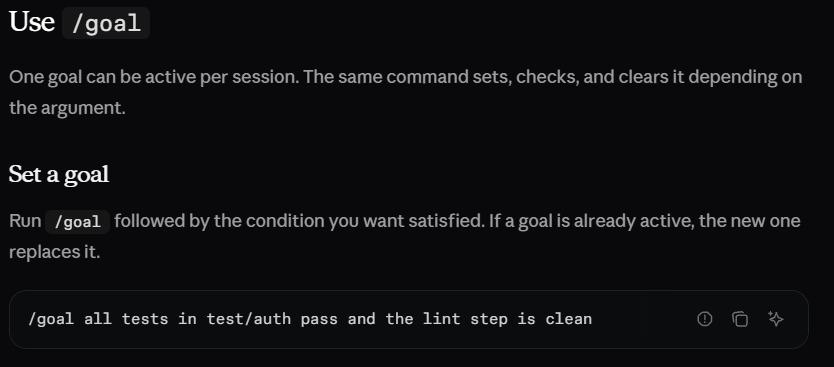
Put the topic, reference material, and source links in `sources/`. Then paste this into Claude Code:
/goal Use write-draft to prepare an article from sources/. Completion requires drafts/article.md and drafts/checks.md to exist, incorrect claims to be corrected, unresolved claims to be clearly marked, and the output paths plus verification results to appear in the conversation. Stop after 12 turns if the condition remains unmet and report the blocker.The turn clause is model evaluated. Strict runtime or spending limits need execution controls, and `/goal clear` removes an active goal.
When the run ends, open both files and inspect several claim-to-source matches.
Check that the progress note agrees with the work saved in the workspace.
Use the same evidence format for the next task.
A consistent report lets you identify unresolved claims and missing checks without reconstructing the entire conversation.
For recovery, `/rewind` can restore tracked file edits. Shell changes and most subagent edits require separate recovery, while version control preserves durable file history. Checkpoint limits

Run the complete workflow once
Create the source folders and the four configuration files before starting the session => Put a short task brief alongside the source material so the requested result stays explicit.
Copy this into sources/task.md and fill in the details:
Topic: [specific subject]
Reader: [who needs this explanation]
Deliverable: An article with practical steps and official sources.
Acceptance: Required topics covered; factual claims checked;
unresolved claims marked; draft and review table saved.
Constraints: [length, style, excluded topics]
Start Claude Code with the command in layer six and inspect the loaded setup => Run the goal in layer seven, then check the saved outputs.
The expected result is `drafts/article.md`, `drafts/checks.md`, and `progress.md`.
The checking table should identify what was verified and what still needs your attention.
If the skill is missing, inspect its path and frontmatter.
If the reviewer is missing, check its `name` and `description`, then confirm availability through `/agents`.
For unresolved claims, inspect the supplied source and the evidence the reviewer requested.
Resolve the gap or keep it visibly marked before accepting the draft.
Check what the next session can recover
Maintain `progress.md` after a meaningful stage.
Record the current files, completed checks, open questions, and next action.
Root CLAUDE.md is re-read after compaction.
Scoped instructions reload when relevant files are accessed. Compaction and memory
Use this compact structure for the progress note:
Task: [current topic]
Outputs: [draft and review paths]
Completed: [finished stages and checks]
Decisions: [confirmed choices and their sources]
Open issues: [missing evidence or blockers]
Next action: [one concrete continuation step]
Start a fresh session in the same workspace and paste:
Read progress.md and inspect the referenced draft and checks.
Continue from the recorded next action and update the progress note.
The session should identify the saved work and continue from the handoff. If it starts over, inspect the note and add the missing decision or file path.
Anthropic's long-running agent guidance uses persistent progress records to support work across sessions.
Maintain those records as the task changes so a resumed run has current information. Long-running harnesses
Measure the setup on accepted work
Use `/usage` to inspect reported usage and `/context` to see what occupies the working context. Include delegated review and retries in the task's total. Usage guidance
Record your review time and the corrections the result required.
An output that needs substantial repair changes the value of the whole run.
Keep the task and acceptance criteria consistent when testing a configuration change.
Adjust one component, repeat the task, and inspect both the saved result and its evidence.
The 60% token reduction implied by Anthropic's early-tester report belongs to that model experiment.
Establish savings from your own harness through measurements of completed tasks. Opus 5.5 announcement
After the first accepted run, reuse the skill with a new topic and source set. Keep the reviewer, output paths, and completion format consistent, then update the procedure when a recurring correction reveals a missing step.
Save this so you don't lose it
Follow @beamnxw for more alpha :)
=> my substack