19 Skills I Would Install on a Fresh Hermes Setup (15x Powerful Hack)


If I had to wipe Hermes and rebuild from scratch, I wouldn't start with an empty chat window and just wing it.
Skills would come first. Always
A default install still works fine on its own. But once skills are in, it's not really a fair comparison anymore. That's the actual difference between a chatbot that just answers you and an agent that researches, writes code, edits video, fixes your writing, runs repeat tasks, and keeps ten jobs going without you sitting there watching a terminal the whole time.
Here's the exact set I'd reinstall. Not everything out there just the 19 that cover most of what I actually use an agent for.
What each one does. When it's worth installing. What you can leave alone for now.
List at a glance
| # | Skill | One-line job | Stars |
|---|---|---|---|
| 1 | Agent-Reach | Give your agent internet eyes without paid APIs | ~73k |
| 2 | Browser Harness | Agent drives your real browser and learns helpers | ~17k |
| 3 | i-have-adhd | Action-first, no-preamble agent replies | ~26k |
| 4 | codebase-memory-mcp | Index your repo as a knowledge graph for agents | ~40k |
| 5 | OpenMontage | Turn your coding agent into a video production crew | ~49k |
| 6 | Composio skills | Connect agents to real apps (auth, tools, triggers) | — |
| 7 | Defuddle | Clean web pages into readable Markdown | ~9k |
| 8 | Minions | Kanban mission control for Hermes tasks | ~625 |
| 9 | addyosmani/agent-skills | Spec → plan → build → test → ship engineering skills | ~89k |
| 10 | Resemble Detect | Spot AI fake audio/image/video | niche |
| 11 | Loopy / Loop Library | Repeatable agent loops with checks and stop rules | ~3k |
| 12 | Anthropic Cybersecurity Skills | Huge security skill library for agents | ~30k |
| 13 | claude-mem | Persistent memory across sessions | — |
| 14 | youtube-full | Transcripts, search, channels without yt-dlp pain | ~540 |
| 15 | make-interfaces-feel-better | Fix the tiny UI details that make apps feel cheap | — |
| 16 | SkillClaw | Skills that improve themselves after real work | ~2.5k |
| 17 | Matt Pocock skills | Small composable skills for real engineering | ~224k |
| 18 | Humanizer | Strip AI writing tells from drafts | popular |
| 19 | oh-my-hermes | Multi-agent planning + verified execution for Hermes | ~270 |
What a skill is
Think of it as a saved recipe the agent can load on demand. You write the process once, the agent runs it forever. No re-explaining the same steps every session, and the output stops drifting.
Skills are files. That's the whole trick. You install the ones that remove a pain, and the agent keeps them.
The 19 skills
1.Agent-Reach
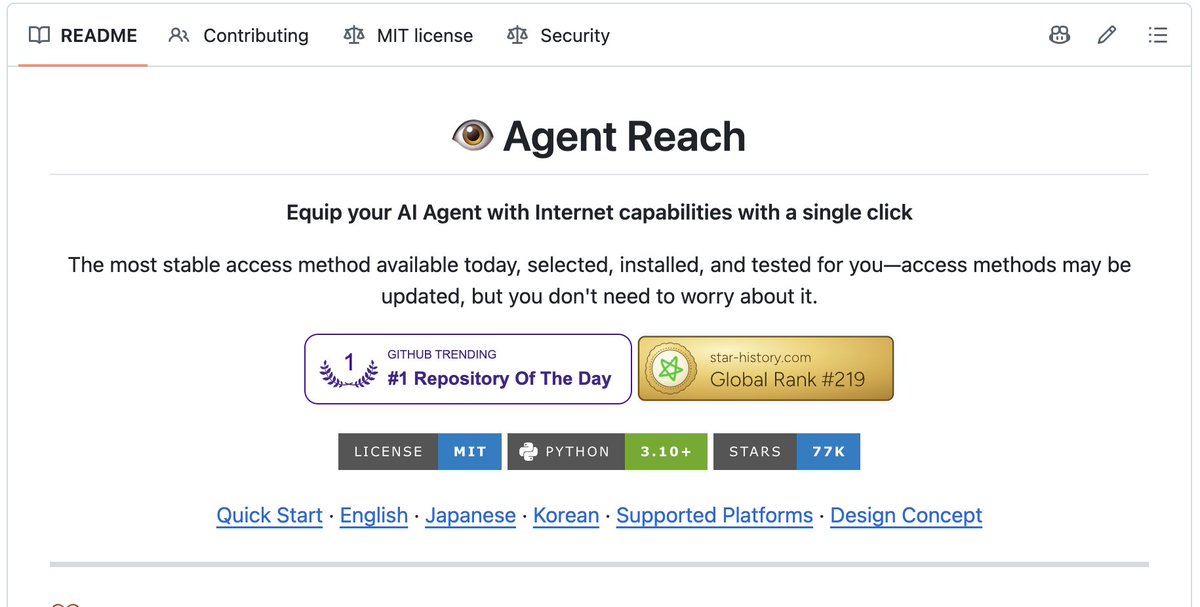
Repo: Panniantong/Agent-Reach
Stars: ~73k
it is a CLI that gives an agent access to public sites like X, Reddit, YouTube, and GitHub. all for freee
What it fixes
Agents choke on login walls, blocked scrapers, and messy HTML when you ask them to check social reactions or pull video info.
How it helps
You just ask in plain language; "see what people are saying about this on X" and it retrieves it without you setting up separate API keys per platform.
When to use it
Content research, competitor tracking, social listening. Usually the first thing worth installing.
2. Browser Harness

Stars: ~17k
A browser automation layer connecting an agent to your actual browser via CDP.
What it fixes
Static browser tools breaking whenever a site's layout changes.
How it helps
Writes new helper functions on the fly when it hits an unsupported step.
When to use it
Tasks like pulling recent posts from a profile or downloading files. Start with a separate browser profile. giving an agent your real browser carries real risk.
3. i-have-adhd

Repo: ayghri/i-have-adhd
Stars: 26.6k
A skill that changes how an agent responds; action first, numbered steps, no preamble or sign-off.
What it fixes
Answers buried under filler like "Great question!" or "Hope this helps!"
How it helps
Strips the conversational padding so the useful part comes first.
When to use it
Every agent, honestly; it's a default-response style change, not a task-specific tool.
4. codebase-memory-mcp
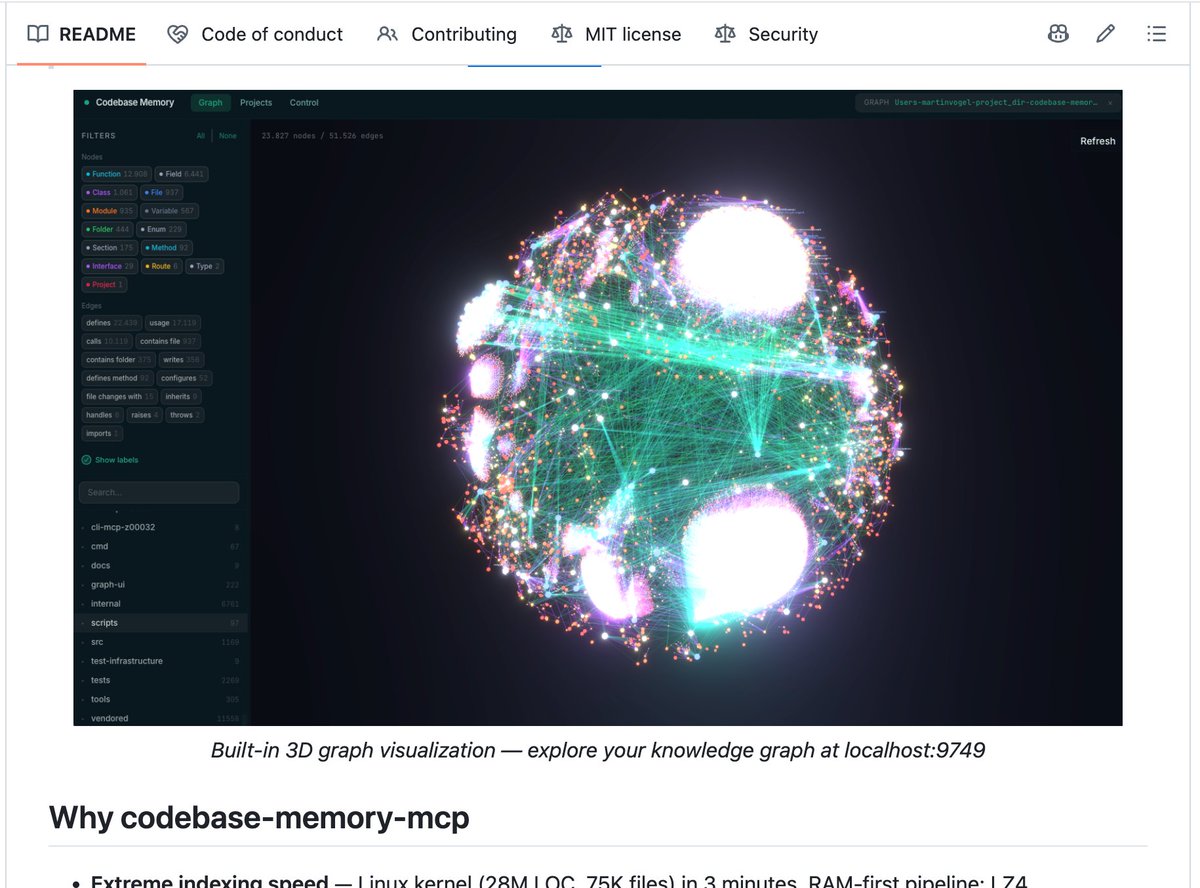
Stars: ~40k
An MCP server that indexes a codebase into a persistent knowledge graph.
What it fixes
Burning tokens rereading files every session just to answer "what calls this?"
How it helps
Lets the agent query relationships directly instead of re-scanning the whole repo.
When to use it
Medium-to-large repos or multi-service codebases where context limits are a real bottleneck.
5. OpenMontage

Repo: calesthio/OpenMontage
Stars: ~49k
An open-source agentic video production system — scripting, editing, captioning, exporting.
What it fixes
Agents that can discuss video work but can't actually produce it.
How it helps
Chains together the pieces of a real production pipeline instead of one-off tool calls.
When to use it
Short-form content, explainers, product demos — anywhere you want an agent doing actual video work, not just talking about it.
6. Composio skills

Repo:Mission Control /ComposioHQ/skills
Skills that teach an agent to work with Composio's integration layer — auth, sessions, triggers.
What it fixes
The mess of wiring an agent into Gmail, Slack, GitHub, or a CRM safely.
How it helps
Standardizes how agents connect to and act inside real apps.
When to use it
Any setup where the agent needs to take real actions outside local files.
7. Defuddle

Repo: kepano/defuddle
Stars: ~9k
A library/CLI that strips a web page down to its core content as clean Markdown or HTML.
What it fixes
Agents getting tripped up by nav bars, ads, and cookie banners when fetching pages.
How it helps
Converts a messy URL into a clean article automatically.
When to use it
Research, clipping content into notes, feeding clean text into an agent's context.
8. Mission Control/Minions

Repo: agent37-platform/minions
Stars: ~625
A kanban-style control panel for tracking Hermes tasks.
What it fixes
Losing track of parallel sessions running in raw terminals.
How it helps
Live view of tool calls, human approval before marking something done, per-task settings, all stored locally.
When to use it
Running several jobs at once and needing one screen to manage all of them.
9. addyosmani/agent-skills

Repo: addyosmani/agent-skills
Stars: ~89k
A set of production engineering skills covering spec, plan, build, test, review, ship.
What it fixes
"Vibe coding" — building without structure, tests, or review gates.
How it helps
Encodes habits experienced engineers already follow, applied automatically.
When to use it
Real products or multi-day features — not quick throwaway scripts.
10. Resemble AI Detect

Repo: resemble-ai/detect-skill
A detection skill for AI-generated or manipulated audio, image, and video.
What it fixes
No easy way to flag fake or altered media before an agent uses it in research or content.
How it helps
Adds a screening step before trusting or reposting a clip.
When to use it
Moderation, brand-safety checks, verifying media before citing it. Treat results as a signal, not final proof — keep a human in the loop for high-stakes decisions.
11. Loopy / Loop Library
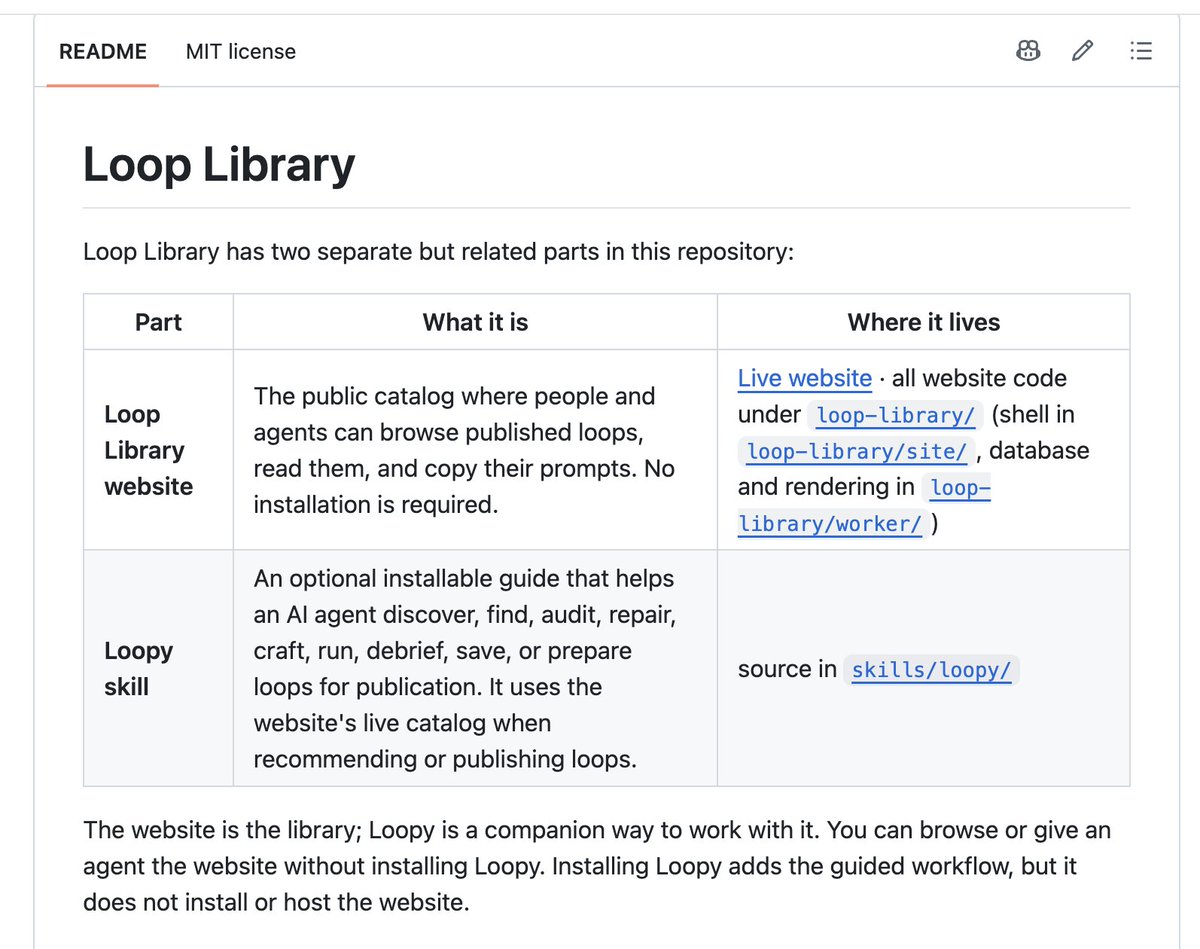
Repo: Forward-Future/loopy
Stars: ~3k
A catalog of agent "loops," plus a skill for finding, adapting, and running them.
What it fixes
One-shot prompts that only get one attempt at a problem that needs iteration.
How it helps
Repeats a step, measures the result, keeps it only if it improved things, and stops on a clear condition.
When to use it
Performance tuning, flaky tests, cleanup work — anywhere the first pass usually isn't the final answer.
12. Anthropic Cybersecurity Skills
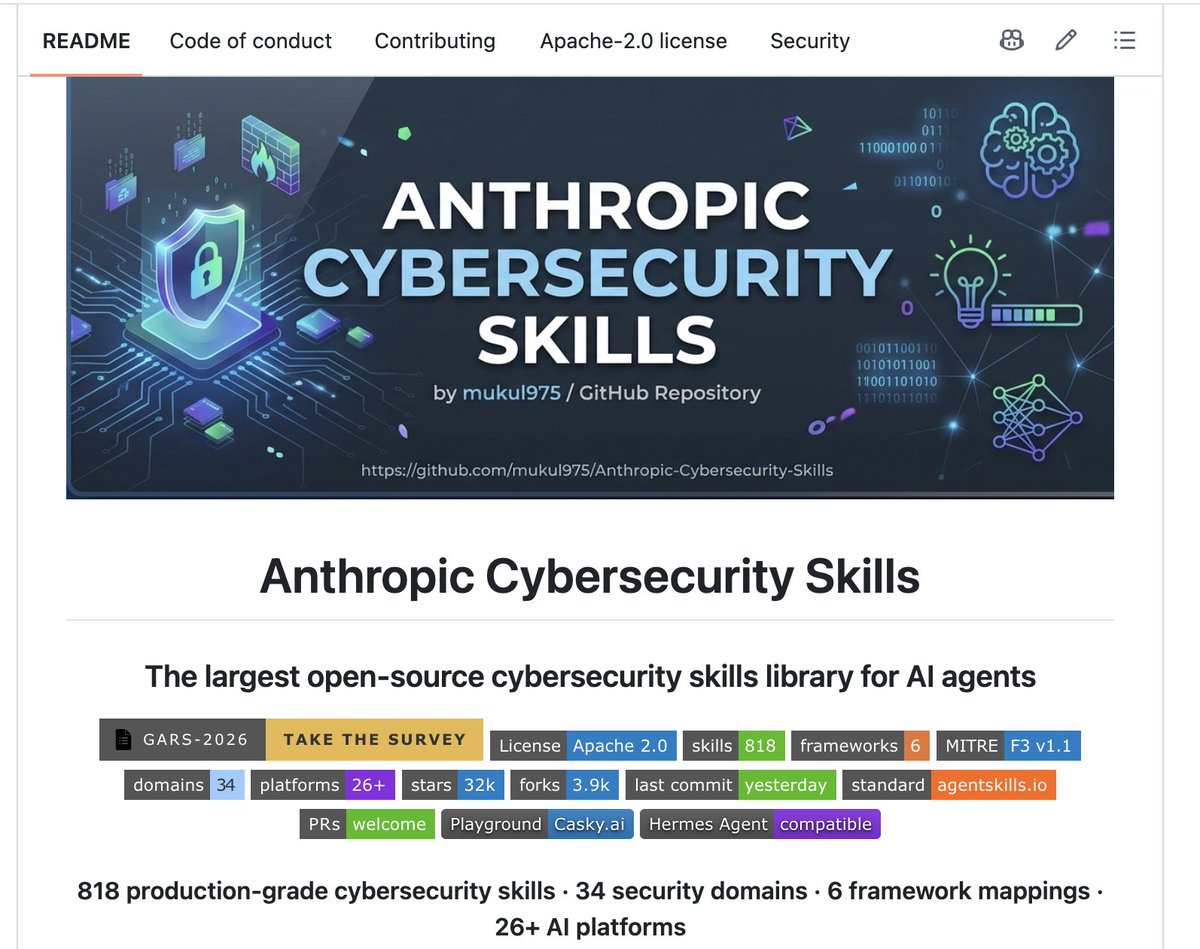
Stars: ~30k
A large open-source library; 818 skills across 34 security domains, mapped to frameworks like MITRE ATT&CK and NIST CSF.
What it fixes
Coding agents having no real security instincts by default.
How it helps
Gives structured playbooks for investigations, detection, and threat modeling instead of ad hoc guesses.
When to use it
Security work on systems you own or have explicit permission to test. it includes offensive techniques, so scope matters.
13. claude-mem

Repo: thedotmack/claude-mem
Stars : 92k
A memory compression system that stores session history locally.
What it fixes
Re-explaining your stack and preferences every time you start a new session.
How it helps
Compresses past sessions into long-term memory and pulls relevant context back in automatically; <private> tags keep sensitive info out.
When to use it
Any recurring project where repeating context every session wastes time.
14. youtube-full

Stars: ~540
A toolkit for YouTube transcripts, search, channel browsing, and playlists.
What it fixes
yt-dlp getting blocked on cloud IPs, which breaks most "summarize this video" requests.
How it helps
Pulls transcript and metadata directly without fighting scraping issues.
When to use it
Learning from tutorials, researching competitor videos, pulling course notes.
15. make-interfaces-feel-better

Stars: ~3k
it is a skill focused on interface polish spacing, hover states, icons, hit areas, motion.
What it fixes
AI-built UIs that technically function but feel slightly off or generic.
How it helps
After a page is built, it does a pass focused purely on feel rather than features, catching things like dead hover states or cramped buttons.
When to use it
Any time an agent has just shipped a frontend; dashboards, landing pages, internal tools.
16. SkillClaw

Repo: AMAP-ML/SkillClaw
Stars: ~2.5k
A system that evolves skills based on real usage, digesting sessions in the background.
What it fixes
Skill folders turning into a mess of duplicates and half-finished notes over time.
How it helps
Cleans and compounds what's been learned automatically instead of manually.
When to use it
Once you already have a base set of skills; it's an optimization layer, not a starting point.
17. Matt Pocock skills
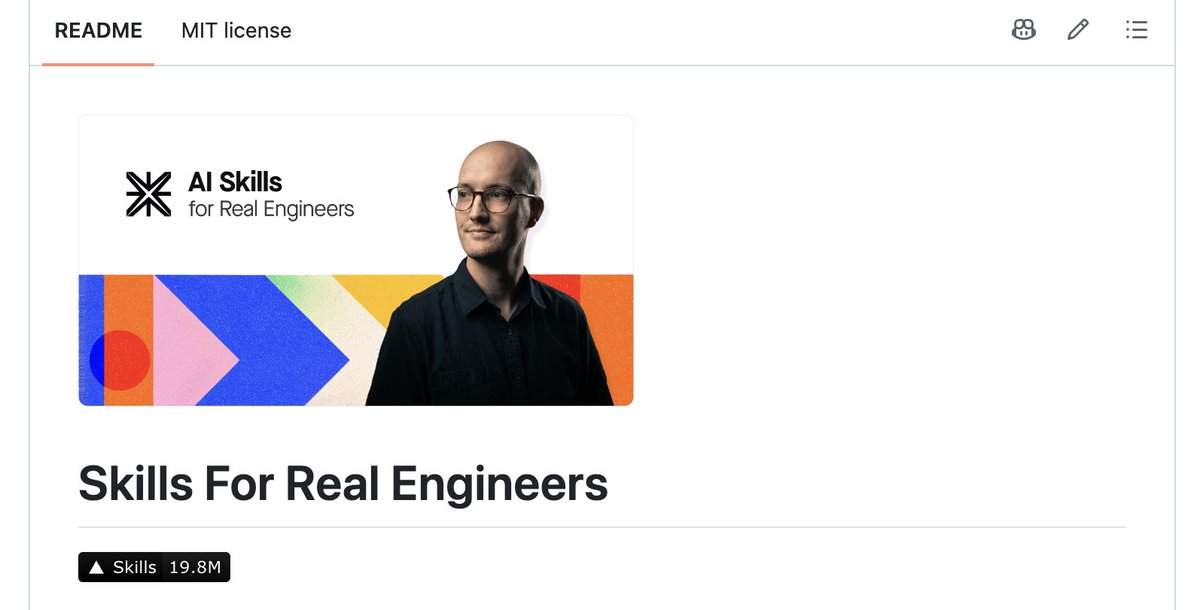
Repo: mattpocock/skills
Stars: ~224k
A set of small, editable, composable daily-engineering skills.
What it fixes:
The gap between having no process and having a process so heavy you can't debug it.
How it helps
Stays small enough to modify yourself while still adding structure.
When to use it
TypeScript and app engineering, ticket triage, day-to-day shipping work.
18. Humanizer

Repo: blader/humanizer
A rewriting skill based on known patterns of AI-sounding text.
What it fixes: Drafts that are useful but read like generic press copy; stock phrases, uniform lists, inflated language.
How it helps
Rewrites, checks for remaining tells, and rewrites again, without changing facts or inventing details.
When to use it
Any public-facing writing — posts, docs, client emails — before it goes out.
19. oh-my-hermes (OMH)

Repo: witt3rd/oh-my-hermes
Stars: ~270
A multi-agent orchestration setup built for Hermes, covering research, requirement-gathering, planning consensus, and execution checks.
What it fixes
One agent rushing a big task, skipping requirements, and calling it done without proof it actually works.
How it helps
Forces a structured pass through planning and verification before code gets written.
When to use it
Unfamiliar domains or multi-day builds, where getting the plan right matters more than moving fast.
The stacks
Nineteen is the full set. You don't need all of it on day one. Here's how it fits together:
Install order if you're new
Don't install all 19 on day one.
More skills is not automatically better. A small set you actually trigger beats a junk drawer.
Security and common sense
A few of these touch real browsers, real codebases, or security tradecraft. Simple rules:
If I only had one hour on a new machine
I would install in this order: Agent-Reach, Humanizer, youtube-full, Matt Pocock skills or addyosmani/agent-skills, codebase-memory-mcp, Minions. Then claude-mem and i-have-adhd. Then I would ship real work for a week before touching the rest.
And when something hurts, the fix is obvious:
Do not collect skills like stickers. Install the ones that remove the pain you feel this week.
Skills are not stickers. Install the ones that remove a pain you have this week, not the ones that sound cool.
Conclusion
A fresh Hermes agent with this set is a smart system: internet research without babysitting APIs, repo memory that doesn't thrash tokens, engineering process that doesn't vibe-code your app into a hole, content tools that watch video and clean drafts, a board so ten jobs don't disappear, and loops and evolving skills so the setup gets sharper over time.
That is the fresh setup I would trust.
The agent is free. The skills are files. The only thing you need is a pain worth removing.
stay up tp date for more free AI setups and agent workflows🙌