Quick Linux tip Want to know how long a process has been running?...

sysxplore@sysxplore
20 views
Oct 26, 2025
~1 min read
Advertisement
1
Quick Linux tip
Want to know how long a process has been running?
Use the etime column with ps, it shows the "elapsed time" since the process started.
For example, to see how long Nginx processes have been running:
$ ps --forest -C nginx -o ppid,pid,cmd,etime
The ETIME column displays uptime in [[DD-]hh:]mm:ss format.
Perfect for spotting long-running or stuck processes.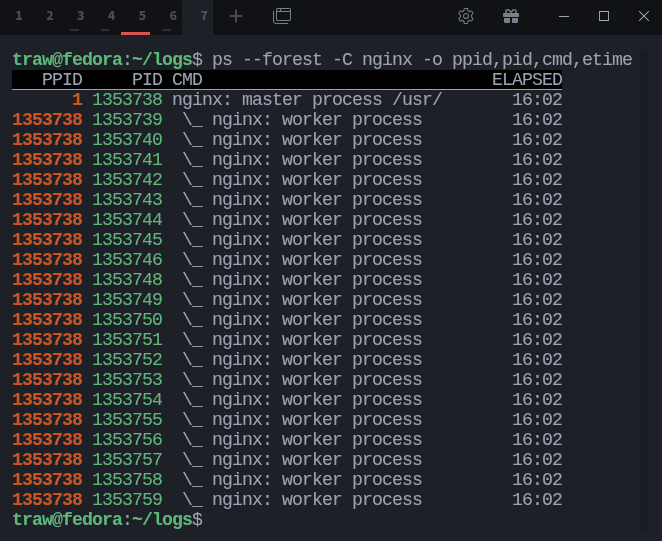
Want to know how long a process has been running?
Use the etime column with ps, it shows the "elapsed time" since the process started.
For example, to see how long Nginx processes have been running:
$ ps --forest -C nginx -o ppid,pid,cmd,etime
The ETIME column displays uptime in [[DD-]hh:]mm:ss format.
Perfect for spotting long-running or stuck processes.
2
This post is just a small taste. I’ve been working on a full Linux book for beginners.
Join the waitlist here:
firststepswithlinux.com
Join the waitlist here:
firststepswithlinux.com