people ask me all the time about how we use @v0 internally as a...

Pran@pranathiperii
21 views
May 04, 2025
~1 min read
Advertisement
1
people ask me all the time about how we use @v0 internally as a design team. more specifically, how we use it to design @v0 itself. over the past few months it’s become a pretty solid step in my creative process, so here’s a little thread on how i've been using it day to day ✨
0:11
2
i usually start out by dumping a bunch of messy ideas into figma where @marcofyi, @henryheffernan and i refine and perfect them visually. i’ll narrow it down to a few different screens i’m really happy with, skip mocking up all the intermediate states, and move straight to v0 to bring it to life

3
static design files are awesome for creating a pixel perfect foundation for your ideas, but awful for actually feeling out and perfecting interactions. for interaction-heavy stuff it’s much easier to give v0 a screenshot, describe the desired interactions in plain english, and continually tweak it until it just clicks. this is waaaaaay faster than writing the code myself, or creating a million different frames and jankily linking them together in a figma prototype

4
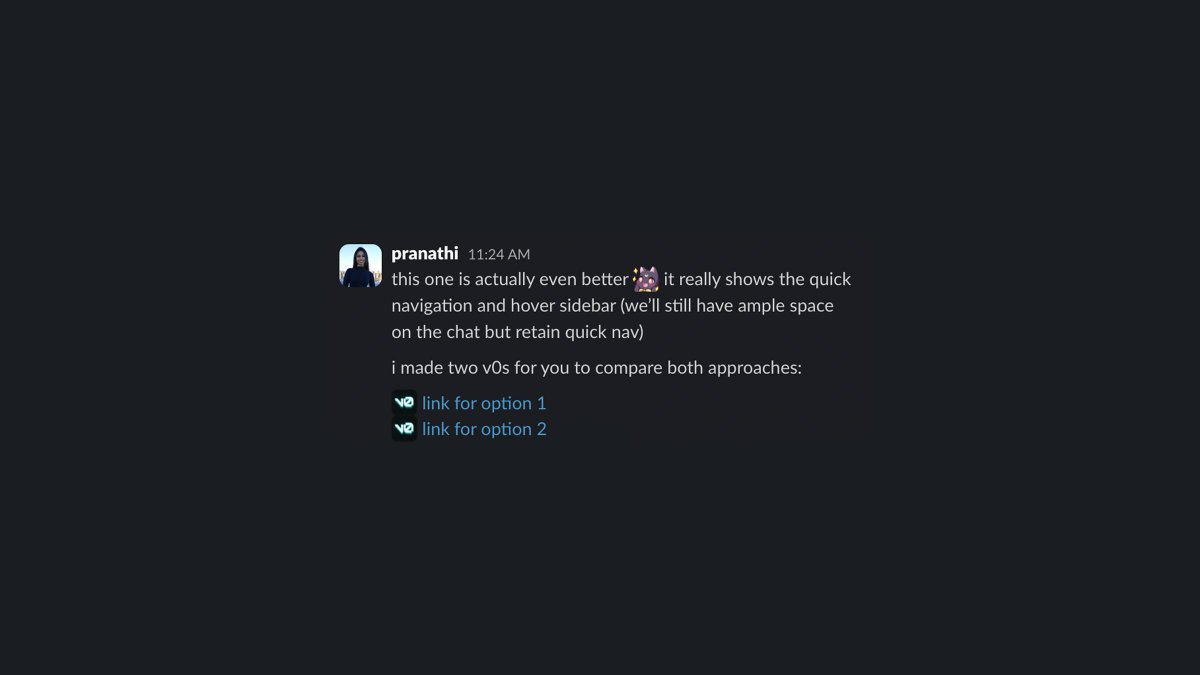
i’ll gather a few different chats I like and drop links to the v0s in slack to let others try out, roast, and fork them in real time. once it feels right, it’s super easy to pull out the code, make a few modifications, and ship 🚢
5
i collect clean forks of all of my explorations in a project for @marcofyi and I to use as starting points for any ideas we have in the future. our own little runnable design library that just continues to grow over time <333

