some presentation tips for artist on Twitter (🧵) 1/ presentation...

Pix@Pixzli
63 views
Apr 04, 2025
~3 min read
Advertisement
1
some presentation tips for artist on Twitter (🧵)
1/ presentation matters ! don’t clutter your art with a long caption with text and hella hashtags, give your art room to breath! what should catch people’s attention immediately is YOUR ART !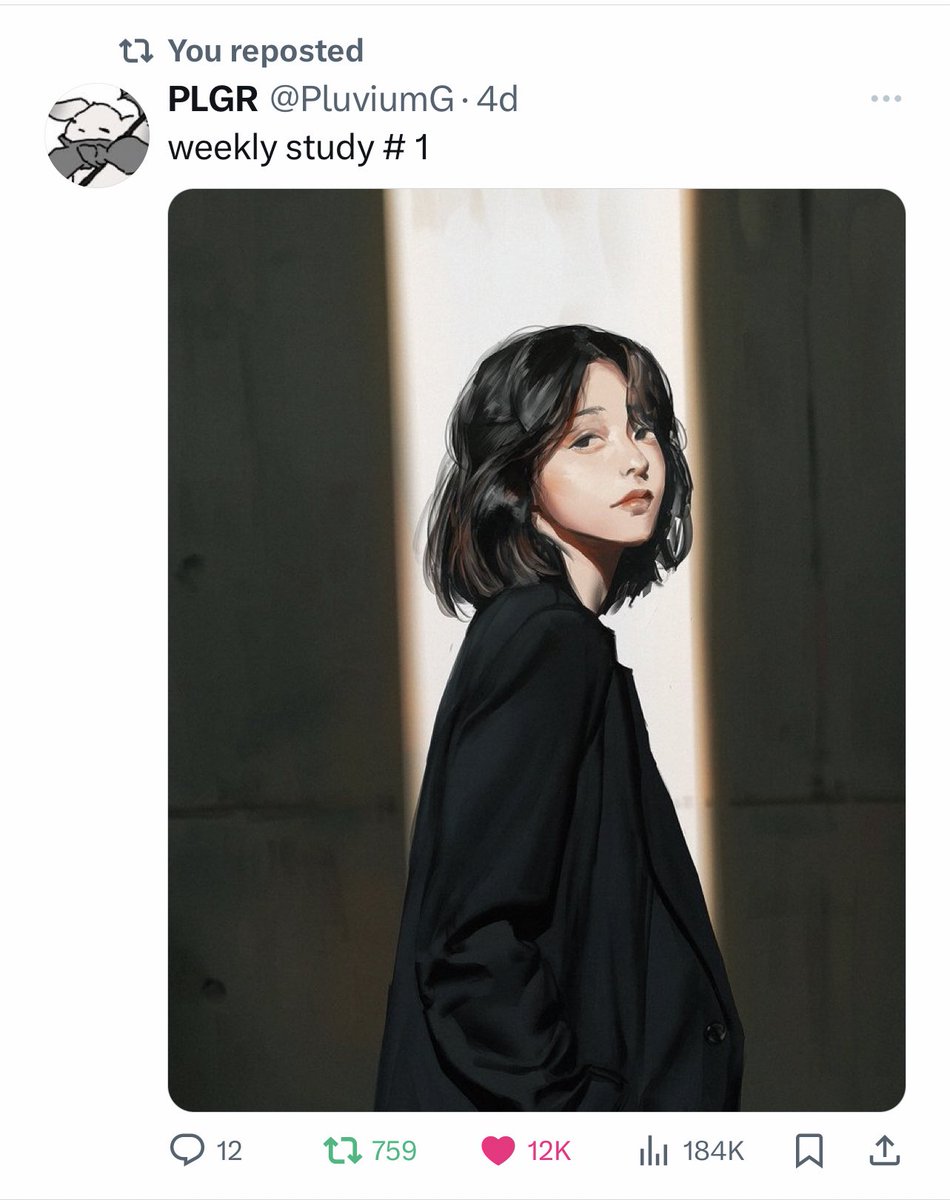

1/ presentation matters ! don’t clutter your art with a long caption with text and hella hashtags, give your art room to breath! what should catch people’s attention immediately is YOUR ART !
2
2/ cropping images / more aesthetic presentation of your artwork !
this is kind of a tough one because sometimes the art’s composition or format just isn’t ideal for twitter, but don’t be scared to crop it in a different way, zoom it in, or test other ways to make it appealing

this is kind of a tough one because sometimes the art’s composition or format just isn’t ideal for twitter, but don’t be scared to crop it in a different way, zoom it in, or test other ways to make it appealing
3
2.2/ remember that most users are on mobile, so i personally never post my art from my browser, i always do it from my phone so i can see how it will actually look on people’s feed!


4
3/ cropping images for multiple image post
use twitters’ crop tool to chose how each artwork is going to be cropped so you can acc chose how the thumbnails will look! this is important to catch audiences attention ! you can post the full images in the replies after if u wish

use twitters’ crop tool to chose how each artwork is going to be cropped so you can acc chose how the thumbnails will look! this is important to catch audiences attention ! you can post the full images in the replies after if u wish
5
4/ you can use hashtags, just remember *in general* (with exceptions ofc), concise categorical use (fandom, or vtuber tag) over promotional/general use (like #artist) ! the latter affects consumer psychology (similar to feeling advertised to = scroll and skip ads)


6
4.2/ hashtags don’t get punished by the algorithm, you can use them but if you use a bunch of them it affects your presentation so back to 1/ ! it’s not like on IG/Tiktok where you can hide them # down the bottom of your caption! You don’t want to come across like a bot!

7
5/ keywords > hashtags most of the time ! you also don’t need to repeat a typed out word and a hashtag like “I’m a digital artist, here some of my art #digitalartist #art” - comes across botty
in general just try to keep caption clear and concise and let the art speak for itself
in general just try to keep caption clear and concise and let the art speak for itself
8
6/ canvas size / image quality
i personally always work on a 2700x2160 canvas because it follows twitter’s portrait aspect ratio size (5:4), and i export my png at 70% bc twitter will compress your image size anyway !
i personally always work on a 2700x2160 canvas because it follows twitter’s portrait aspect ratio size (5:4), and i export my png at 70% bc twitter will compress your image size anyway !
9
7/ post wips!! it’s super fun to see into an artist process !! it’s almost like a get to know me but artist edition it’s so interesting to see the works come into life !


10
8/ learn from the artists you see pop in your timeline, how are they presenting their work? what makes it visually appealing and grabs your attention? study it !
it’s some form of visual design and aesthetic appeal, but you can defo learn by just asking yourself these questions

it’s some form of visual design and aesthetic appeal, but you can defo learn by just asking yourself these questions
11
9/ ofc a lot of these artists are just absolutely cracked and their art is just so pretty with amazing compositions which visually draw people in, you can’t help but interact- but this is how you can learn from them, analyse their art, analyse how it’s presented and composed!
12
10/ these are just tips, you don’t have to follow them or if you have your own recipe that works well for you pls share it in the replies!
this is a more general approach on things i’ve picked up since i started using twitter for my art 2 years ago! hope it can help some tho 💗
this is a more general approach on things i’ve picked up since i started using twitter for my art 2 years ago! hope it can help some tho 💗
13
just quoted this but thought it’s worth just putting it in the thread too!


Pix@Pixzli
actually can use my most recent wip as an example and why i revisited it !
1/ the pose is good but it felt unbalanced, the main focus should be the face, but there was too much empty space around it - this was something i only noticed once i posted it on twitter …
1/ the pose is good but it felt unbalanced, the main focus should be the face, but there was too much empty space around it - this was something i only noticed once i posted it on twitter …
14
omg BIG clarification note- all the art examples used in this thread (appart from the ad) ARE GOOD EXAMPLES. In the first tweet, the one on the right is a GOOD EXAMPLE use of hashtags, not the other way around - i realise now how it can be misunderstood!
