Canva is incredible! But, 99% of people still don't know it's best...

There's An AI For That@theresanaiforit
81 views
Mar 11, 2024
~2 min read
Advertisement
1
Canva is incredible!
But, 99% of people still don't know it's best features.
Check out these 12 Canva features that'll save you tons of time and money:
{ Thread 🧵 }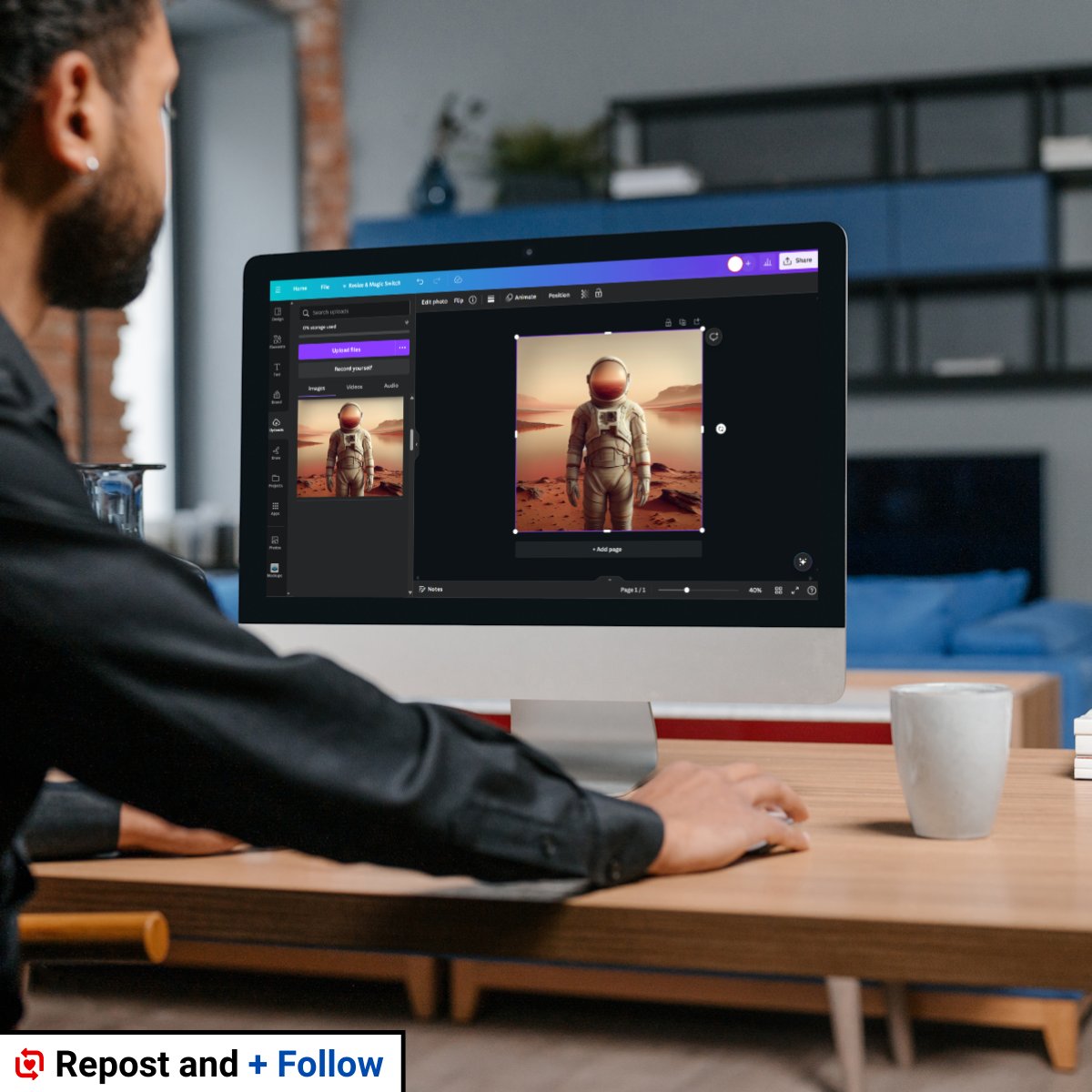
But, 99% of people still don't know it's best features.
Check out these 12 Canva features that'll save you tons of time and money:
{ Thread 🧵 }
2
1. Magic Design
Create custom, on-brand, and attention-grabbing content in seconds.
Describe what you'd like to see and Magic Design uses AI to craft professional presentations, videos or social posts.
Create custom, on-brand, and attention-grabbing content in seconds.
Describe what you'd like to see and Magic Design uses AI to craft professional presentations, videos or social posts.
0:09
3
2. Magic Switch
Swap formats, languages, and dimensions in a snap.
Transform your decks to different kinds of docs, instantly reformat any design for multiple platforms, or auto-translate them without leaving the page.
Swap formats, languages, and dimensions in a snap.
Transform your decks to different kinds of docs, instantly reformat any design for multiple platforms, or auto-translate them without leaving the page.
0:19
4
3. Magic Media
Dream it up, then add it to your design.
Watch your words transform into beautiful images and videos with Magic Media.
Dream it up, then add it to your design.
Watch your words transform into beautiful images and videos with Magic Media.
0:08
5
4. Magic Expand
Seamlessly extend an image in any direction for the perfect shot.
Fix awkward framing, save zoomed-in images, or turn a vertical shot into a horizontal one in seconds.
Seamlessly extend an image in any direction for the perfect shot.
Fix awkward framing, save zoomed-in images, or turn a vertical shot into a horizontal one in seconds.
0:08
6
5. Magic Eraser
Erase anything from your images.
Magically remove unwanted distractions in the blink of an eye.
Erase anything from your images.
Magically remove unwanted distractions in the blink of an eye.
0:10
7
6. Magic Grab
Magic Grab helps you redesign images, just like a Canva template.
Use Magic Grab to select and separate the subject of your photo so that you can edit, reposition, or resize it.
Magic Grab helps you redesign images, just like a Canva template.
Use Magic Grab to select and separate the subject of your photo so that you can edit, reposition, or resize it.
0:07
8
7. Magic Edit
Reimagine your image and add to, replace, or edit it with a short written prompt.
Simply select where you want to see the change, write your wish, and watch as your image transforms.
Reimagine your image and add to, replace, or edit it with a short written prompt.
Simply select where you want to see the change, write your wish, and watch as your image transforms.
0:09
9
8. Magic Morph
Transform words and shapes with a simple written prompt.
Magic Morph applies effects to text and shapes to quickly create patterns and textures.
Transform words and shapes with a simple written prompt.
Magic Morph applies effects to text and shapes to quickly create patterns and textures.
0:09
10
9. Magic Write
With Magic Write, go from a prompt to a first draft or on-brand copy in no time.
Plus, it helps you quickly reword sentences or paragraphs and summarize or expand your text.
With Magic Write, go from a prompt to a first draft or on-brand copy in no time.
Plus, it helps you quickly reword sentences or paragraphs and summarize or expand your text.
0:11
11
10. Beat Sync
Beat Sync perfectly aligns your footage to the beat of your soundtrack.
Just select or upload the music track you want to use.
Beat Sync perfectly aligns your footage to the beat of your soundtrack.
Just select or upload the music track you want to use.
0:05
12
11. Magic Video
Visualize your video and turn it into reality.
Describe what you're after and watch Magic Media generate short videos that suit your design, powered by Runway.
Visualize your video and turn it into reality.
Describe what you're after and watch Magic Media generate short videos that suit your design, powered by Runway.
0:09
13
12. Magic Animation
Simply draw the path you want your animation to take.
Speed it up or slow it down along the way, then sit back and watch the magic happen.
Simply draw the path you want your animation to take.
Speed it up or slow it down along the way, then sit back and watch the magic happen.
0:17
14
If you liked this thread:
1. Follow us (@theresanaiforit)
2. Like + Repost the 1st post below
1. Follow us (@theresanaiforit)
2. Like + Repost the 1st post below
There's An AI For That@theresanaiforit
Canva is incredible!
But, 99% of people still don't know it's best features.
Check out these 12 Canva features that'll save you tons of time and money:
{ Thread 🧵 }
But, 99% of people still don't know it's best features.
Check out these 12 Canva features that'll save you tons of time and money:
{ Thread 🧵 }