Thread Truncated (Cap Enforced)
Only the first 20 tweets are unrolled into slides to ensure reliable PDF exporting and high server performance.
Canvas & Ratio
Choose your destination platform format
Layout Template
Choose a content structure for your slides
Preset Themes
Typography & Sizing
Brand Kit Customization
AGENCYConfigure brand assets for headers & footers
Outro Slide CTA
Customize your closing call-to-action slide
Background Pattern
Build Your Carousel
Drag and drop any post card below onto a slide, or use the quick buttons to insert content/images instantly!

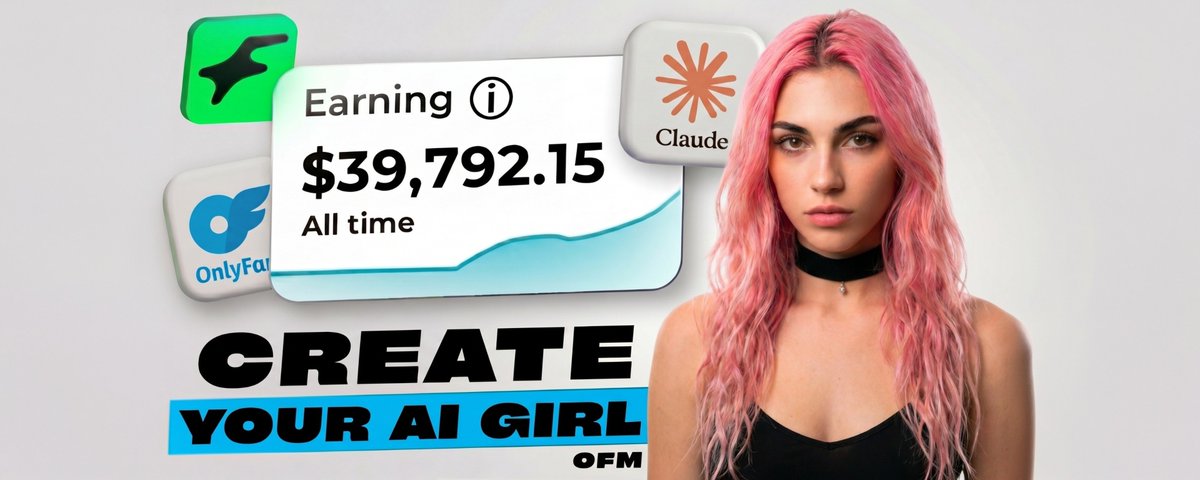

The AI influencer market is past $6 billion. Brands are paying AI models $1,000-10,000 per post. One AI model gained 1,000 Instagram followers in 5 days. Another clears $11,000/mo without sleeping, burning out, or having a bad week.
Building one is not gated anymore. No camera, no team, no budget. A laptop, the right tools, and the willingness to ship something most people will scroll past while it eats their feed.
This is the short version of the playbook, from zero to an AI model that converts on multiple platforms.
---
## <b>Step 1 - Create the face</b>

The face is the foundation. Everything else lives or dies on whether your generations look like the same model two months from now.
Pull two reference faces from Pinterest. Not one, not three, two. And make them contrasting on purpose.
> Face #1 sets the vibe of the niche, sharp cheekbones, cold look, strong jaw > Face #2 is the donor, baby face, full lips, hair color, eye color
Most new AI accounts look copy-pasted because they used a single reference. The model averages and you get a face nobody can place in a niche.
• Open <a target="_blank" href="https://wavespeed.ai/?ref=0xkiyoro" color="blue">wavespeed</a>, load nano banana pro
• Upload both photos, run the merge prompt, generate 5-10 variations until one of them feels real, not generic. add one distinguishing detail nobody can place, a small mole, a faint scar, an asymmetric eye color. that detail does more for believability than any pose or outfit you'll ever generate
Picking faces where the eyes and bone structure are clearly visible matters more than how attractive either input is. Lighting interference will cost you a week of bad gens. Promt:
<pre><code lang="">👥 Swap 1👤[Face] +2👤[Face] Integrate a face into an existing scene. Substitute the face in the reference image with the face from the donor image. The objective is a seamless merge: the new face must inherit the exact expression, pose, and lighting interaction from the reference, while its color attributes (hair and eyes) are adapted from the donor for a perfectly harmonious and natural result. 👥 Swap 1👤[Face] + 2📍[Body] + 3👤[Ref] Generate a single, unique image. Use the facial structure, head shape, eye color, nose, mouth, and complexion/skin details of [Image 1]. Use the body type, proportions and physique of [Image 2]. Use the outfit, clothing style, pose, background and environment of [Image 3]. Ignore the face and body from Image 3 completely — use ONLY the face from Image 1 and body type from Image 2. The final result must be seamless, high quality, and look like one cohesive, realistic human being and scene. 👥 Mix 1👤[Face] + 2📍[Body] + 3👤[Ref your model] 4👤[Ref] Generate a single, unique image. Use the facial structure, head shape, eye color, nose, mouth, and complexion/skin details of [Image 1]. Use the body type, proportions and physique of [Image 2]. Use the outfit and clothing style of [Image 3]. Use the pose, body positioning, background and environment of [Image 4]. Ignore the face and body type from Image 3 and Image 4 completely — use ONLY the face from Image 1 and body type from Image 2. The final result must be seamless, high quality, and look like one cohesive, realistic human being and scene. 👤 Clean (remove accessories) 1👤[Ref your model] Remove all accessories and tattoos from the person in the image, including earrings, rings, necklaces, bracelets, piercings, tattoos, body art, and any other jewelry or accessories. The skin where tattoos were must be clean and natural. Keep everything else exactly the same — face, hair, outfit, background, lighting. The result must look natural and seamless.</code></pre>
---
## <b>Step 2 - Create the dataset</b>

<b>> A dataset is your raw material, the clean stack of photos you feed the ai to train the lora > </b>A LoRA is the trained model that permanently remembers your AI model's features and reproduces them in any environment