Thread Truncated (Cap Enforced)
Only the first 20 tweets are unrolled into slides to ensure reliable PDF exporting and high server performance.
Canvas & Ratio
Choose your destination platform format
Layout Template
Choose a content structure for your slides
Preset Themes
Typography & Sizing
Brand Kit Customization
AGENCYConfigure brand assets for headers & footers
Outro Slide CTA
Customize your closing call-to-action slide
Background Pattern
Build Your Carousel
Drag and drop any post card below onto a slide, or use the quick buttons to insert content/images instantly!

---
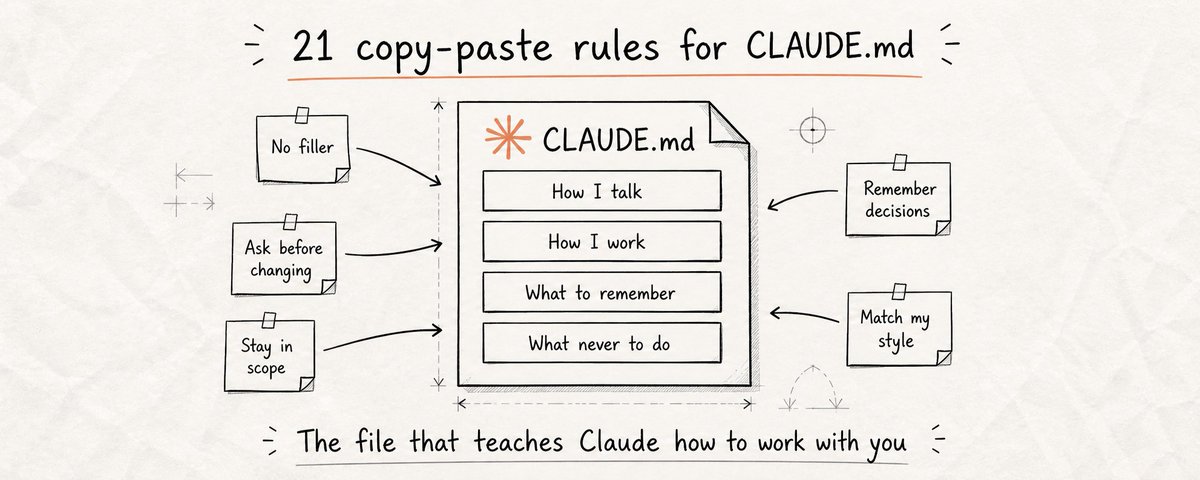
A single CLAUDE.md file just hit #1 on GitHub Trending with 82,000 stars and 7,800 forks. Most people using Claude have never heard of it. The ones who have don't know what to actually put in it. That gap is costing people hours every single week. <i>Every time you open a new Claude session, it starts with zero memory. It doesn't know your name, your work, your preferences, or how you like things done. You spend the first few minutes re-explaining everything, or you don't, and Claude gives you something that doesn't fit how you actually work. CLAUDE.md fixes this permanently.</i>
---
## Why this matters for everyone - not just developers
Most people think CLAUDE.md is a developer tool. It's not. It's an instruction file that Claude reads automatically at the start of every session and it works for anyone who uses Claude regularly. Writers use it to lock in their voice and tone so Claude never sounds like someone else. Marketers use it to define their audience so Claude stops writing generic copy. Researchers use it to set how they want information structured. Business owners use it to give Claude the full context of their company so every output fits their reality. Without CLAUDE.md, you are starting from zero every single session. You repeat yourself. You correct the same mistakes. You explain your preferences for the hundredth time. <b>CLAUDE.md is the first thing you should set up before any serious work with Claude, regardless of what you use it for.</b>
---
## How to create the file - takes 2 minutes
1. Open your project folder and create a new file. Name it exactly "CLAUDE.md" - capital letters, no spaces. It's just a plain text file with a .md extension.
1. Open it in any text editor - Notepad, TextEdit, VS Code, whatever you use. You'll paste your instructions directly into this file in plain text.
1. Copy the instructions from this article that are relevant to you. Paste them in. You don't need all 21, start with 3 or 4 that solve your biggest frustrations first.
1. Save the file. Claude Code reads it automatically every time you open a session in that folder. No setup, no extra steps - it just works from the first message.
---
## <b>How Claude Talks to You</b>
<b>1 - Kill the filler </b>Claude's default is to open every response with "Great question!", "Of course!", "Certainly!", "Absolutely!" - phrases that add nothing and waste your time. When you're using Claude for hours every day, this friction compounds. One instruction eliminates it permanently. Every response starts directly with the answer. No warmup, no performance of helpfulness - just what you asked for, immediately.
<pre><code>``` Never open responses with filler phrases like "Great question!", "Of course!", "Certainly!", "Absolutely!", "Sure!", or similar warmups. Start every response with the actual answer. No preamble, no acknowledgment of the question. Just the information. ```</code></pre>
---
<b>2 - Always show options before acting </b>Claude picks one approach and runs with it by default. You ask it to rewrite a paragraph and it changes the entire tone of the piece. You ask it to restructure a document and it reorganizes things in a way that doesn't match how you think. Now you're correcting something you didn't ask to change. This instruction changes that dynamic entirely. Before any significant task, Claude shows you 2-3 ways it could approach the work. You choose the direction that fits. What follows is what you actually wanted.
<pre><code>``` 2.Always show options before acting Claude picks one approach and runs with it by default. You ask it to rewrite a paragraph and it changes the entire tone of the piece. You ask it to restructure a document and it reorganizes things in a way that doesn't match how you think. Now you're correcting something you didn't ask to change. This instruction changes that dynamic entirely. Before any significant task, Claude shows you 2-3 ways it could approach the work. You choose the direction that fits. What follows is what you actually wanted. ```</code></pre>
---
<b>3 - Be honest when you don't know </b>Claude will give you a confident, detailed, completely wrong answer before it admits uncertainty. It fills gaps with plausible-sounding information, dates, statistics, quotes, facts, that feel true but aren't. You use that information, and the problem shows up later when it matters most. This single instruction changes that behavior. Claude flags uncertainty before answering instead of hiding it inside a confident response. "I'm not sure about this" at the top of a response saves you from building on a foundation that isn't there.