
Loop engineering is often explained in abstract terms.

Here is my concrete, current, and pragmatic implementation in a nutshell.
# What is loop engineering?
Definitions of loop engineering differ in some details, but the common building blocks seem to be these:
1. Sub-agents: Multiple specialized agents working together. One agent does the work, another verifies it independently, and a third one keeps the big picture and focuses on the goal.
1. Worktrees: Isolated workspaces, typically Git worktrees, that let multiple agents work in parallel on the same repository without file conflicts or overwriting each other's changes.
1. State: Persistent storage outside any single conversation, for example `STATE.md` or issue boards. It tracks what is done and what is next. This is essential for long-running or multi-cycle loops.
1. Skills: Persistent, codified instructions, usually in files like `SKILL.md`. They capture conventions, standards, and reusable workflows, preventing agents from re-deriving context every session.
1. Plugins and connectors (often via MCP): Integrations that connect the agent to real external tools like issue trackers, PR systems, or databases. This allows the agent to act rather than just suggest changes.
1. Automations** (scheduling/triggers): Scheduled or event-driven processes that discover tasks, triage work, and initiate execution. Examples are cron jobs, `/loop`, or GitHub Actions.
# My pragmatic setup
## Sub-agents
I use SwarmForge by @unclebobmartin, which brings the idea of different roles, realized as separate agents.
I have an Architect, which prepares the plan, an Implementer, which only changes the production code, and a Verifier, which checks the result and writes the tests. This splits the responsibilities of planning, coding, and verification.
Furthermore, I have instructions that tell agents to use sub-agents for detailed analysis or research. For example, my Architect instructions include this:
>## Research
If you require details from the code, do not read it directly. Use sub-agents instead.
If you require details from the code, do not read it directly. Use sub-agents instead.
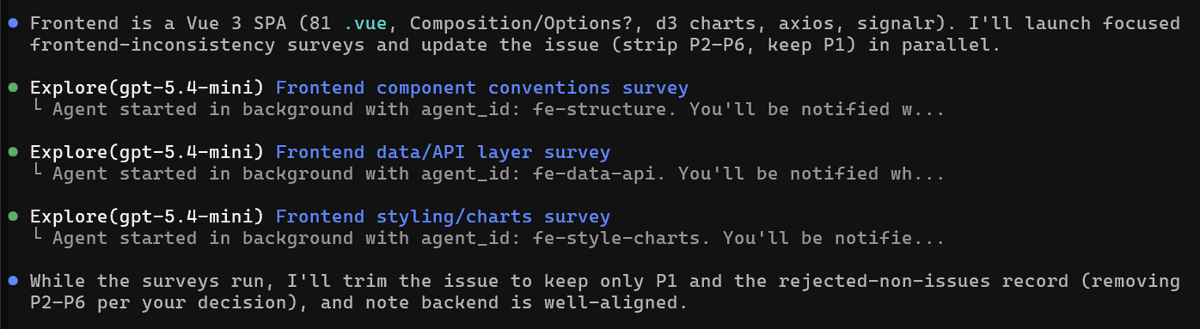
GitHub Copilot then seems to spawn temporary sub-agents automatically for different tasks, such as analysis and verification of details. When I watch my team working, I see those temporary sub-agents being used quite a bit.
## Worktrees
SwarmForge provides dedicated workspaces for each role or agent.
Generated by Thread Navigator
Press ⌘ + S to quick-export