
Most people using Claude right now are using it with its hands tied behind its back.
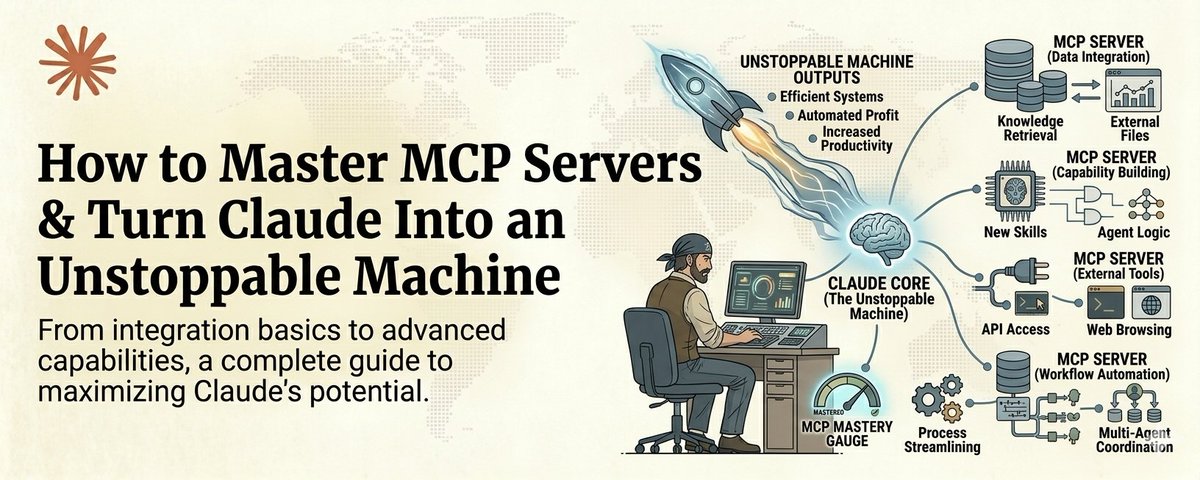
Save this :)
They type a question. They get an answer. They copy it somewhere. They go find the data themselves. They paste it into another tool. They do the integration work manually.
That is not AI leverage. That is AI with training wheels.
MCP servers are what take the training wheels off.
MCP stands for Model Context Protocol. It is the system that lets Claude reach out and interact with the real world. Read your Google Drive. Search the web with real-time data. Pull from your Slack messages. Query your databases. Access your CRM. Interact with GitHub.
Without MCP, Claude is a brain in a jar. Incredibly intelligent but completely isolated.
With MCP, Claude becomes an operator. It does not just think about your work. It does your work.
And right now, less than 5% of Claude users have set up a single MCP server.
That is an insane competitive advantage sitting right there for anyone willing to spend an afternoon learning how it works.
Here is the full course.
What MCP Actually Is (The 60-Second Version)
Think of MCP servers as plugins that give Claude superpowers.
Each MCP server connects Claude to one external system. One server for Google Drive. One for web search. One for your database. One for Slack. One for GitHub.
Once connected, Claude can read from and write to those systems directly. No copy-pasting. No tab switching. No manual data transfer.
You tell Claude "find the Q3 report in my Drive, pull the revenue numbers, compare them to the industry benchmarks online, and draft a summary for my team in Slack."
Without MCP, that is 5 separate tasks across 4 different apps and probably 30 minutes of your time.
With MCP, Claude does all of it. In seconds.
That is the difference. And it is massive.
Part 1: The 5 MCP Servers Everyone Should Install First
Generated by Thread Navigator
Press ⌘ + S to quick-export