Canvas & Ratio
Choose your destination platform format
Layout Template
Choose a content structure for your slides
Preset Themes
Typography & Sizing
Brand Kit Customization
AGENCYConfigure brand assets for headers & footers
Outro Slide CTA
Customize your closing call-to-action slide
Background Pattern
Build Your Carousel
Drag and drop any post card below onto a slide, or use the quick buttons to insert content/images instantly!

🧵 I stopped building my e-commerce UI with static HTML… and rebuilt it using JavaScript-driven rendering. It slowed everything down but the learning payoff has been massive. Here’s what changed 👇
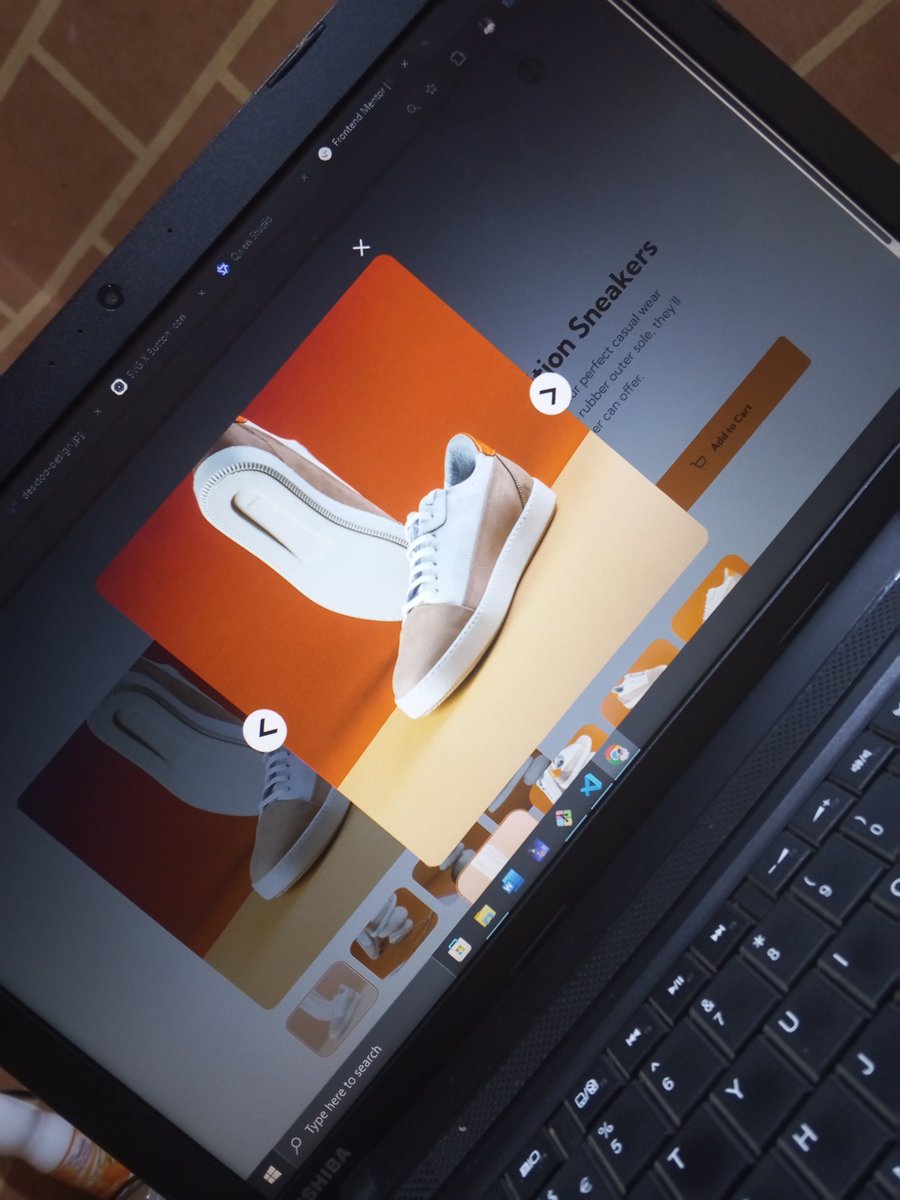


1️⃣ Initially, I built everything the “simple” way: Static HTML for product info, images, cart, and layout. It was fast. It was clean. It worked. I could’ve finished the project quickly.
2️⃣ Then I made a decision: Instead of hard-coded UI, I started rendering everything with JavaScript. No more static content. Everything became data-driven. Product info → JS Gallery → JS Cart → JS UI state → JS
3️⃣ I introduced a real data model: - product object (name, price, images, thumbnails) - state object (current image, quantity, cart) Now the UI was no longer “written in HTML”… It was “generated from state”.
4️⃣ I also grouped all DOM references into a single structure instead of scattered querySelectors everywhere. Cleaner. More controlled. More scalable.
5️⃣ Then came the shift in mindset: I stopped thinking: "Which element do I update?" And started thinking: "What does the state look like right now?" That's a completely different way of building UIs.
6️⃣ I built render functions like: - renderProductInfo() - renderThumbnails() - renderCart() + updateQuantityDisplay() Each function responsible for syncing UI with state. Everything became explicit and intentional.
7️⃣ The downside? Speed dropped. A LOT. Because now I wasn't just building UI… I was designing how UI behaves. Every feature required: state → update → render → sync → test
8️⃣ But here's what I realized: Static HTML teaches structure. JavaScript rendering teaches architecture. I wasn't just building a page anymore. I was building a system.
9️⃣ The biggest win so far: I accidentally started thinking like React. 🔹state-driven UI 🔹render functions 🔹DOM as output, not source of truth 🔹components emerging naturally I didn't plan that but it's happening.
🔟 Final thought: This shift slowed me down, yes. But it also changed how I see frontend development entirely. I'm no longer just placing elements on a page… I'm designing how UI reacts to state.
Once this project ships, I'll rebuild it in React - not to "learn React", but to see what the framework abstracts away from what I built manually. That's where the real insight will come from. 💡