Canvas & Ratio
Choose your destination platform format
Layout Template
Choose a content structure for your slides
Preset Themes
Typography & Sizing
Brand Kit Customization
AGENCYConfigure brand assets for headers & footers
Outro Slide CTA
Customize your closing call-to-action slide
Background Pattern
Build Your Carousel
Drag and drop any post card below onto a slide, or use the quick buttons to insert content/images instantly!

🚨Breaking: Someone patched GIMP to look and feel exactly like Adobe Photoshop. Same keyboard shortcuts. Same tool layout. Same everything. It's called PhotoGIMP and it's free. Here's exactly what it changes: → Every keyboard shortcut mapped to match Adobe's official Photoshop layout → Tools reorganized to match the Photoshop panel positions you already know → Canvas space maximized -- same default workspace as Photoshop → Custom splash screen and app icon so it feels like a real product → Pre-defined canvas templates matching Photoshop defaults → Works on Windows, macOS, and Linux -- installs in under a minute Here's the wildest part: Adobe Photoshop costs $600/year. GIMP is free. PhotoGIMP makes it feel like Photoshop. The only reason most designers don't switch is muscle memory every shortcut is in a different place and it feels wrong from the first click. This patch fixes that entirely. Ctrl+Z undo. Ctrl+J duplicate layer. Ctrl+T transform. All of it. Download a zip. Extract to your home folder. Done. 6.7K GitHub stars. Works with GIMP 3.0+. 100% Open Source. GPL-3.0 License. (Link in the comments)
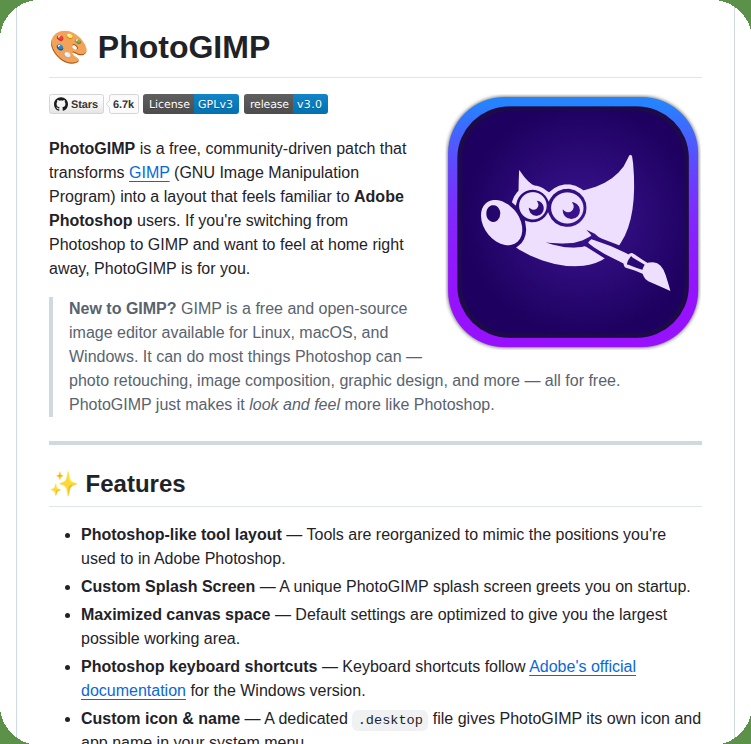
Repo link: <a target="_blank" href="https://github.com/Diolinux/PhotoGIMP" color="blue">github.com/Diolinux/Photo…</a>