Canvas & Ratio
Choose your destination platform format
Layout Template
Choose a content structure for your slides
Preset Themes
Typography & Sizing
Brand Kit Customization
AGENCYConfigure brand assets for headers & footers
Outro Slide CTA
Customize your closing call-to-action slide
Background Pattern
Build Your Carousel
Drag and drop any post card below onto a slide, or use the quick buttons to insert content/images instantly!

Claude explains complex topics better than any AI I've tested. You can use it to learn machine learning, SQL, and statistics and go from zero coding to building ML models in weeks. Here are 10 Claude prompts that teach you anything faster for free:
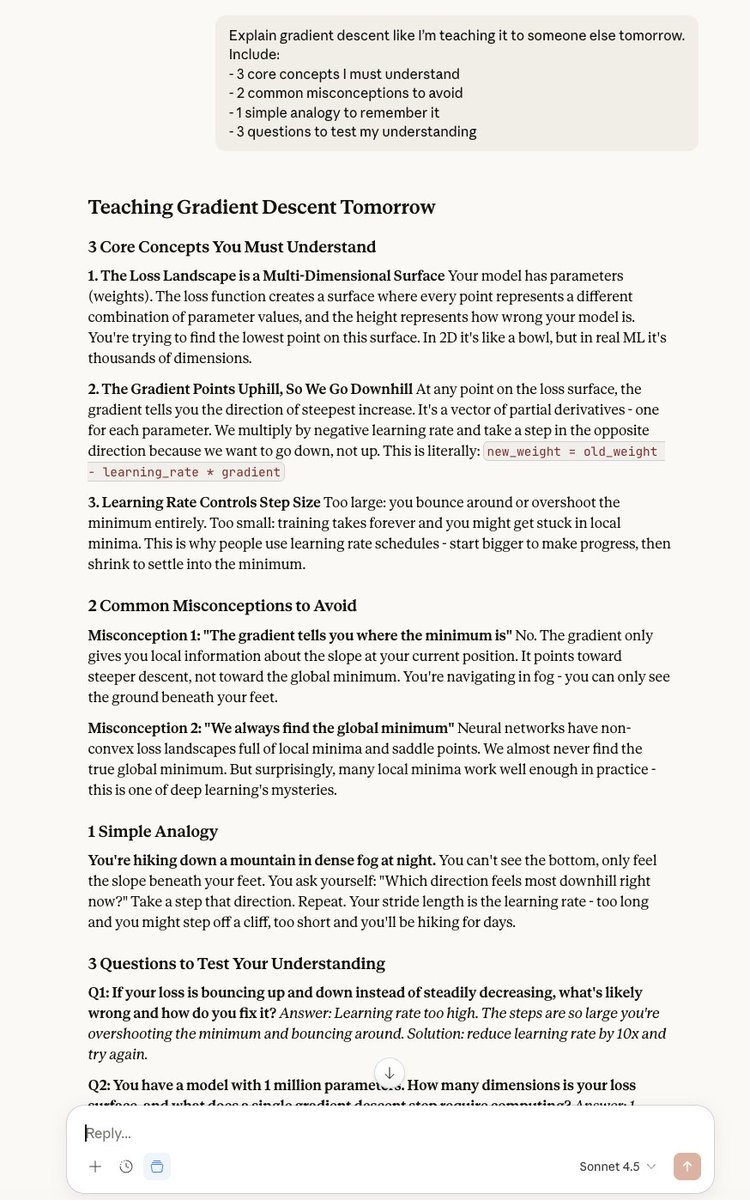
1. The Feynman Technique "Explain [topic] like I'm teaching it to someone else tomorrow. Include: 3 core concepts I must understand 2 common misconceptions to avoid 1 simple analogy to remember it 3 questions to test my understanding" Claude becomes your study partner.
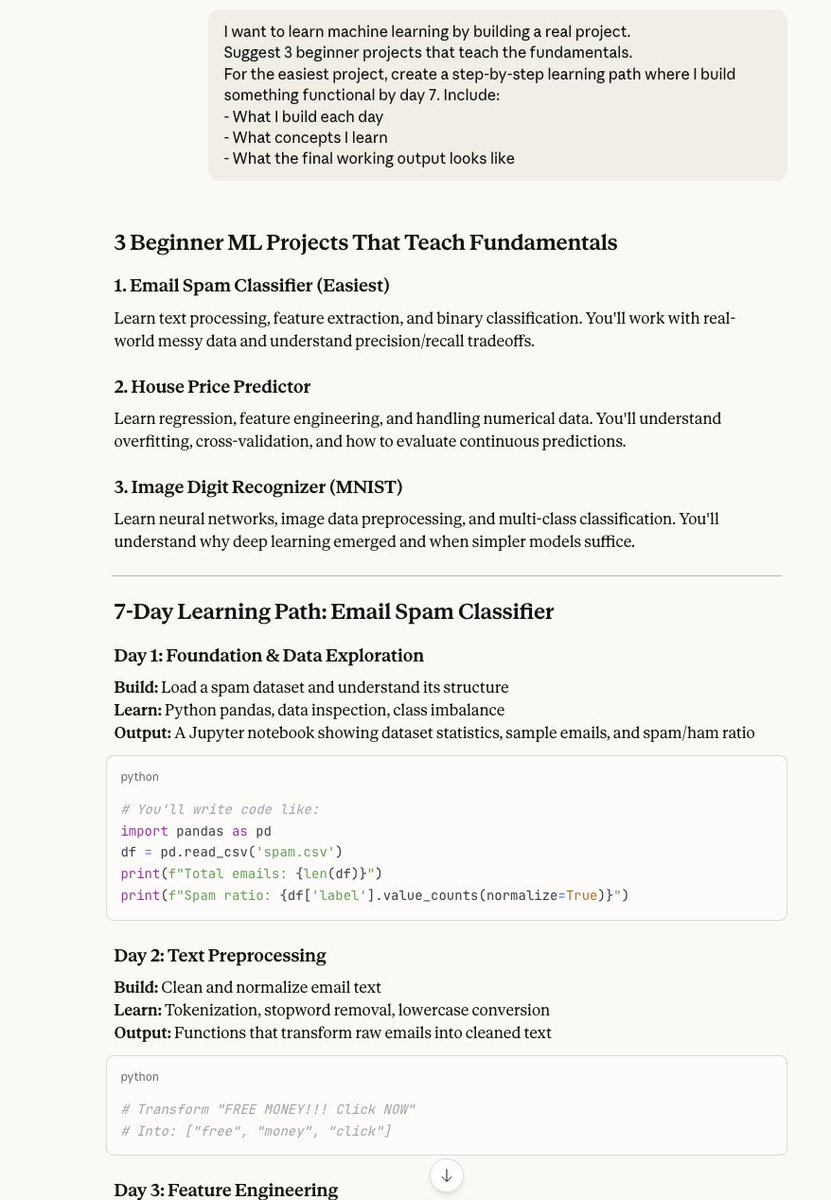
2. The Build-While-Learning Method "I want to learn [skill] by building a real project. Suggest 3 beginner projects that teach fundamentals. For the easiest one, create a step-by-step learning path where I build something functional by day 7." Theory + practice = actual skills.
3. The Gap Identifier "I'm learning [topic]. Here's what I understand: [explain your current knowledge]. Identify the gaps in my understanding and create a learning plan that fills those specific gaps first." Claude finds exactly what you're missing.

4. The Spaced Repetition System "Create a 30-day learning plan for [topic]. Each day should: Build on previous days Include one new concept Review 2 concepts from earlier End with a practical exercise Make day 1 start TODAY." Structured learning that sticks.

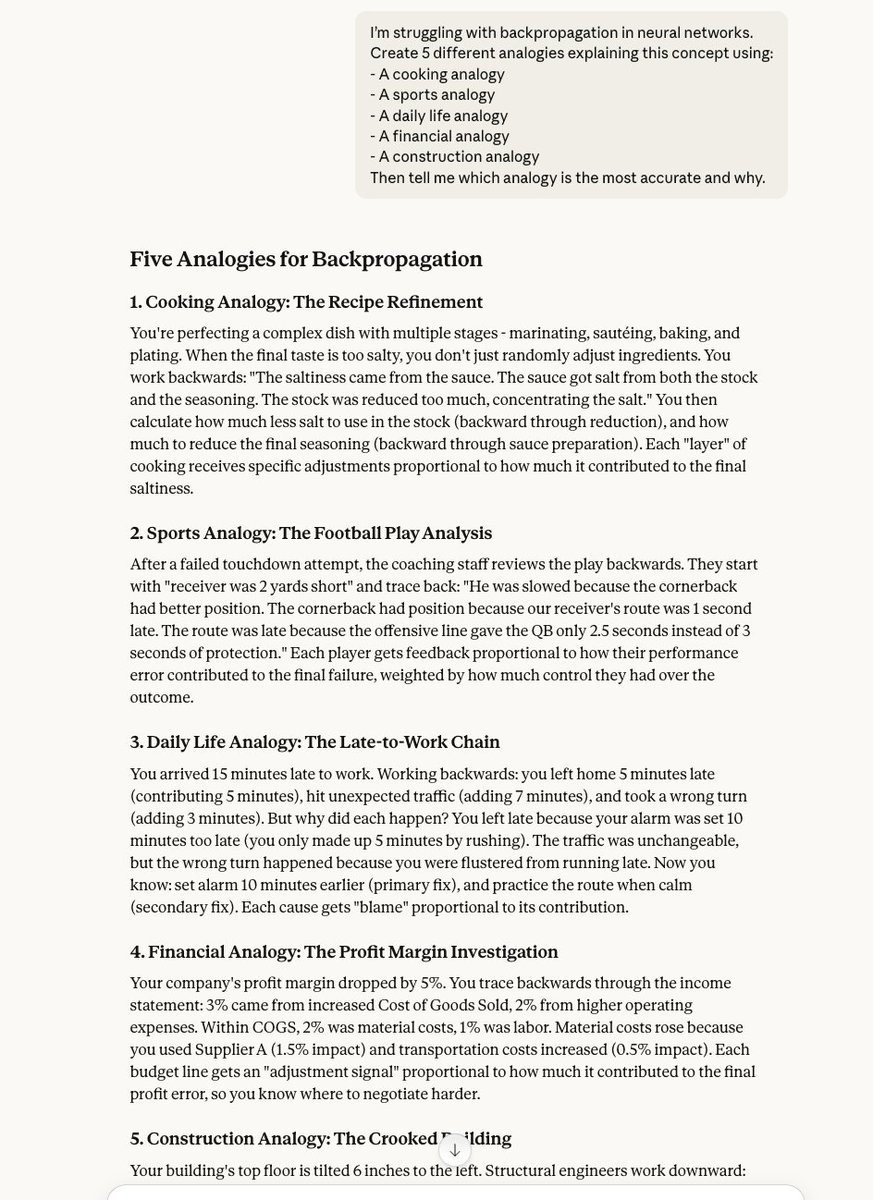
5. The Analogy Generator "I'm struggling with [difficult concept]. Create 5 different analogies explaining this concept using: A cooking analogy A sports analogy A daily life analogy A financial analogy A construction analogy Then tell me which analogy is most accurate." One will click.
6. The Error Debugger "I'm learning [topic] and I think [your understanding]. Is this correct? If not: 1. Explain what I got wrong 2. Show me the right way to think about it 3. Give me an example that proves why my thinking was wrong" Claude catches misconceptions fast.

7. The Real-World Connector "I'm learning [technical skill]. Show me 5 real-world problems this skill solves. For each problem: Describe the business/life scenario Show the before/after Explain why this skill is the solution Make it tangible, not theoretical." Context = motivation.
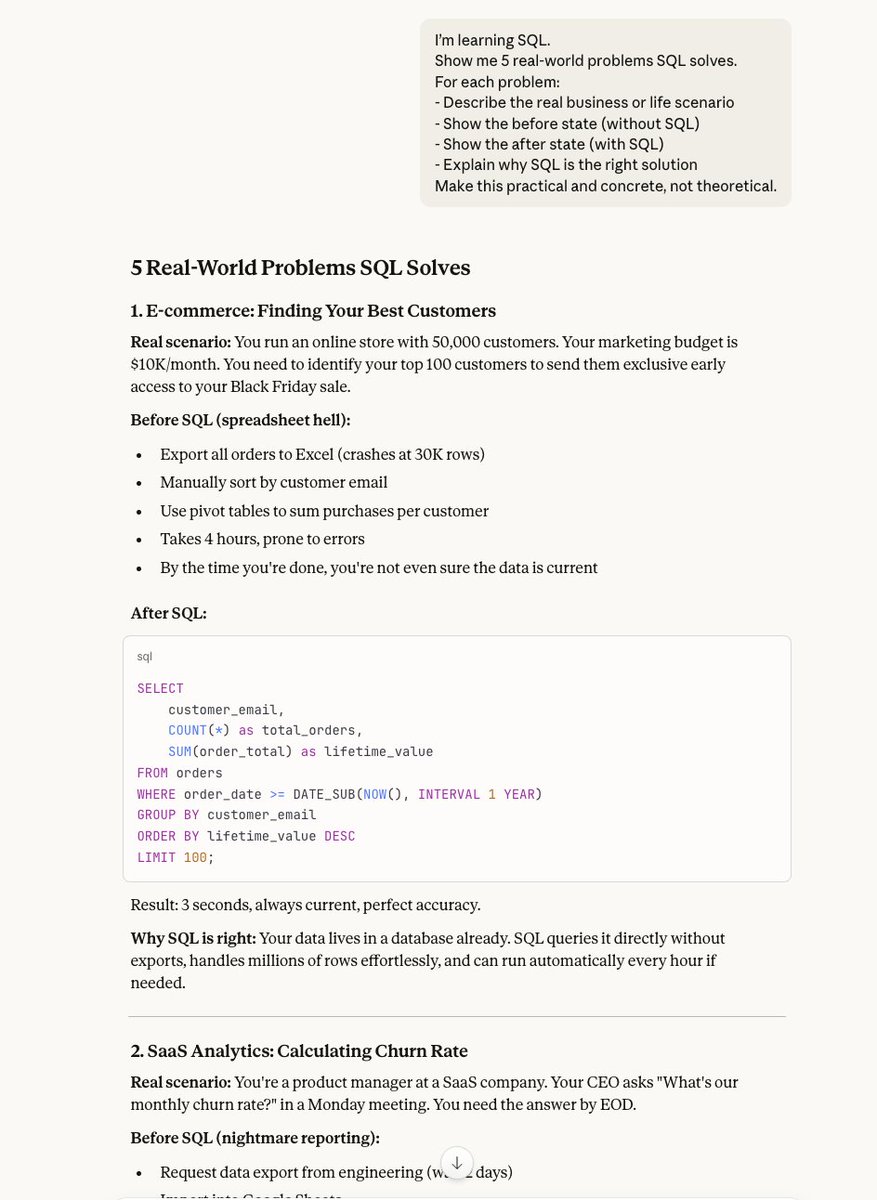
8. The Progressive Challenge "I just learned [concept]. Create a progression of 5 exercises: Trivially easy (confidence builder) Easy (reinforcement) Medium (typical use case) Hard (stretch goal) Expert (combines multiple concepts) Include solutions for self-checking." Practice makes permanent.
9. The Confusion Resolver "I'm confused about the difference between [concept A] and [concept B]. Explain: How they're similar How they're different When to use each one A side-by-side example showing both Then give me a decision framework for choosing between them." Clarity on similar concepts.
10. The Application Accelerator "I learned [skill] but I'm not sure how to use it in real projects. Give me: 3 templates I can copy-paste and modify 5 common patterns professionals use Warnings about what NOT to do A checklist for my first real implementation" From learning to doing.
Here's what makes Claude different: ChatGPT gives you information. Gemini gives you summaries. Claude gives you UNDERSTANDING. It adapts explanations to your level, creates custom learning paths, and explains concepts multiple ways until one clicks.
Pro tip: Use Claude Projects for learning. Upload: 1. Your notes 2. Exercises you've completed 3. Code you've written 4. Questions you have Claude tracks your progress across weeks and builds on what you've already learned. It's like having a tutor who remembers everything.
The framework: 1. Define what you want to BUILD (not learn) 2. Ask Claude for a project-based learning path 3. Use these 10 prompts as you hit obstacles 4. Build in public, share progress 5. Repeat Learning by building > learning by reading.
Your premium AI bundle to 10x your business → Prompts for marketing & business → Unlimited custom prompts → n8n automations → Pay once, own forever Grab it today 👇 <a target="_blank" href="https://godofprompt.ai/complete-ai-bundle" color="blue">godofprompt.ai/complete-ai-bu…</a>