Canvas & Ratio
Choose your destination platform format
Layout Template
Choose a content structure for your slides
Preset Themes
Typography & Sizing
Brand Kit Customization
AGENCYConfigure brand assets for headers & footers
Outro Slide CTA
Customize your closing call-to-action slide
Background Pattern
Build Your Carousel
Drag and drop any post card below onto a slide, or use the quick buttons to insert content/images instantly!

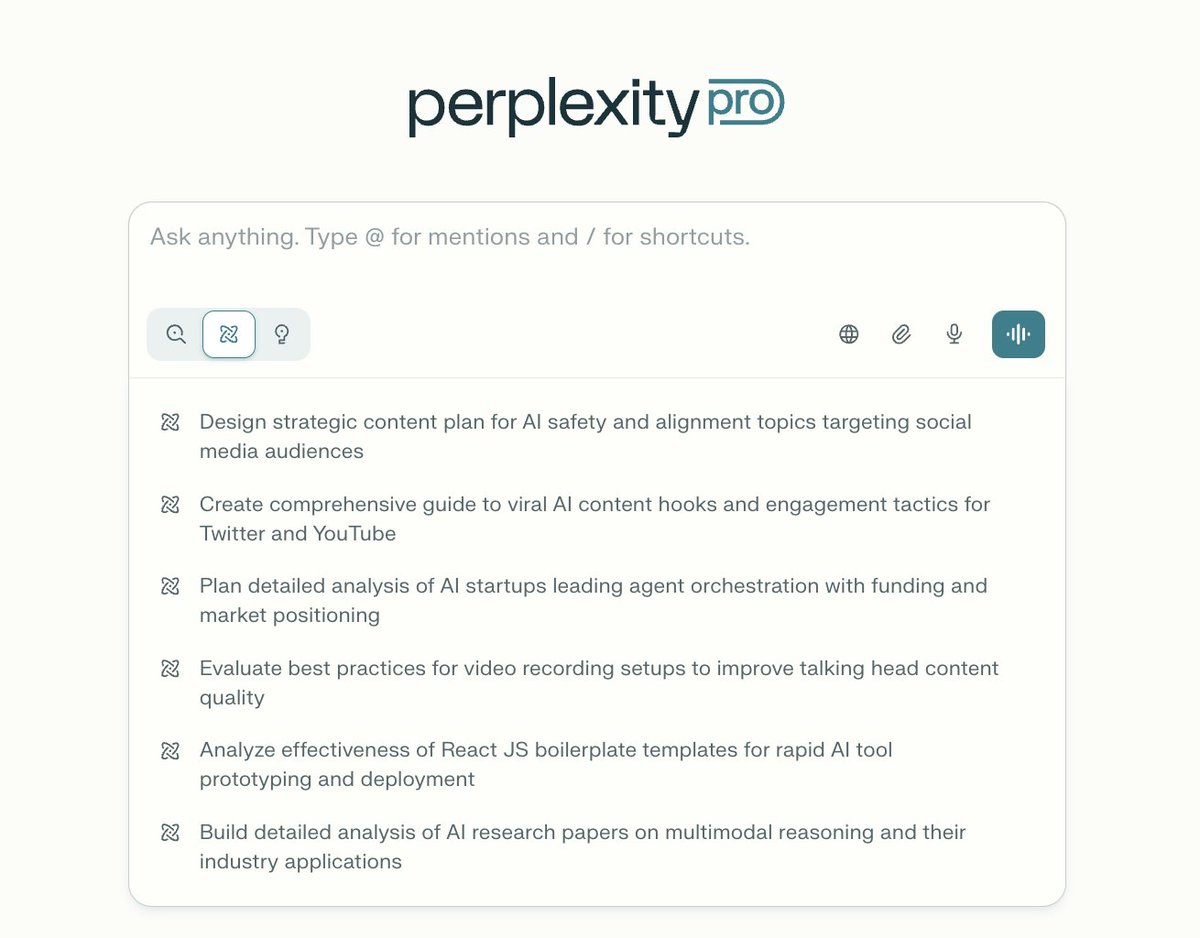
I don't get why most people don't use Perplexity for deep research. Let me show you 7 prompts that turn it into a PhD-level research assistant (and save you weeks of work):
1. The Deep Dive Prompt "Act as a PhD researcher in [field]. I need a comprehensive literature review on [topic]. Include: - Key theories and frameworks - Major studies from the last 5 years - Contrarian viewpoints - Research gaps - Citations in APA format" This forces Perplexity to go beyond surface-level summaries.

2. The Methodology Architect "I'm researching [topic]. Design a research methodology that includes: - Research questions - Data collection methods - Analysis frameworks - Potential limitations - Timeline for a 3-month study" Gets you a complete research blueprint in seconds.

3. The Citation Hunter "Find me the 10 most-cited papers on [topic] from the last 3 years. For each paper: - Main findings - Methodology used - Key authors - How it advances the field - Full citation" This is gold for literature reviews.

4. The Contrarian Finder "What are the most controversial or debated aspects of [topic]? Show me: - The mainstream position - The contrarian position - Evidence for both sides - Which experts hold which views - What's still unresolved" Reveals intellectual debates you'd miss otherwise.

5. The Gap Identifier "Analyze the current state of research on [topic]. Identify: - What we know for certain - What's still debated - What hasn't been studied yet - Emerging research directions - Practical applications that need research" Perfect for finding original research angles.

6. The Cross-Disciplinary Connector "How does [topic] intersect with [other field]? Show me: - Overlapping concepts - Studies that bridge both fields - Experts working at this intersection - Potential for new insights - Unexplored connections" This is how breakthrough research happens.

7. The Practical Synthesizer "Based on current research on [topic], create: - A 5-point executive summary - 3 actionable insights - Key data points with sources - Future research directions - Real-world applications" Turns academic research into usable knowledge.

Pro tip for all the Perplexity AI users: Chain these prompts together. Start with #1, then use #5 to find gaps, then #6 to explore new angles. Perplexity will cite everything, giving you a ready-made bibliography.
Most people: "Tell me about [topic]" PhD-level users: Strategic prompts that extract structured, cited, multi-dimensional insights The tool is the same. The results are not.
Want to automate all your research related tasks using Perplexity AI for free? Get the guide here: <a target="_blank" href="https://godofprompt.ai/perplexity-mastery-guide?utm_source=twitter&utm_medium=giveaway&utm_campaign=lead-perplexity-mg" color="blue">godofprompt.ai/perplexity-mas…</a>
I hope you've found this thread helpful. Follow me @alex_prompter for more. Like/Repost the quote below if you can: <a target="_blank" href="https://twitter.com/1657385954594762758/status/2009555095437148372" color="blue">x.com/16573859545947…</a>