Canvas & Ratio
Choose your destination platform format
Layout Template
Choose a content structure for your slides
Preset Themes
Typography & Sizing
Brand Kit Customization
AGENCYConfigure brand assets for headers & footers
Outro Slide CTA
Customize your closing call-to-action slide
Background Pattern
Build Your Carousel
Drag and drop any post card below onto a slide, or use the quick buttons to insert content/images instantly!

ChatGPT can help you create stunning presentations. Copy and paste these ChatGPT prompts to create professional presentations:
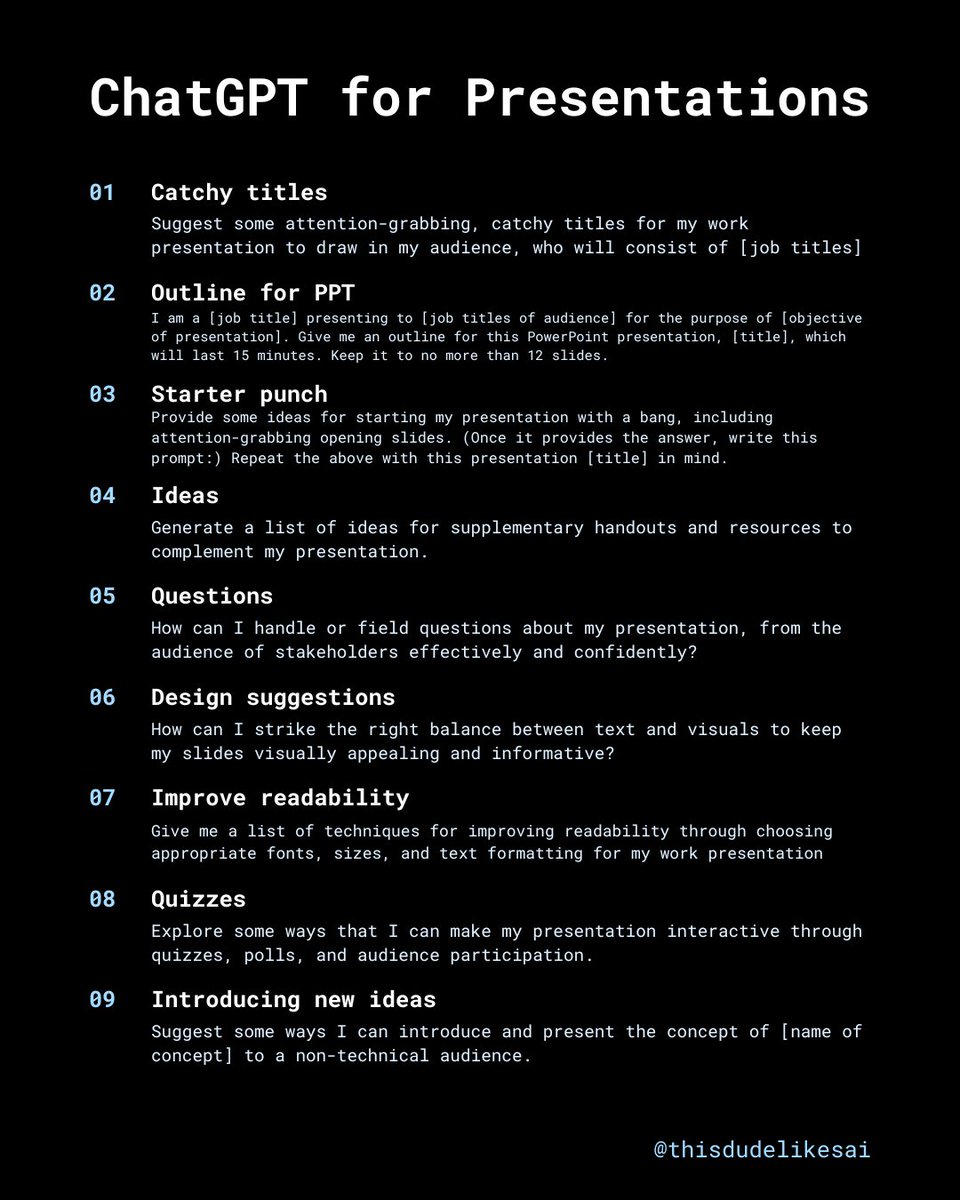
1/ Catchy titles Prompt: "Suggest some attention-grabbing, catchy titles for my work presentation to draw in my audience, who will consist of [job titles]."
2/ Outline for PPT Prompt: "I am a [job title] presenting to [job titles of audience] for the purpose of [objective of presentation]. Give me an outline for this PowerPoint presentation, [title], which will last 15 minutes. Keep it to no more than 12 slides."
3/ Starter punch Prompt: "Provide some ideas for starting my presentation with a bang, including attention-grabbing opening slides. (Once it provides the answer, write this prompt:) Repeat the above with this presentation [title] in mind."
4/ Ideas Prompt: "Generate a list of ideas for supplementary handouts and resources to complement my presentation."
5/ Questions Prompt: "How can I handle or field questions about my presentation, from the audience of stakeholders effectively and confidently?"
6/ Design suggestions Prompt: "How can I strike the right balance between text and visuals to keep my slides visually appealing and informative?"
7/ Improve readability Prompt: "Give me a list of techniques for improving readability through choosing appropriate fonts, sizes, and text formatting for my work presentation."
8/ Quizzes Prompt: "Explore some ways that I can make my presentation interactive through quizzes, polls, and audience participation."
9/ Introducing new ideas Prompt: "Suggest some ways I can introduce and present the concept of [name of concept] to a non-technical audience."
10/ Main points Prompt: "What key points should I cover in a presentation about [name of topic]?"
11/ Relevant topic Prompt: "Provide a list of topic-relevant icebreakers that I can use to kick off my presentation on [name of topic], which will be suitable for the 30 team members who will be attending."
12/ Storytelling Prompt: "Suggest some ways I can include storytelling in my presentation."
AI is not going to take your job. Instead, it's going to make you rich and help you build businesses online. You need to know the best tools, and that's all. We can help you find the best business AI tools. Check our tools directory today: <a target="_blank" href="https://aimarketing.directory" color="blue">aimarketing.directory</a>
I hope this was helpful to you. I post AI tools, AI industry news, and AI business related content. If you're interested in such posts: 1. Follow me at @thisdudelikesai 2. Repost the post to help others Thanks for checking... <a target="_blank" href="https://twitter.com/1251160508876460033/status/2000935327666725254" color="blue">x.com/12511605088764…</a>