Canvas & Ratio
Choose your destination platform format
Layout Template
Choose a content structure for your slides
Preset Themes
Typography & Sizing
Brand Kit Customization
AGENCYConfigure brand assets for headers & footers
Outro Slide CTA
Customize your closing call-to-action slide
Background Pattern
Build Your Carousel
Drag and drop any post card below onto a slide, or use the quick buttons to insert content/images instantly!

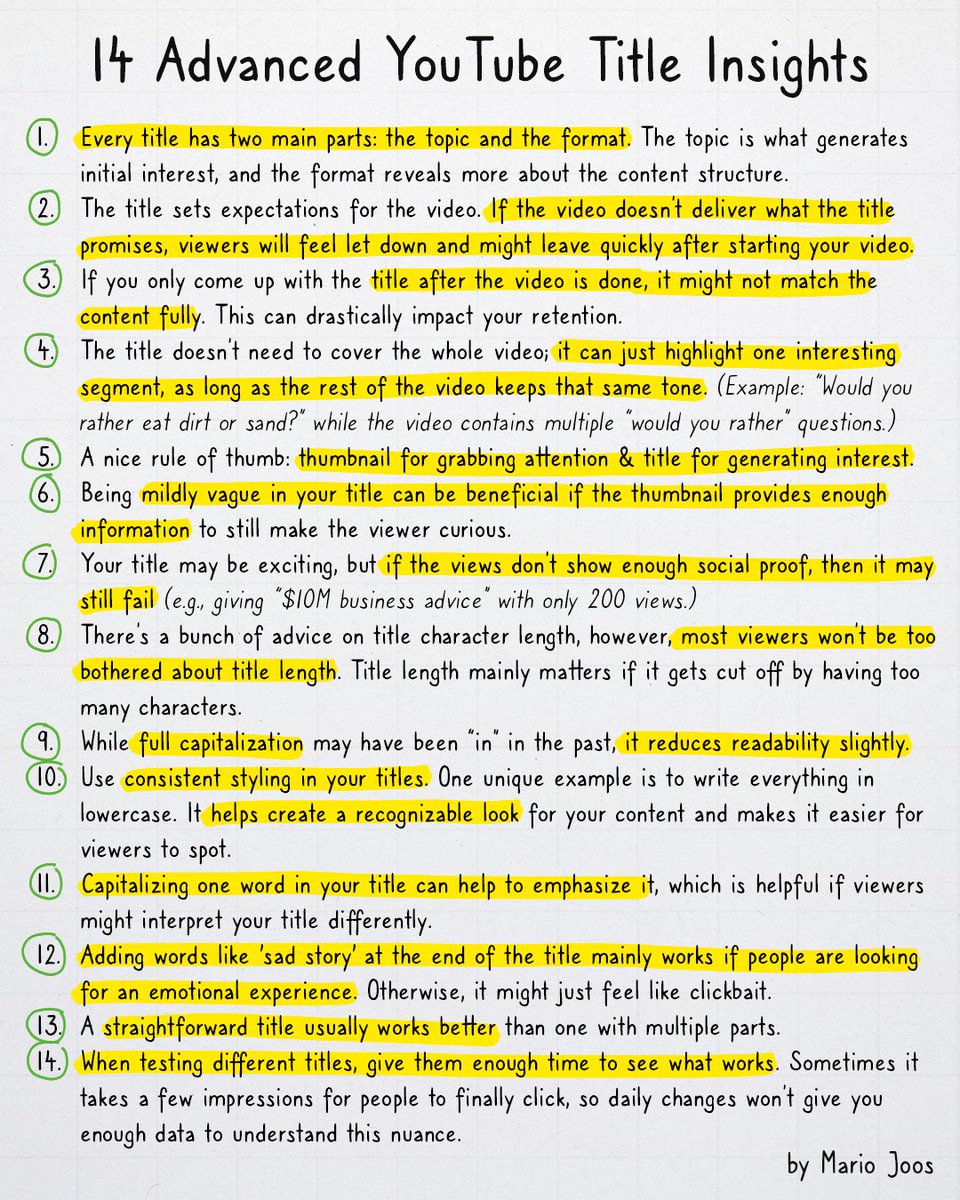
If you wanna improve your YouTube titles, here’s 14 insights that can help with this. 1. Every title has two main parts: the topic and the format. The topic is what generates initial interest, and the format reveals more about the content structure. Make sure both are clear and have data to support their viral potential. 2. The title sets expectations for the video. If the video doesn’t deliver what the title promises, viewers will feel let down and might leave quickly after starting your video (the algorithm can take this as a bad signal). 3. If you only come up with the title after the video is done, it might not match the content fully. This can impact your retention. Think about the title early on to stay aligned with your content. (The title is often the first thing to lock in.) 4. The title doesn’t need to cover the whole video; it can just highlight one interesting segment, as long as the rest of the video keeps that same tone. (Example: “Would you rather eat dirt or sand?” while the video contains multiple “would you rather” questions.) 5. People often think thumbnails are the main reason for clicks, but it’s actually the title that drives them to watch. A nice rule of thumb: thumbnail for grabbing attention & title for generating interest. 6. Being mildly vague in your title can be beneficial if the thumbnail provides enough information to still make the viewer curious. 7. Your title may be exciting, but if the views don’t show enough social proof, then it may still fail (e.g., giving “$10M business advice” with only 200 views.) People might doubt your credibility. 8. There’s a bunch of advice on title character length, however, most viewers won’t be too bothered about title length. Title length mainly matters if it gets cut off by having too many characters. 9. While full capitalization may have been “in” in the past, it reduces readability. However, this may come at the benefit that the thumbnail unintentionally may have a larger impact as there’ll be less focus on the title’s message. 10. Use consistent styling in your titles. One unique example is to write everything in lowercase. It helps create a recognizable look for your content and makes it easier for viewers to spot. 11. Capitalizing one word in your title can help to emphasize it, which is helpful if viewers might interpret your title differently. Typically, you’d capitalize the topic in which they may find interest. 12. Adding words like 'sad story' at the end of the title mainly works if people are looking for an emotional experience. Otherwise, it might just feel like clickbait. 13. A straightforward title usually works better than one with multiple parts. Don’t make viewers work too hard to figure out what the video is about. 14. When testing different titles, give it enough time to see what works. Sometimes it takes a few impressions for people to finally click, so daily changes won’t give you enough data to understand this. Even if you don’t use all of these tips, they’re worth considering when making YouTube titles.