Canvas & Ratio
Choose your destination platform format
Layout Template
Choose a content structure for your slides
Preset Themes
Typography & Sizing
Brand Kit Customization
AGENCYConfigure brand assets for headers & footers
Outro Slide CTA
Customize your closing call-to-action slide
Background Pattern
Build Your Carousel
Drag and drop any post card below onto a slide, or use the quick buttons to insert content/images instantly!

Today we're launching new ways to learn in Claude Code and the Claude app. First up: Claude Code now lets you customize communication styles with /output-style
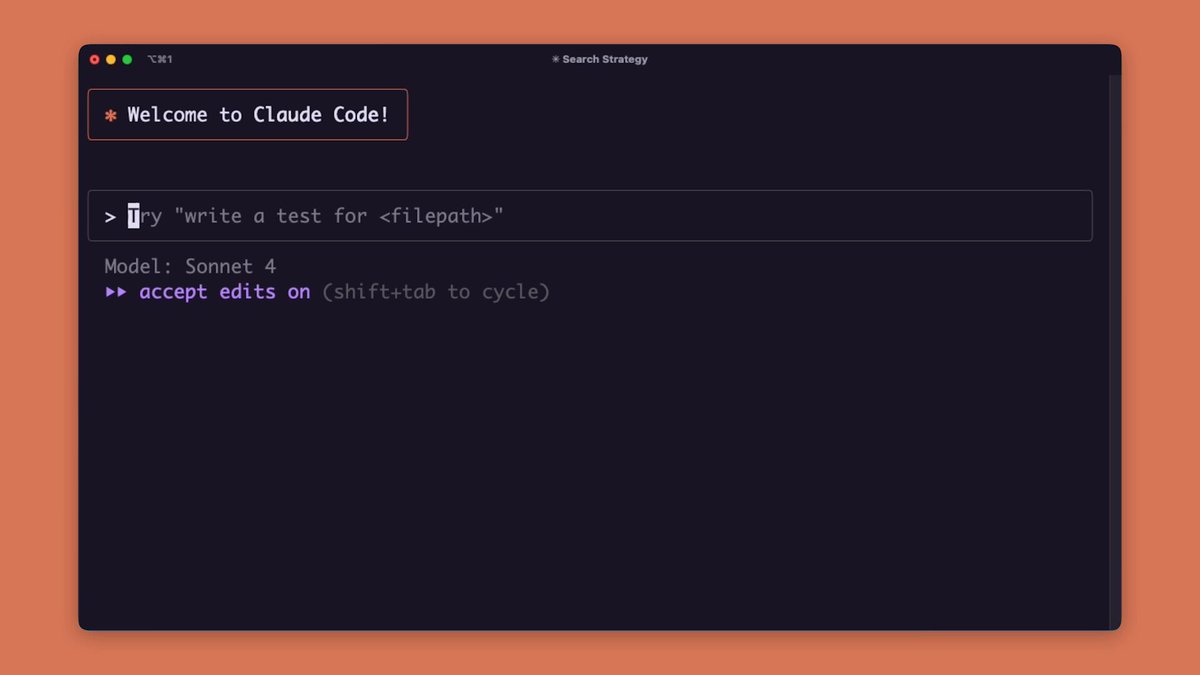
We're introducing two output styles to help students and developers build skills: - Explanatory: Claude explains its reasoning step-by-step - Learning: You take turns coding with Claude
Use 'Explanatory' for Claude to go deeper on what it's doing and why—it shares the reasoning behind architectural decisions, explains tradeoffs, and teaches you best practices as it codes.
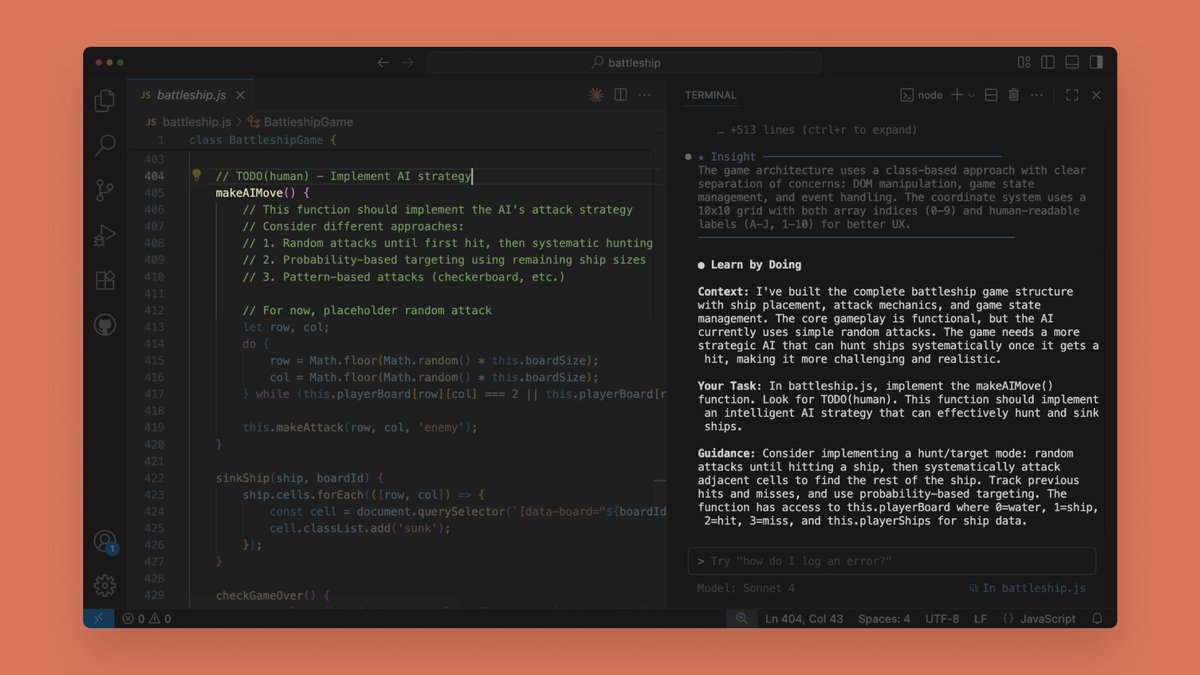
Use 'Learning' for Claude to occasionally pause and ask you to code some of the to-do tasks. It's like pair programming with a mentor that helps you learn while getting real work done. Learn more: <a target="_blank" href="https://docs.anthropic.com/en/docs/claude-code/output-styles" color="blue">docs.anthropic.com/en/docs/claude…</a>
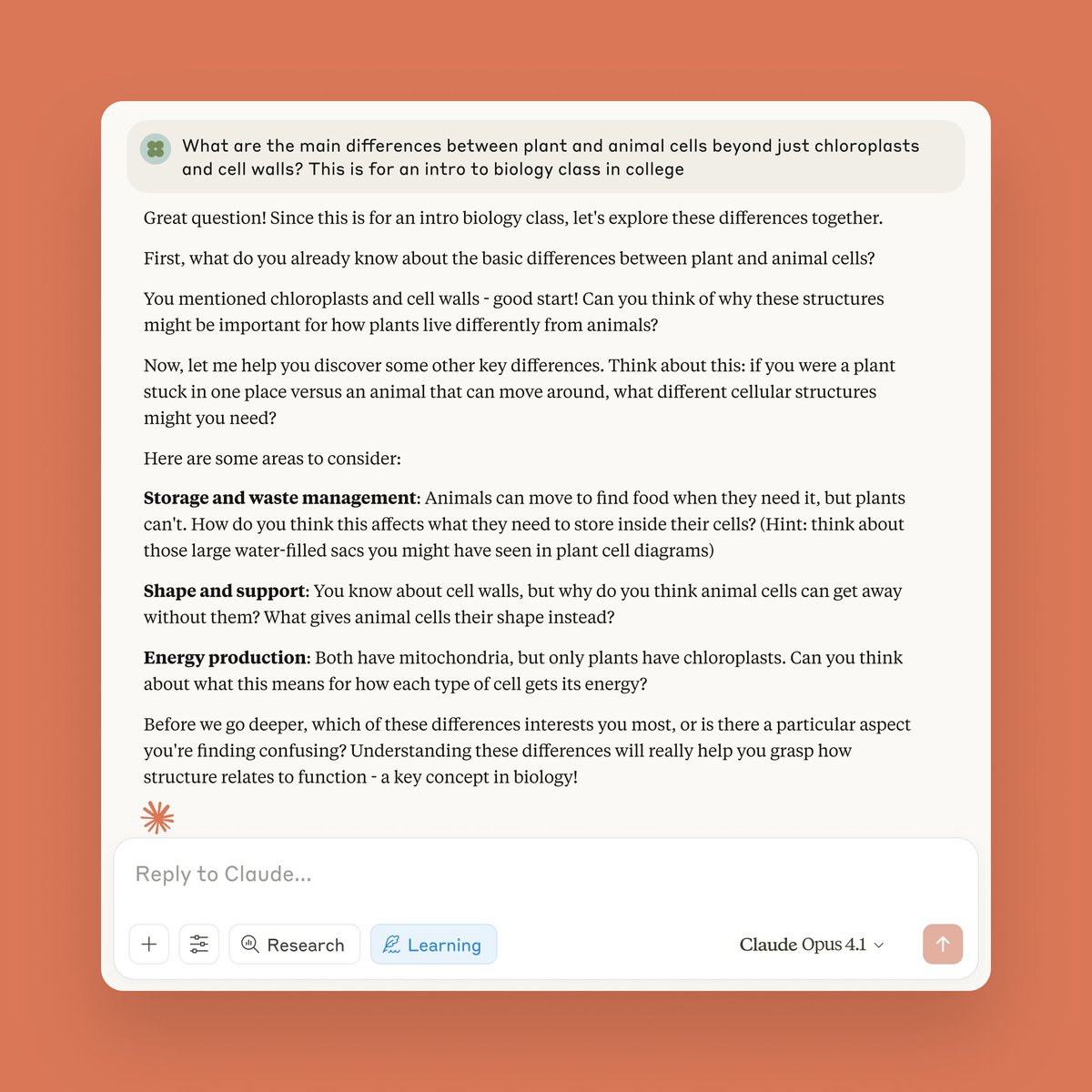
And for all app users: We're bringing our 'Learning' style (first introduced in Claude for Education) to everyone. Select the 'Learning' style in any chat to have Claude guide you through hard concepts rather than providing immediate answers.