Canvas & Ratio
Choose your destination platform format
Layout Template
Choose a content structure for your slides
Preset Themes
Typography & Sizing
Brand Kit Customization
AGENCYConfigure brand assets for headers & footers
Outro Slide CTA
Customize your closing call-to-action slide
Background Pattern
Build Your Carousel
Drag and drop any post card below onto a slide, or use the quick buttons to insert content/images instantly!

Let's compare DeepSeek-R1 and OpenAI-o1 using RAG:
DeepSeek-R1 delivers OpenAI-o1 level intelligence at 90% less cost. Today, we build a Streamlit app to compare and evaluate them using RAG. Tech stack: - @Llama_Index for orchestration - @Cometml Opik for evaluation - @Streamlit for the UI Let's go! 🚀

The architecture presented below illustrates some of the key components & how they interact with each other! For those who are new, I've provided detailed descriptions & code for each component.

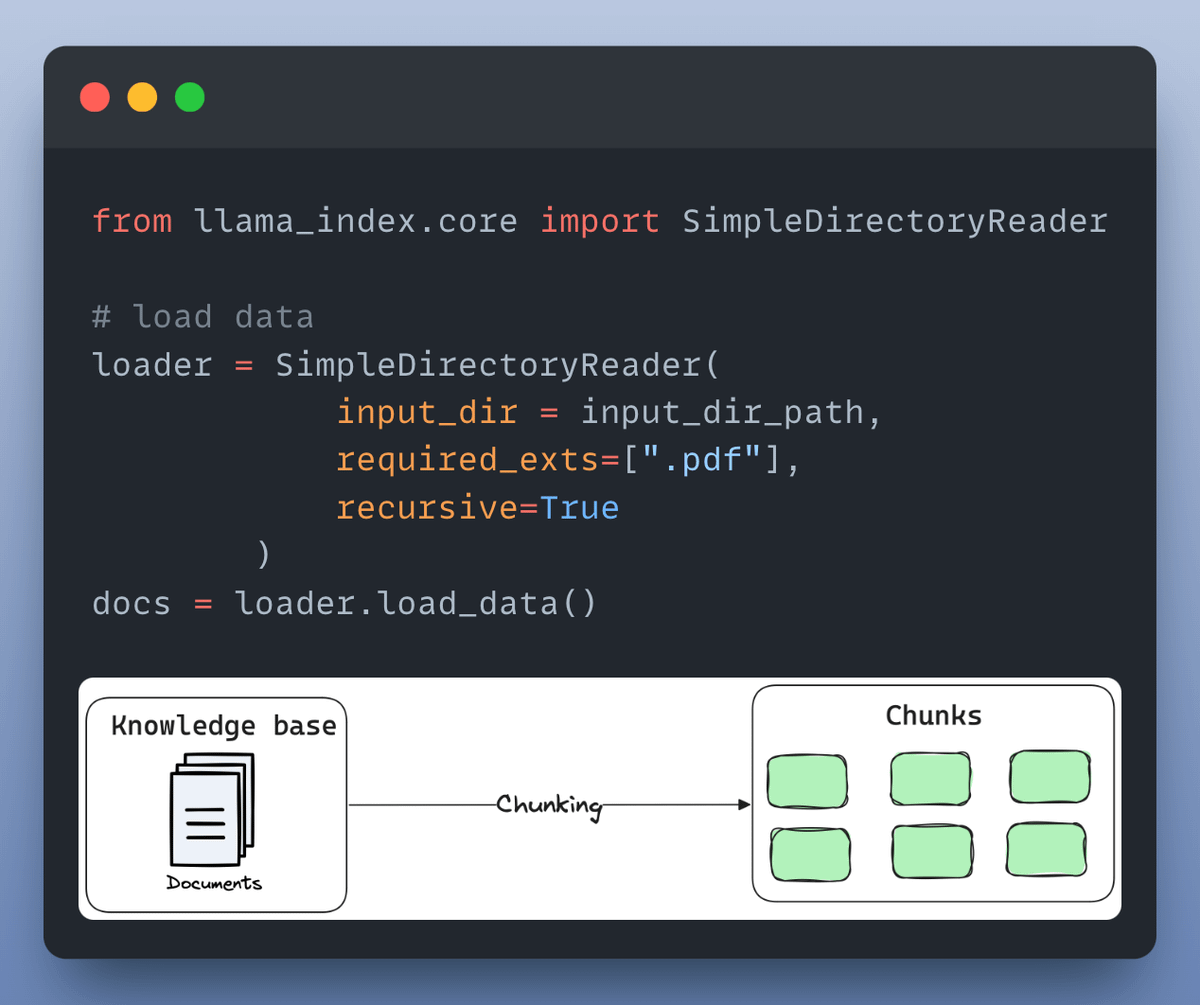
1️⃣ & 2️⃣ : Loading the knowledge base A knowledge base is a collection of relevant and up-to-date information that serves as a foundation for RAG. In our case it's the docs stored in a directory. Here's how you can load it as document objects in LlamaIndex:
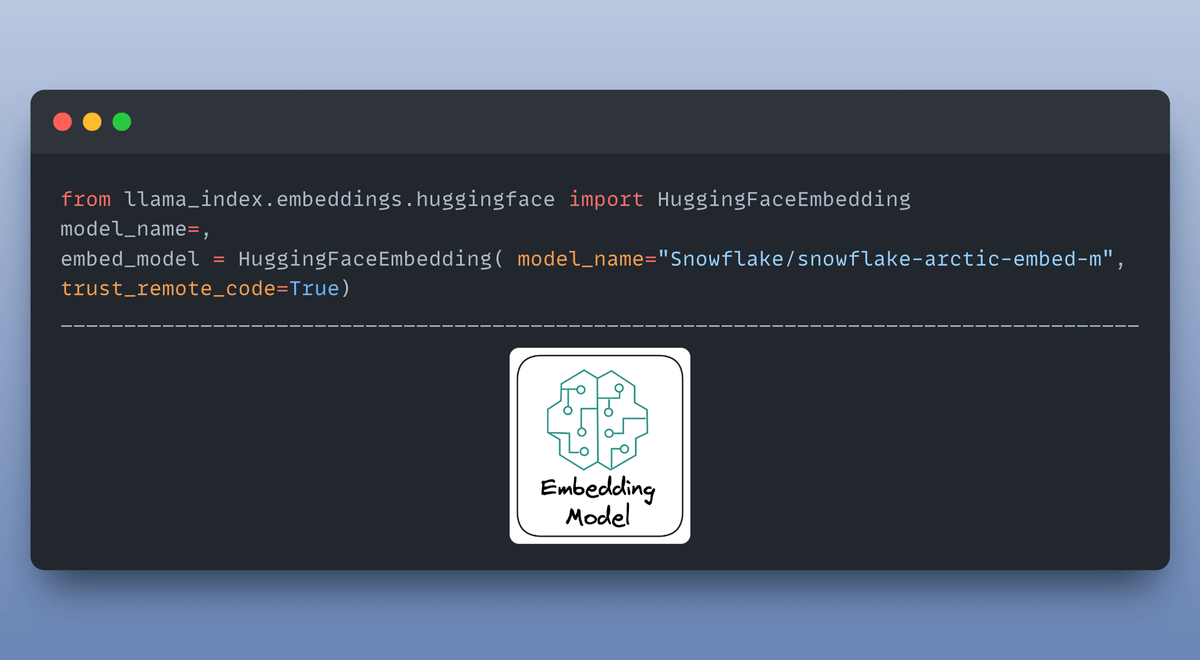
3️⃣ The embedding model The embedding model Embedding is a meaningful representation of text in form of numbers. The embedding model is responsible for creating embeddings for the document chunks & user queries.
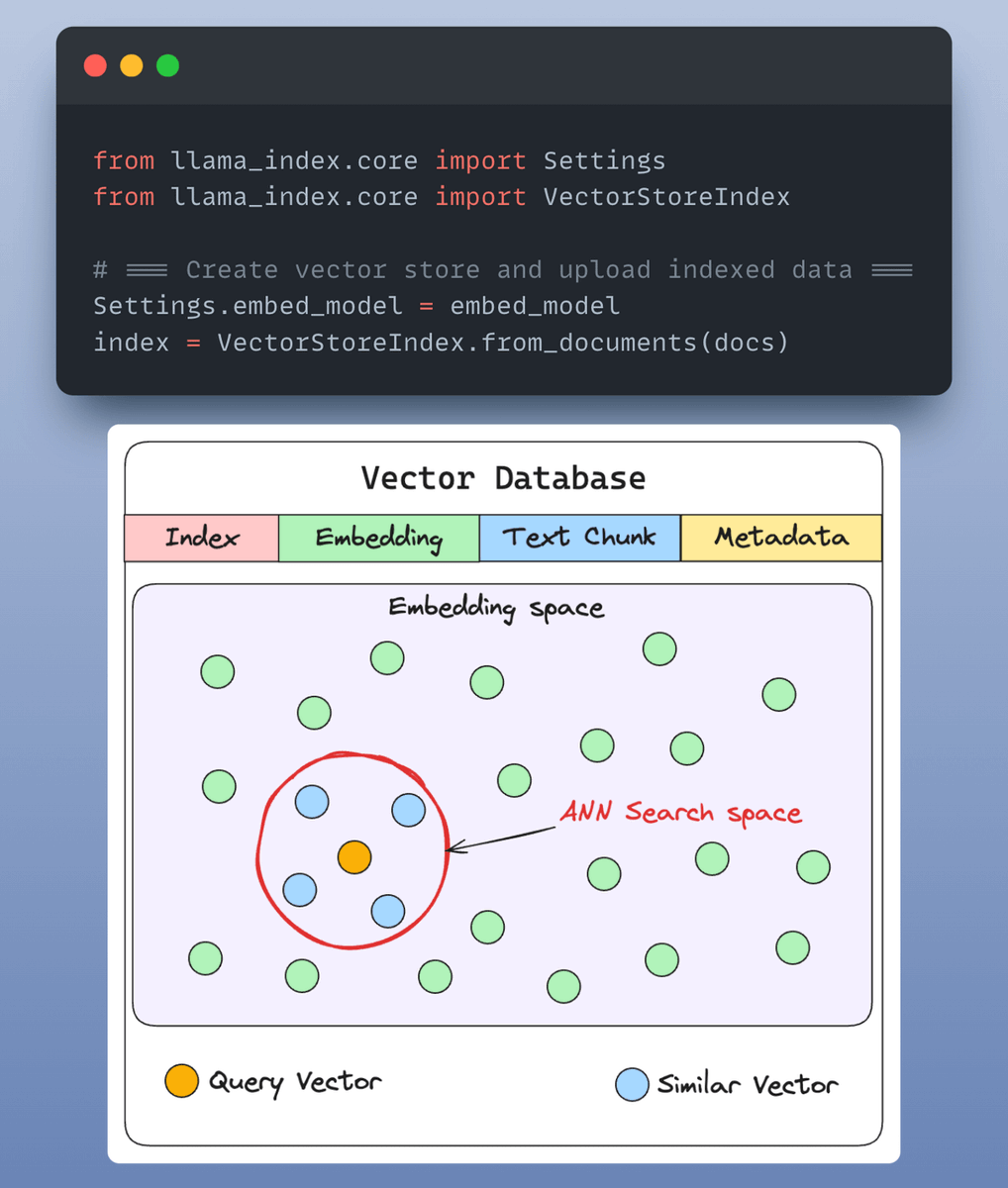
4️⃣ Indexing & storing Embeddings created by embedding model are stored in a vector store that offers fast retrieval and similarity search by creating an index over our data. By default, LlamaIndex provides a in-memory vector store that’s great for quick experimentation.
5️⃣ Creating a prompt template Creating a prompt template A custom prompt template is use to refine the response from LLM & include the context as well:
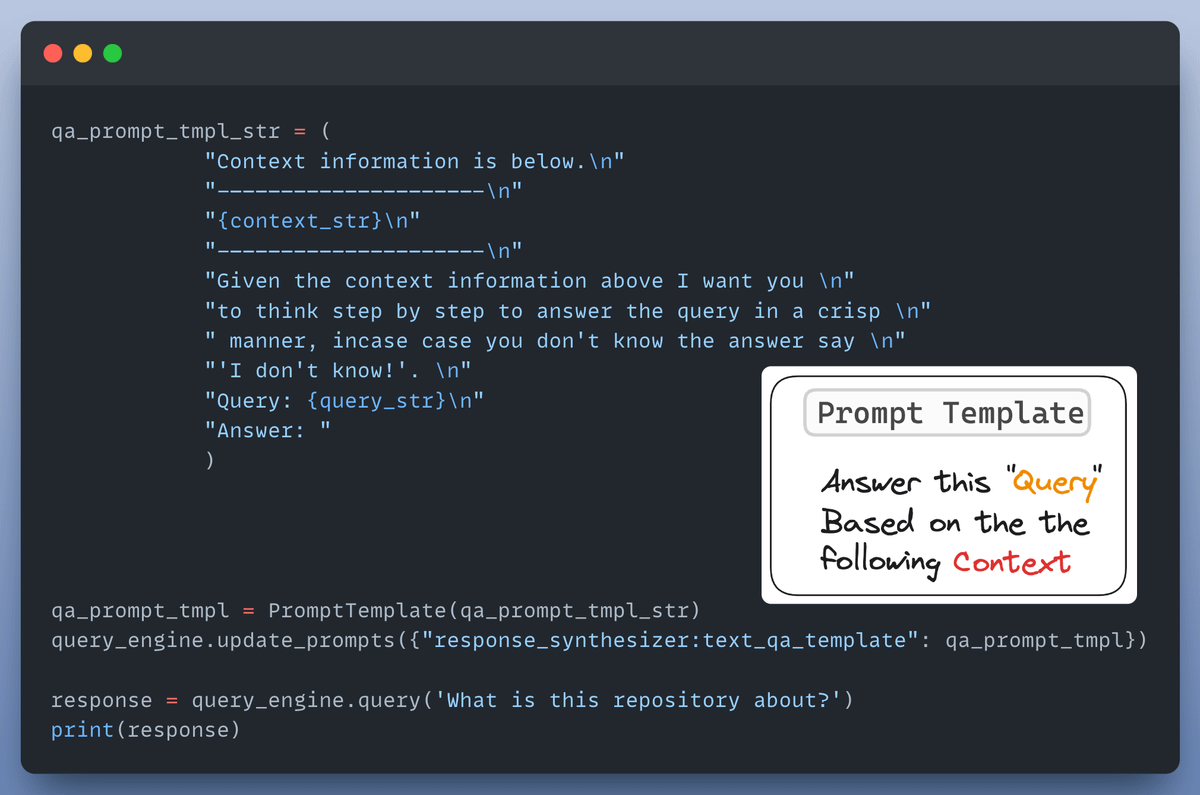
6️⃣ Setting up a query engine The query engine takes a query string & use it to fetch relevant context and then sends them both as a prompt to the LLM to generate a final natural language response. Here's how you set it up:

8️⃣ The Chat interface We create a UI using Streamlit to provide a chat interface for our RAG application. The code for this & all we discussed so far is shared in the next tweet! Check this out👇

Finally, we will conduct a proper evaluation. For this, we'll use @Cometml's Opik, a 100% open-source platform for evaluation and observability. I have shared a notebook where you'll find all the code for this evaluation.

I used @LightningAI ⚡️ Studio for developing this application! The studio reads like a blog, encapsulating all my code & environment to run it! Clone a FREE studio now & take it for a spin...👇 <a target="_blank" href="https://lightning.ai/akshay-ddods/studios/compare-deepseek-r1-and-openai-o1-using-rag?view=public§ion=featured" color="blue">lightning.ai/akshay-ddods/s…</a>
If you're interested in: - Python 🐍 - Machine Learning 🤖 - AI Engineering ⚙️ Find me → @akshay_pachaar ✔️ Cheers! 🥂