Canvas & Ratio
Choose your destination platform format
Layout Template
Choose a content structure for your slides
Preset Themes
Typography & Sizing
Brand Kit Customization
AGENCYConfigure brand assets for headers & footers
Outro Slide CTA
Customize your closing call-to-action slide
Background Pattern
Build Your Carousel
Drag and drop any post card below onto a slide, or use the quick buttons to insert content/images instantly!

Kids today are banking $9,000/month with Pinterest Automation. Meanwhile, their parents are making less than $2,000/month. Here are 4 steps to start with Pinterest Automation (even if you know nothing):
Reminder: Make sure to read this thread until the end because I have a surprise for you. In the meantime, here are the 4 simple steps to follow:
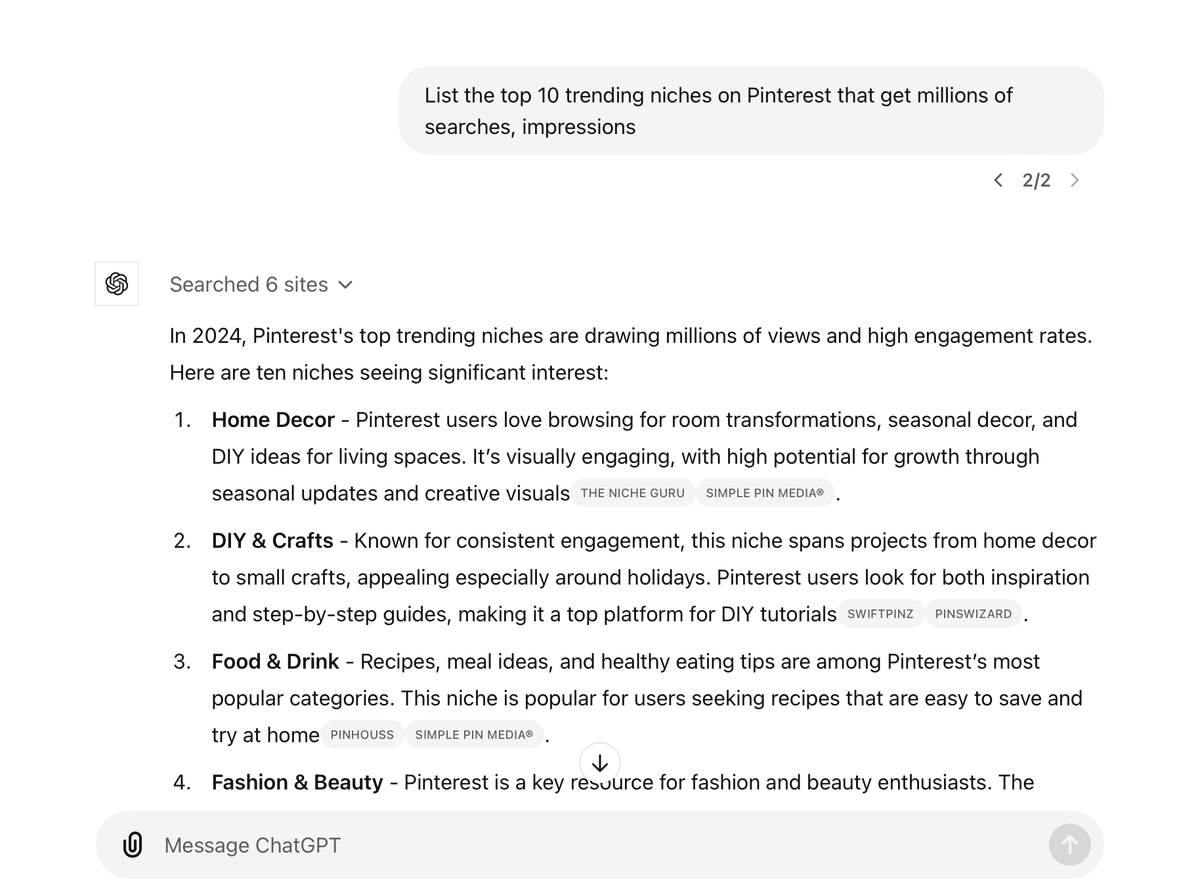
1/ Go to Chat GPT Once you're on Chat GPT, paste this message: "List the top 10 trending niches on Pinterest that get millions of searches, impressions" For this example, I’m going to choose the Home Decor

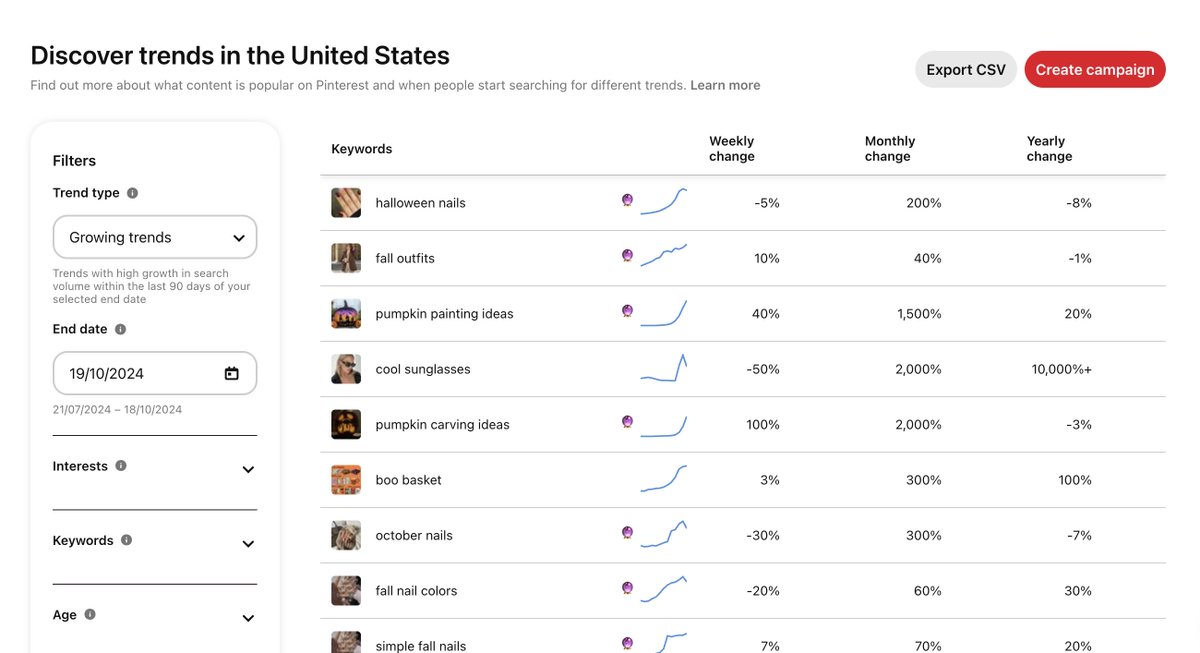
1.1/ Go to Pinterest trends You can also go to trends (dot) pinterest (dot) com Search and discover latest growing trends
2/ Go to Pin Maker - <a target="_blank" href="http://getpinmaker.com" color="blue">getpinmaker.com</a> Enter the niche you selected and generate top trending titles on Pinterest PS: You can choose from them or use your own Wondering how to turn this title into money? Read the next step

3/ Publish Article on Wordpress After selecting the title, click on "Generate Article". This will generate a fully SEO optimised Pinterest style article in minutes. And with one click, publish to your Wordpress blog. Here's the article I generated in just 3 min: <a target="_blank" href="https://luxelvy.com/2024/10/28/bedroom-transformations-5k3j2h8mvn/" color="blue">luxelvy.com/2024/10/28/bed…</a>
4/ Create Pinterest Pins Using the same tool, enter the above title and click "Generate Pins". It will create beautifully looking, high conversion Pins along with SEO description, tags. Now, all you need to do is publish them onto Pinterest (you can do this even if you have 0 followers) And in the next step, I’ll explain how much this can earn you:

Result: Anyone searching for home decor will find your pins. And every time they click on a pin, you’ll earn up to $6 per 1000 impressions (using Adsence or Mediavine. Add hydro for double money earnings)
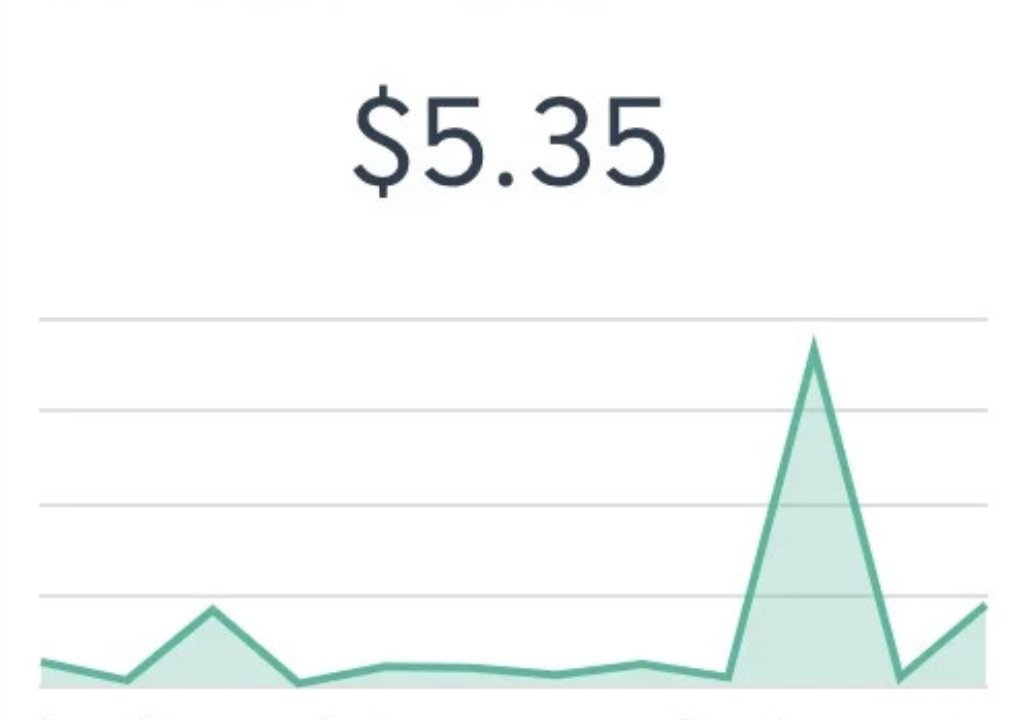
Step 5: Simply repeat this process with dozens of articles and pins until you reach the $100 mark a day. You can also create articles and pins in different languages to earn even more commissions. To optimize your visibility, you can follow the strategies I share everyday.
Pinterest really works, so don't hesitate to ask me your questions in the comments section 👇😉
🚨To win a FREE access to Pin Maker (worth $100), follow these 3 simple steps: -Post a Like on this thread ❤️ -Retweet this thread 🔁 -Add a comment of at least 5 words related to this topic 📝