Canvas & Ratio
Choose your destination platform format
Layout Template
Choose a content structure for your slides
Preset Themes
Typography & Sizing
Brand Kit Customization
AGENCYConfigure brand assets for headers & footers
Outro Slide CTA
Customize your closing call-to-action slide
Background Pattern
Build Your Carousel
Drag and drop any post card below onto a slide, or use the quick buttons to insert content/images instantly!

Today I will be talking about how to crack your own old games, ones old enough to drink and drive 🧵
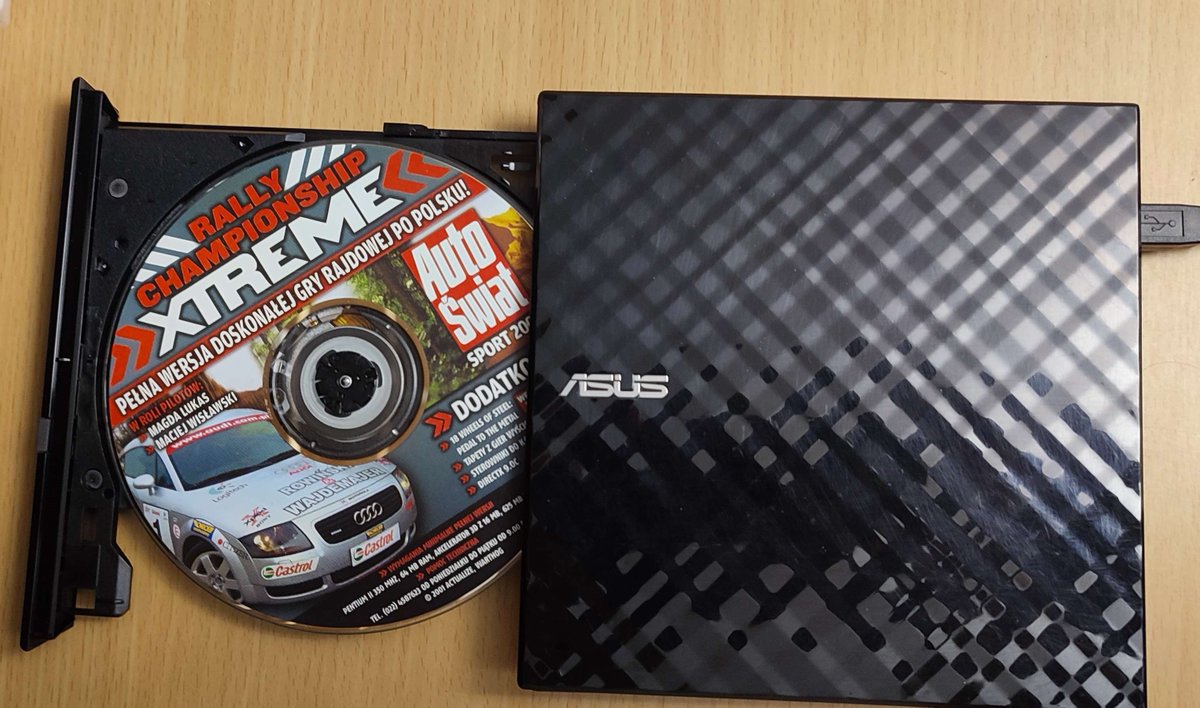
I loved rally games as a kid. You might not remember this, but games used to come on CD and DVD disks, and magazines would often bundle disks with one full game and demo versions of others (another extinct thing). And a special installer, you don't see that much anymore either.

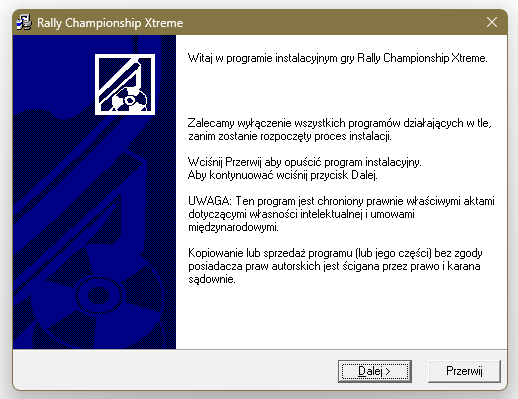
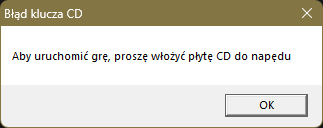
After 10 minutes of loading the actual installer through a slow USB disk reader (these used to be built into the tower under your desk!) let's double click the new shortcut and... "CD key error / To launch the game, please insert the CD into the drive" But it's in already! (heh)
Thankfully, we're a CS major and we know about a wonderful tool the NSA made to hack American taxpayers' programs. It's called Ghidra, and we can use it to read the raw machine code of an .exe file, analyze it and change it as we wish.
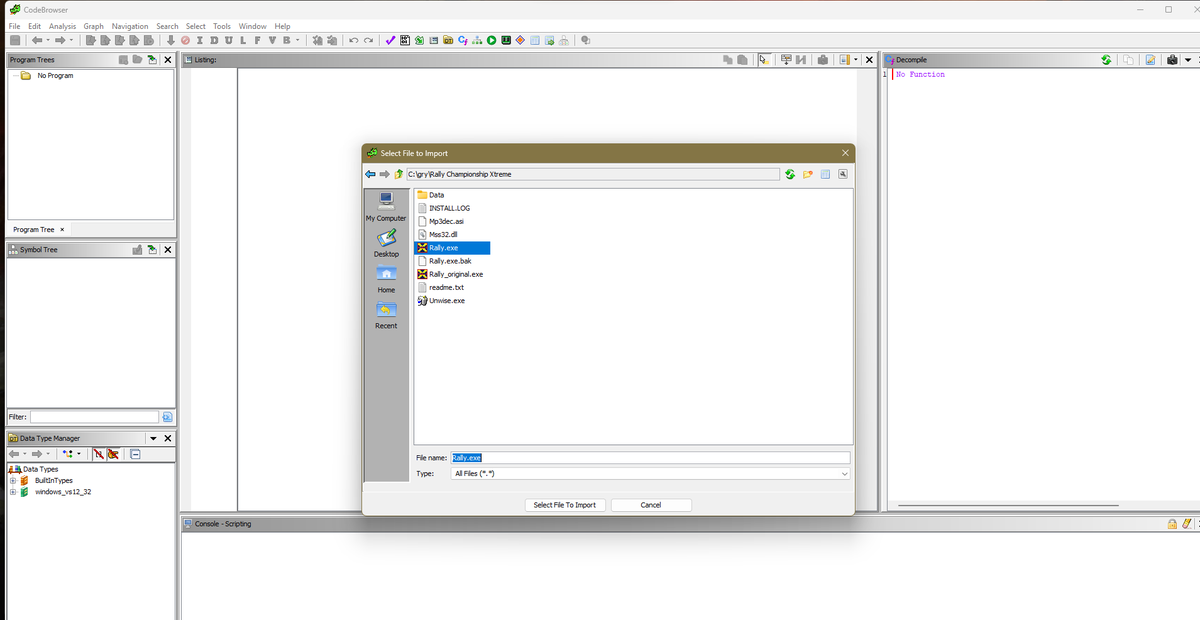

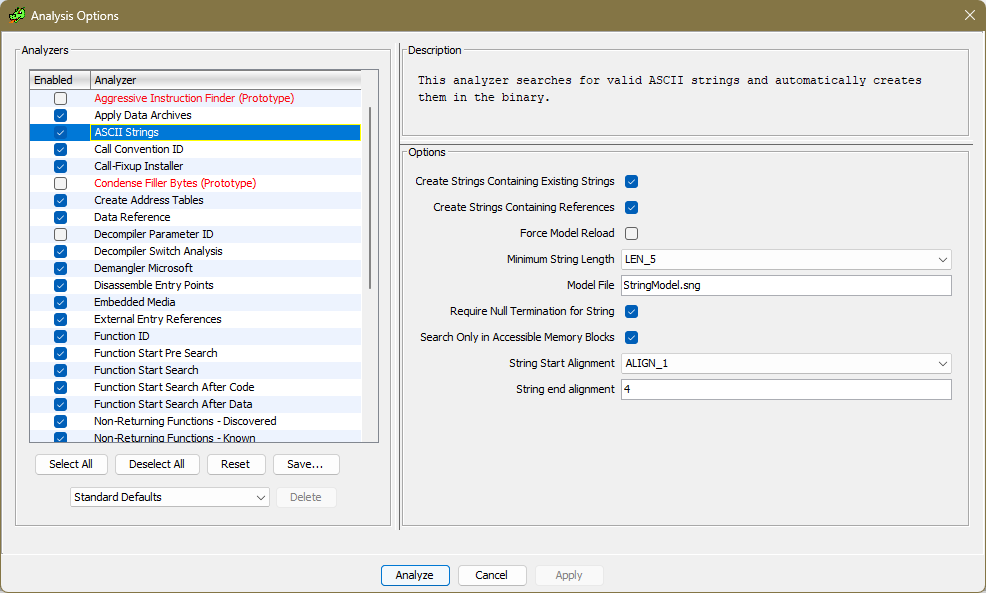
Our first course of action will be to find any text that might refer to a CD. Curiously, we find it, but only in English, but right after it is a path, and when we open "data/error.txt" in the game's install folder, we see exactly the Polish text we saw earlier.
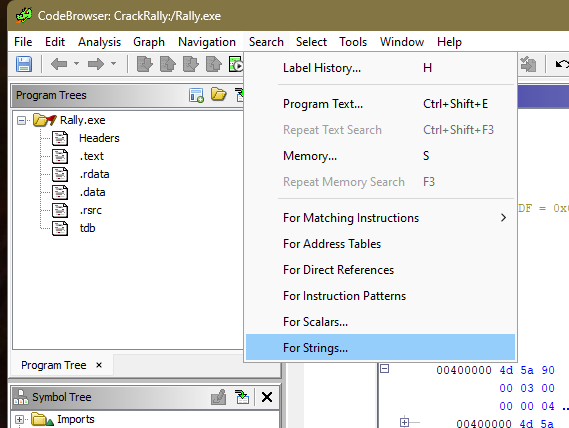
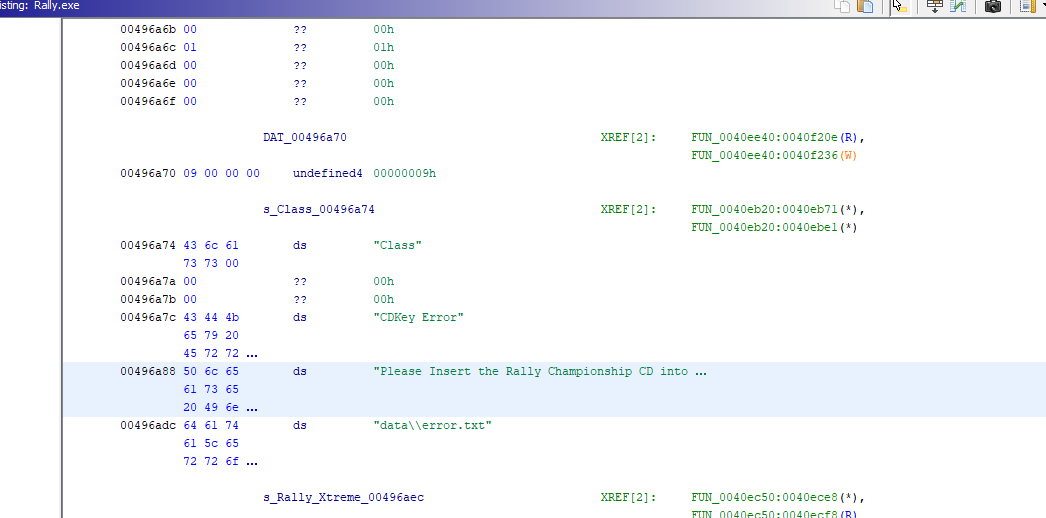
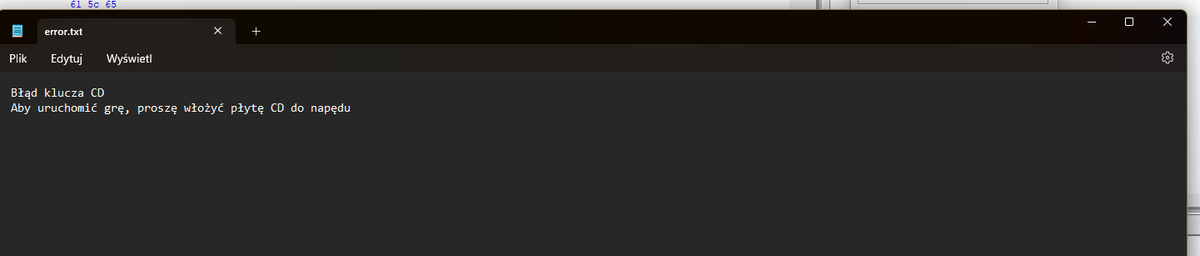
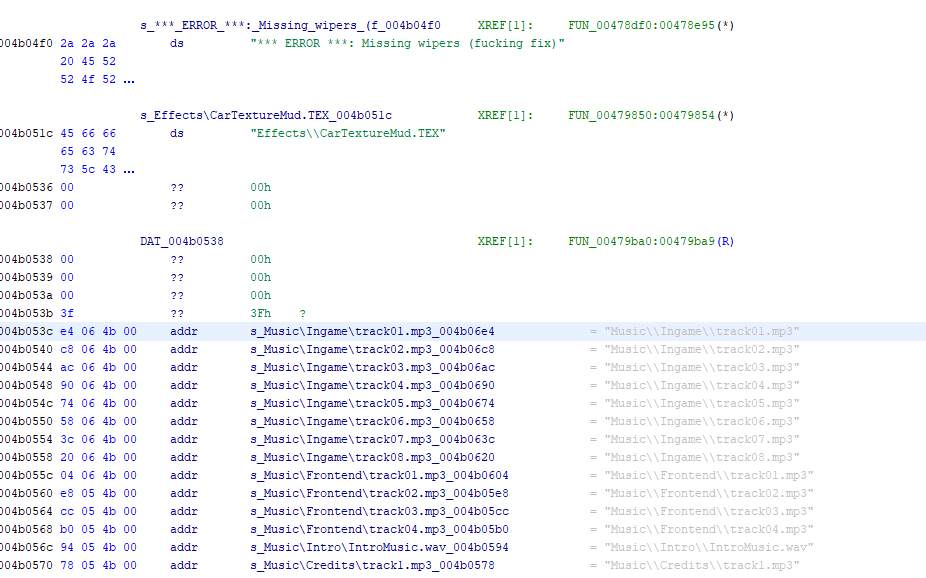
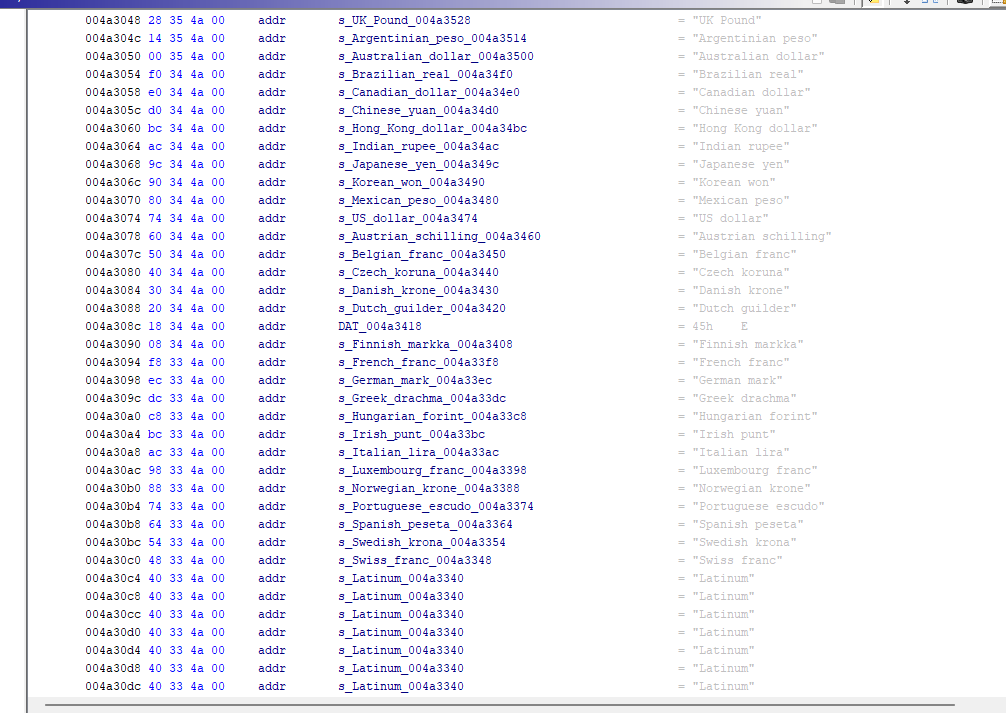
Unfortunately, when we right-click on these strings, there are no direct references to them. Unrelated: someone left some angry comments in the code, and one of the devs must have been a Trekkie judging by the currency codes available (why? I dunno).
So what else do we know? If you've used a Windows computer, you'll know that tiny error window with an "OK" or "Cancel" button looks awfully familiar. That's because it is, it's called a MessageBox. And because it's a system call, not the game's own code, we can see the name.
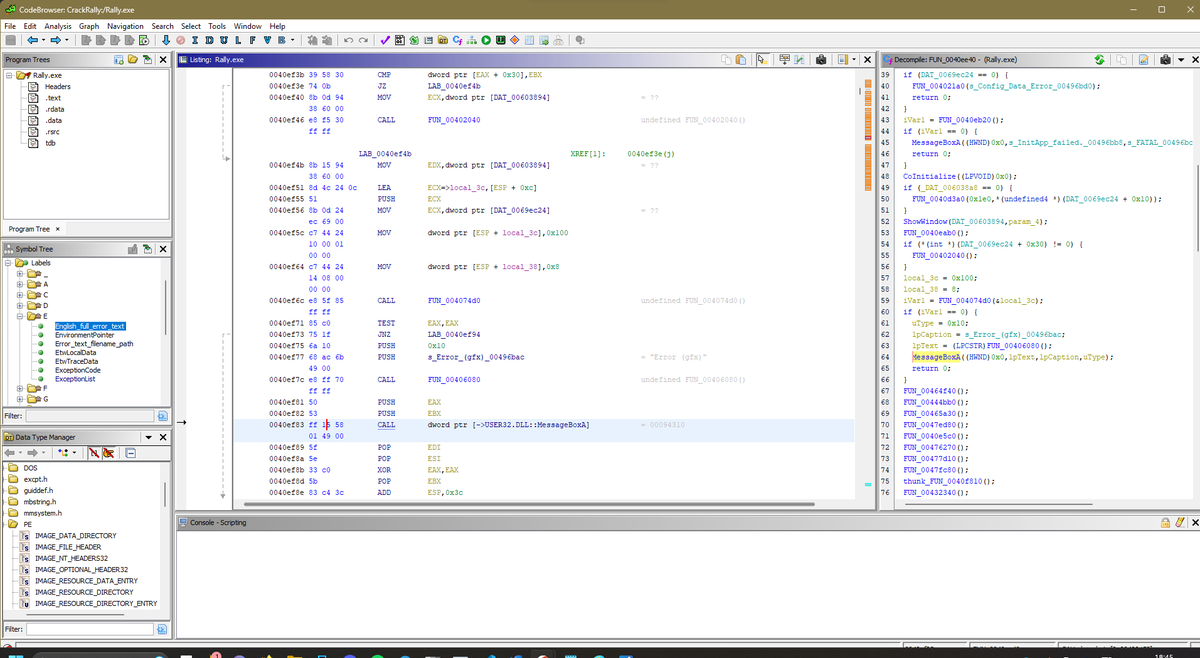
But that's a hell of a lot of gibberish before it. Looking at the decompiled C code (Ghidra's idea of what the original code could have looked like, sans nice things like variable names and comments that get stripped out), we see a lot of checks that don't tell us much...
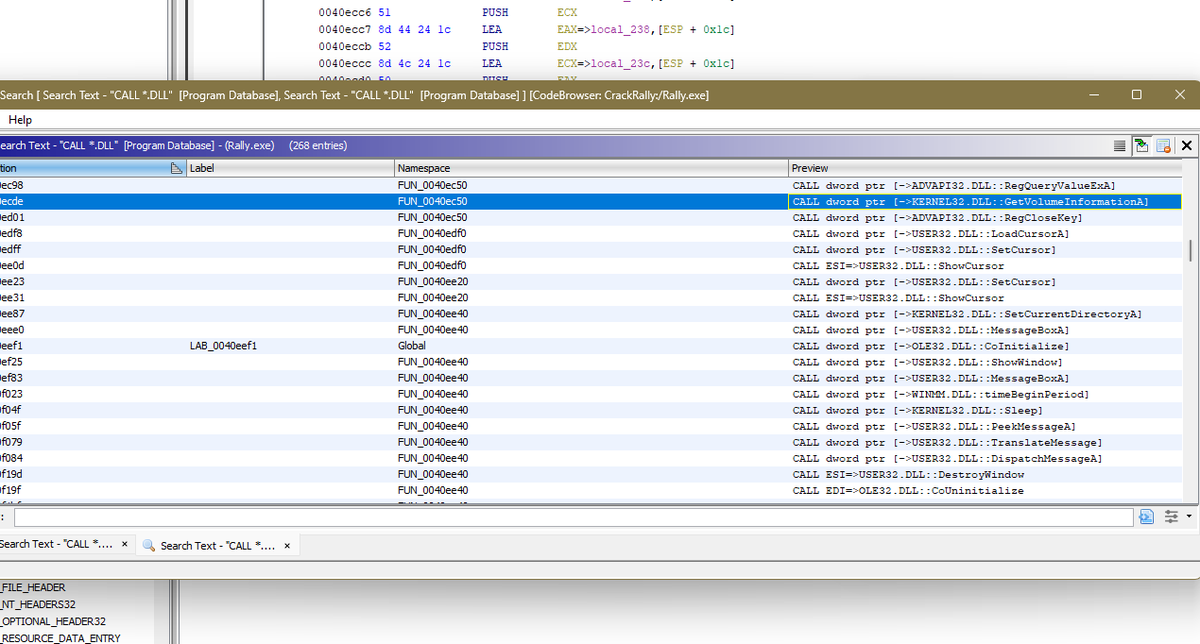
...and certainly aren't related to CD drives. Let's search then for "Disk"... Nothing. "Drive"? Also no dice, just some "drivers". Both in the sense of car drivers, given what the game is about, and in the sense of device drivers. But Windows used to call disks "volumes". Tada!
What's happening here is that the function on the left calls this bigger function on the right, which I renamed StartupChecks, then after it's finished it checks if the return value is 0 (which by convention means "okay").


StartupChecks itself is what calls GetVolumeInformation to check if a disk is in the drive, and later does what looks like comparing some value found on it to what the installer wrote into the Windows registry - that must be the copy's key or serial number. Ancient DRM!
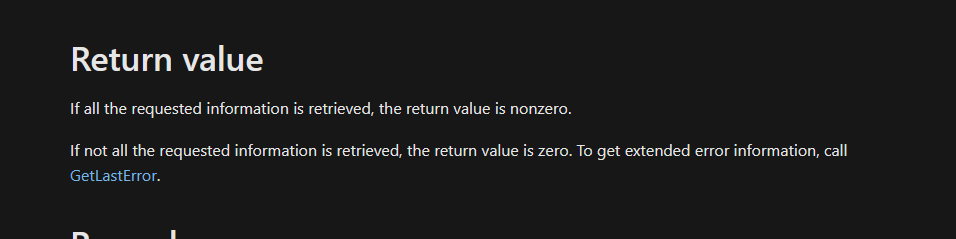
And as we see in the Microsoft documentation, this must be the point where we get the non-zero value if something's wrong. Apparently this function stopped behaving as expected by the game's devs in Windows Vista. What are we to do?
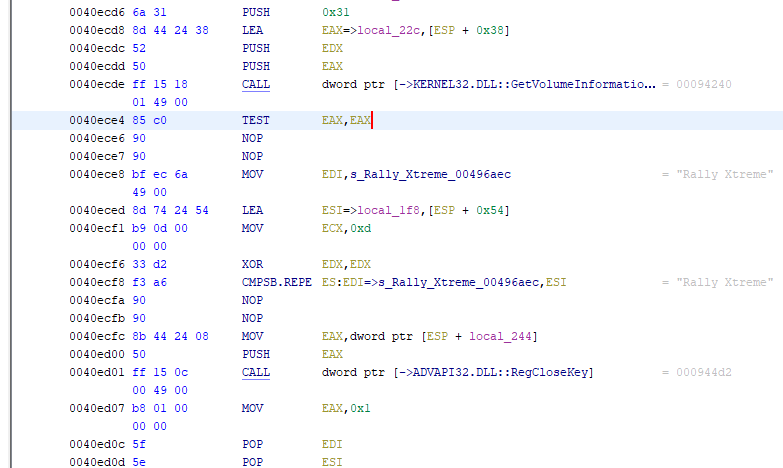
We "nop" out the part that actually checks what was returned. "TEST EAX, EAX" might look dumb - compare a value with itself? - but the register EAX is where the function wrote its return value, and comparing 0 with 0 will yield 0 into a special register just for that result.
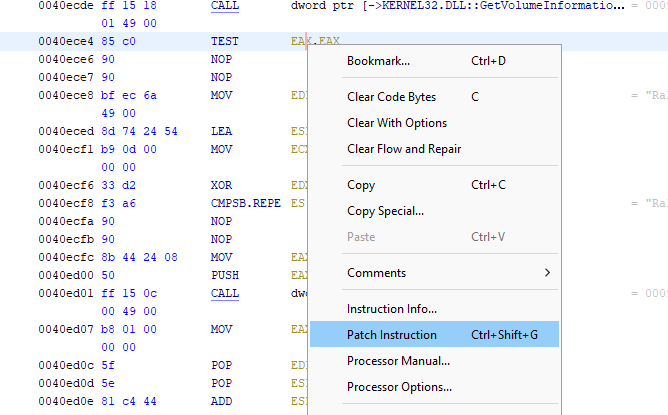
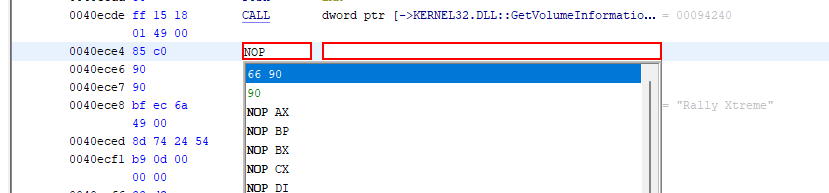
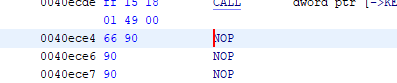

After that, the "JNZ" part "jumps if not zero" to somewhere that looks up the error text and makes a MessageBox telling us to prove we own the game and put in the disk. We could nop out this outer "test eax,eax" too, but then we'd never know if there was some other real problem.

Why did we have to edit it in place and what is a "nop"? "Nop" is "no operation", couldn't we just delete this? Yes, but no. Everything in a compiled program like this refers to everything else by its address - essentially the line number that says where in the program it is.
Deleting a line would mean you'd have to move every address that comes after it so the rest would make sense. Putting "nops" there is like the difference between correcting a handwritten document with white-out or an eraser and rewriting it completely from the point you erase.
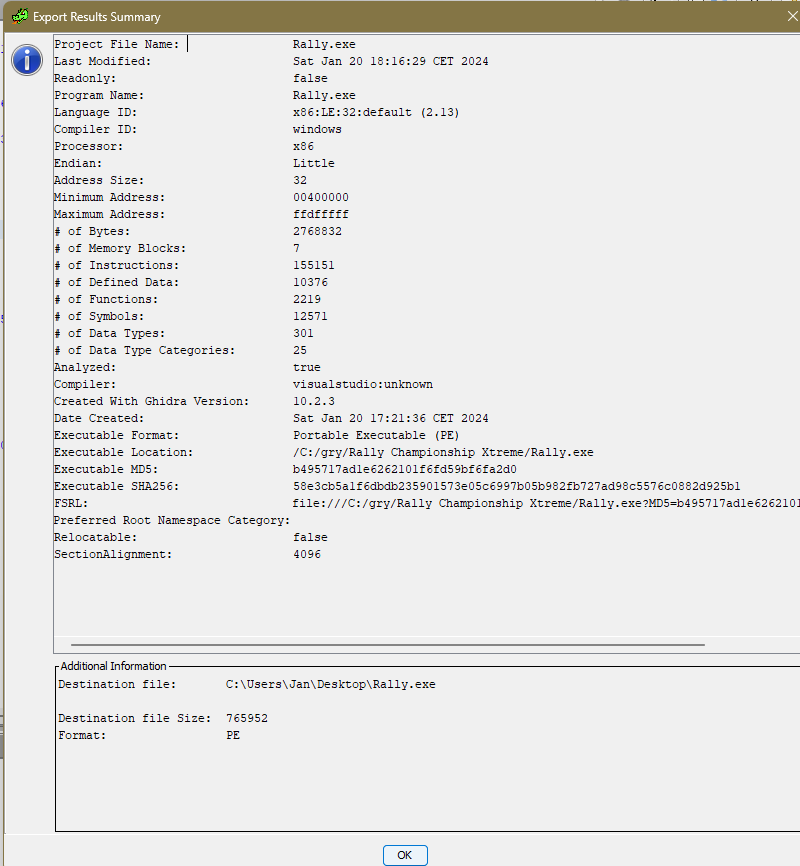
Anyway, having made the correction we can export the file as we imported it, as a Windows "PE executable" for a 32-bit x86 processor, put it in the game directory, and double-click it.
🎉There we have it! A low resolution, shitty rock background music and arcadey physics. And a kit car version of a Czech shitbox I'd always pick because my dad had the wagon version of it. (He still faithfully drives Skoda B-class wagons, they make up 3/4 of his cars so far)

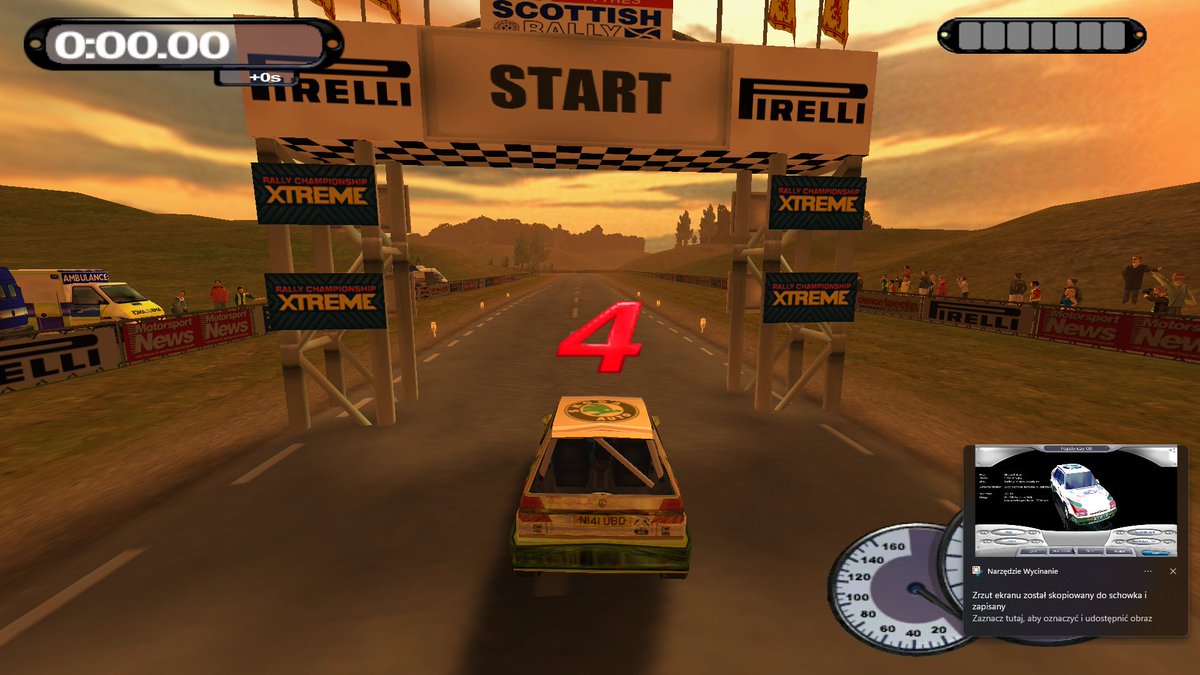
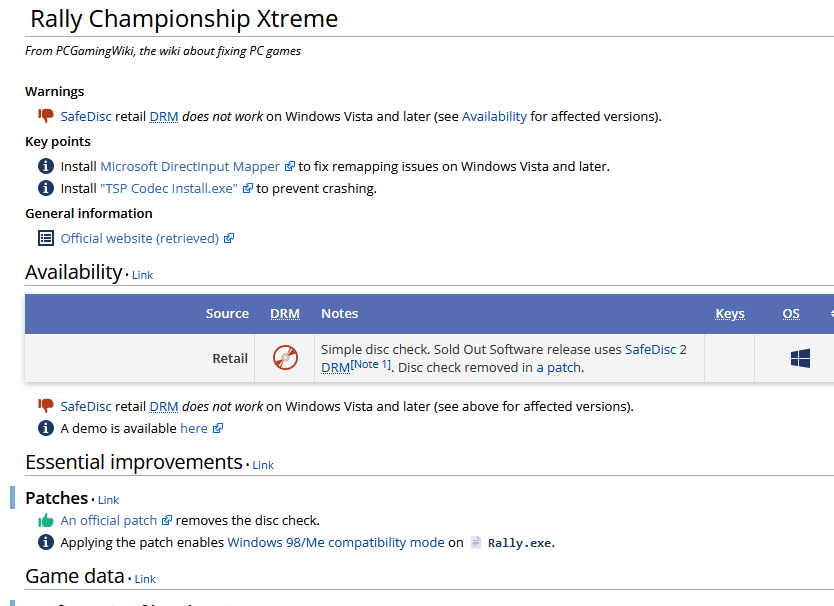
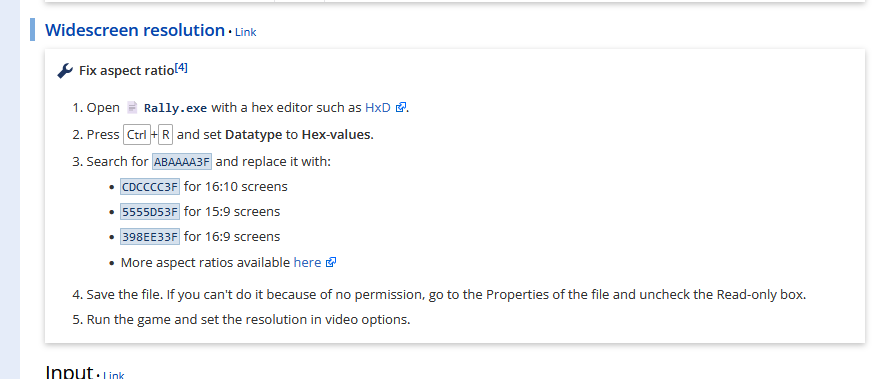
Except, as we find out on PCGamingWiki, the issue has been known and officially fixed since 2002. There's also a widescreen fix. We've committed what is in several jurisdictions a crime for essentially no reason. Worth it. It was fun. See you after I get out of jail.