🧵 Privacy Is NOT a Crime
BUT in many parts of the world, fundamental human rights are illegal.
Speech, press, dissent, owning a certain coin.
Tails isn’t just software.
It’s how people stay alive, free, and anonymous.
Here’s how to install it on a USB step by step. 👇🧵


1.💡 What is Tails?
Tails = The Amnesic Incognito Live System
It’s an operating system that runs from a USB stick.
🧠 It forgets everything when you shut it off.
🌐 It forces all connections through Tor.
📷 It leaves no trace behind.
This is how you disappear on purpose.
Tails = The Amnesic Incognito Live System
It’s an operating system that runs from a USB stick.
🧠 It forgets everything when you shut it off.
🌐 It forces all connections through Tor.
📷 It leaves no trace behind.
This is how you disappear on purpose.

2.🕵️ Why use @Tails_live?
Because you don’t have to be a criminal to want privacy.
But in some places, privacy makes you a criminal.
🛑 Journalists
🛑 Activists
🛑 Whistleblowers
🛑 Everyday people under surveillance
Tails = safety + freedom in one pocket
Because you don’t have to be a criminal to want privacy.
But in some places, privacy makes you a criminal.
🛑 Journalists
🛑 Activists
🛑 Whistleblowers
🛑 Everyday people under surveillance
Tails = safety + freedom in one pocket

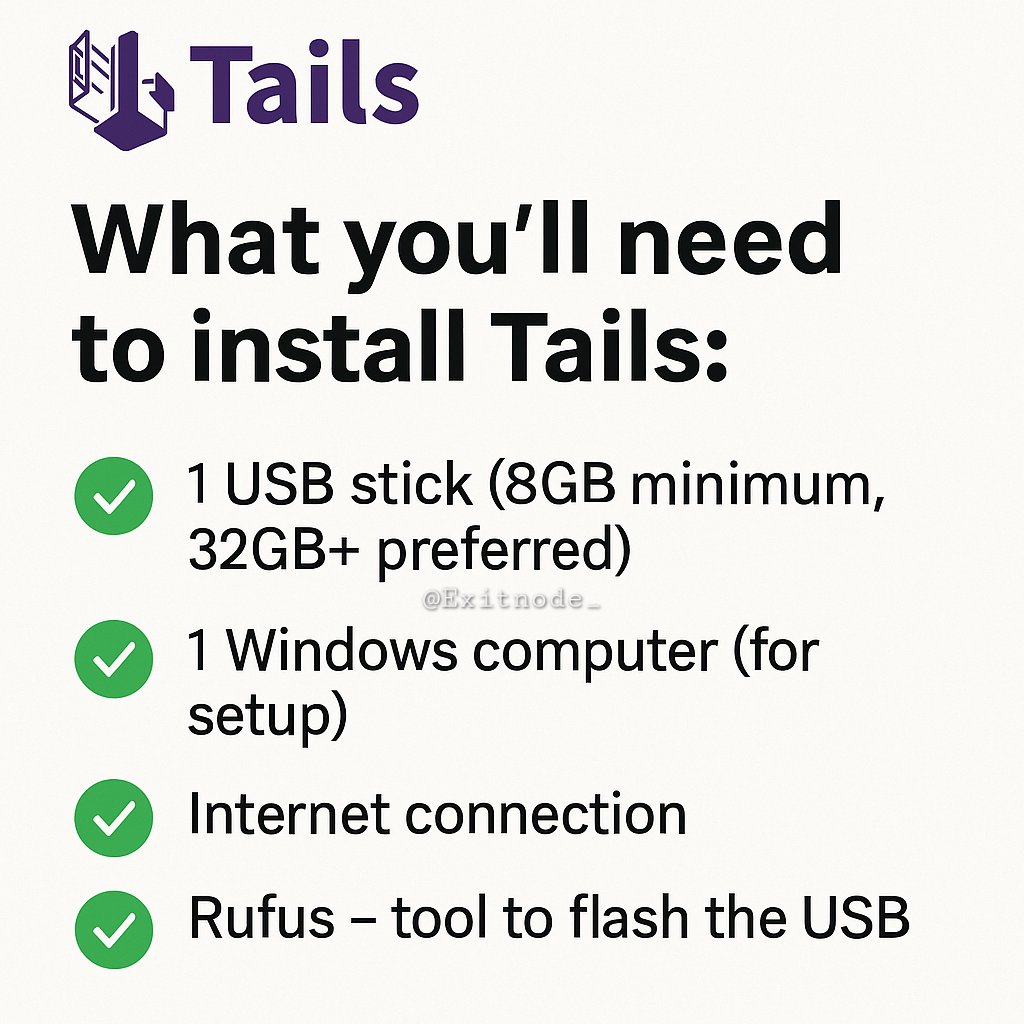
3.💾 What you’ll need to install Tails:
✔️ 1 USB stick (8GB minimum, 32GB+ preferred)
✔️ 1 Windows computer (for setup)
✔️ Internet connection
✔️ Rufus – tool to flash the USB
✔️ The Tails ISO file (download from tails.net)
✔️ 1 USB stick (8GB minimum, 32GB+ preferred)
✔️ 1 Windows computer (for setup)
✔️ Internet connection
✔️ Rufus – tool to flash the USB
✔️ The Tails ISO file (download from tails.net)
4.📥 Download Tails and Rufus
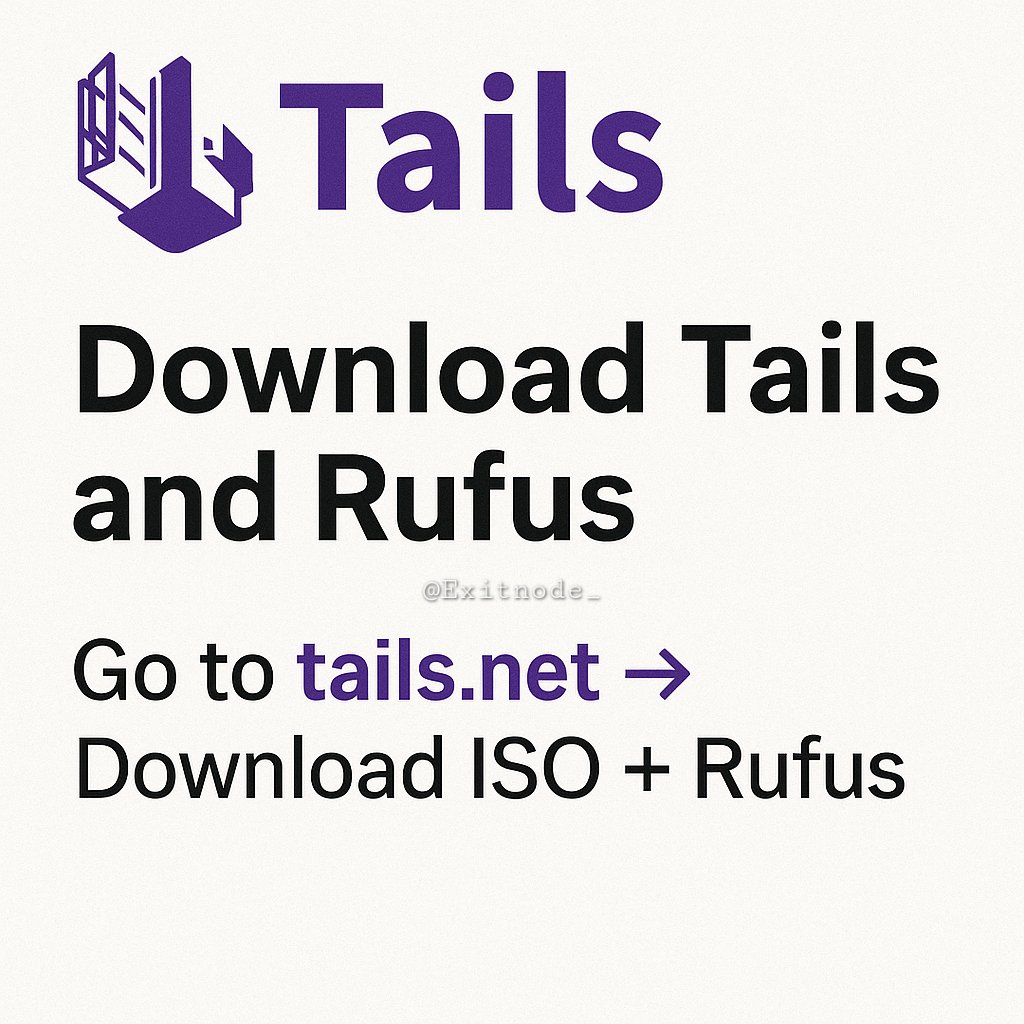
Go to: tails.net
Click “Install Tails”➡️Choose Windows
Download the Tails ISO file
Download Rufus from rufus.ie
Pro tip: Verify the download using the signature on Tails.net
Go to: tails.net
Click “Install Tails”➡️Choose Windows
Download the Tails ISO file
Download Rufus from rufus.ie
Pro tip: Verify the download using the signature on Tails.net
5.🛠 Flashing Tails onto your USB
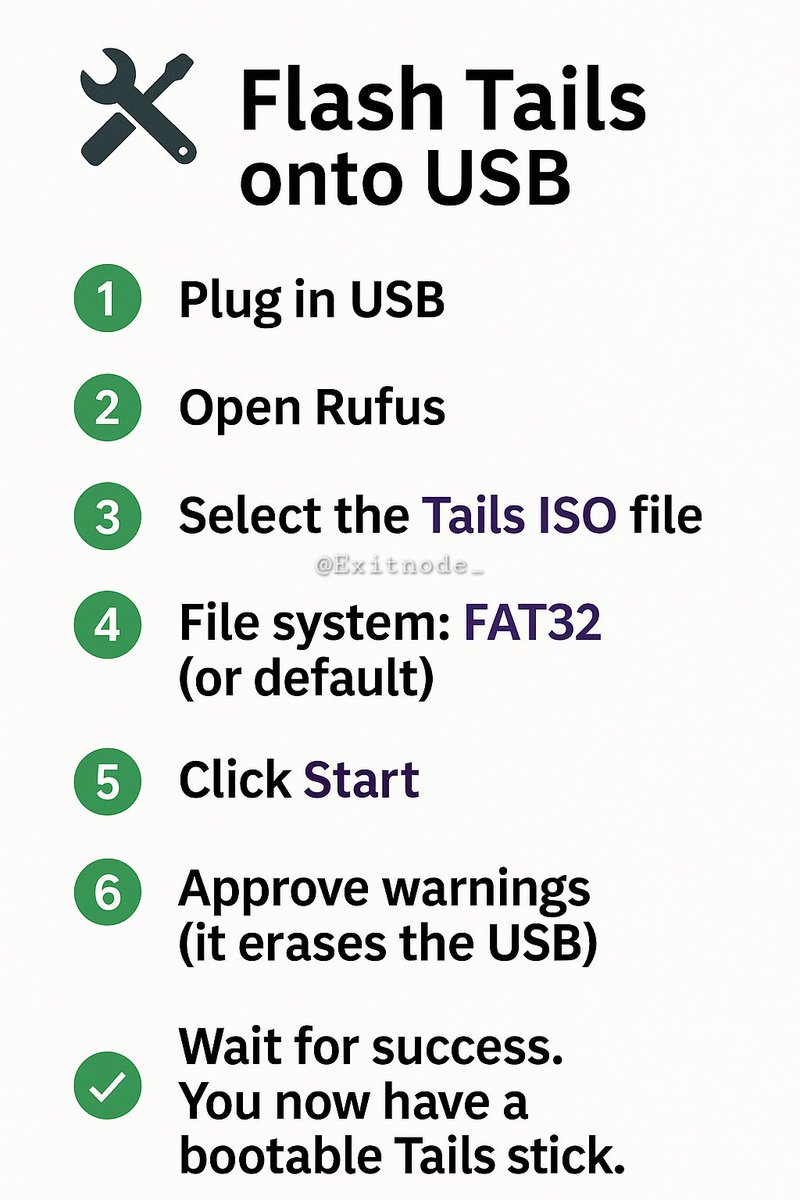
Plug in your USB stick
Open Rufus
Under “Boot selection” → choose your Tails ISO
File system = FAT32 or default
Click Start
Say yes to any warnings (it will erase your USB)
Wait until it finishes. You now have a bootable Tails stick.
Plug in your USB stick
Open Rufus
Under “Boot selection” → choose your Tails ISO
File system = FAT32 or default
Click Start
Say yes to any warnings (it will erase your USB)
Wait until it finishes. You now have a bootable Tails stick.
6.🔁 Booting into Tails
Restart your computer and enter the boot menu
(usually by pressing F12, F10, ESC during startup. Or searching advanced startup once its on.)
➡️Choose the USB drive
➡️Tails will load
Congrats. You’re now running a secure, anonymous OS.
Restart your computer and enter the boot menu
(usually by pressing F12, F10, ESC during startup. Or searching advanced startup once its on.)
➡️Choose the USB drive
➡️Tails will load
Congrats. You’re now running a secure, anonymous OS.

7/🧠
What happens now?
Once you shut it down, Tails forgets everything. (How to enable persistent storage coming soon)
No files. No browsing history. No identity leaks.
This isn’t paranoia. It’s precaution in an age of total surveillance.
What happens now?
Once you shut it down, Tails forgets everything. (How to enable persistent storage coming soon)
No files. No browsing history. No identity leaks.
This isn’t paranoia. It’s precaution in an age of total surveillance.

8/🧱
Tails is a shield, not a weapon.
It exists because privacy is a right, not a crime.
In a world where being anonymous is becoming suspicious...
Tails is your last line of defense.
Stay safe. Stay free. Stay anonymous.
#Monero $Xmr
Tails is a shield, not a weapon.
It exists because privacy is a right, not a crime.
In a world where being anonymous is becoming suspicious...
Tails is your last line of defense.
Stay safe. Stay free. Stay anonymous.
#Monero $Xmr

Generated by Thread Navigator
Press ⌘ + S to quick-export