@polydao: <b>Most people use AI like a s...
Most people use AI like a slightly smarter Google.

This article shows you exactly how to build one - using Obsidian, Claude Code, Skills, and plain markdown. No PhD required. Just a system you can set up this weekend.
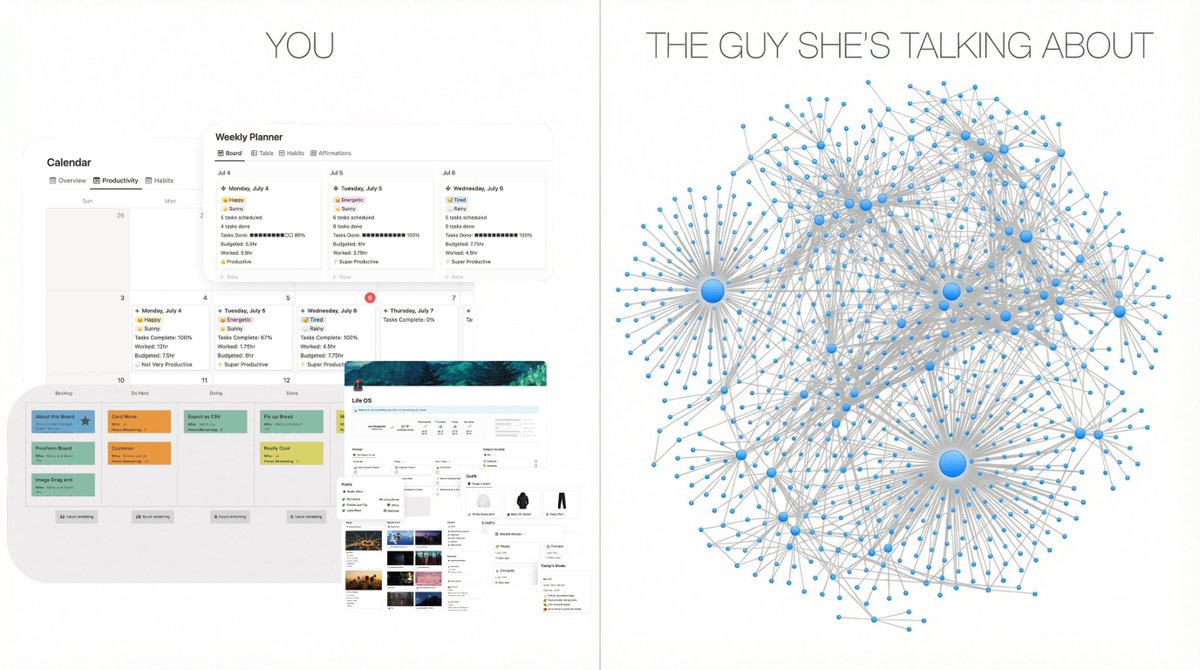
What You're Actually Building
Forget "taking notes". You're building a living wiki that an LLM writes and maintains for you in the background.
The idea comes from Andrej Karpathy (ex-OpenAI, Tesla AI) who recently shared that a large fraction of his LLM usage has shifted - less into writing code, more into manipulating knowledge stored as markdown files.
Here's the full loop:
The mental shift: LLM as compiler and librarian - not chatbot.
Step 1 - Make Capture Stupidly Easy
If saving info is annoying, the system dies on day one. So start here.

What to install:
raw/ - all source material drops here
wiki/ - compiled knowledge lives here
reports/ - your outputs (answers, essays, slide decks)
One extra trick: bind a hotkey in Obsidian to download all images for the current note locally - so your LLM can reference them without hitting external URLs.
Your only job right now: any time you see something interesting, clip it to raw/. Don't organize. Don't rename. Just capture.
Step 2 - Let the LLM Write Your Wiki For You
Here's where most "note-taking systems" fall apart: the human has to do all the organizing. In this system, the human doesn't.
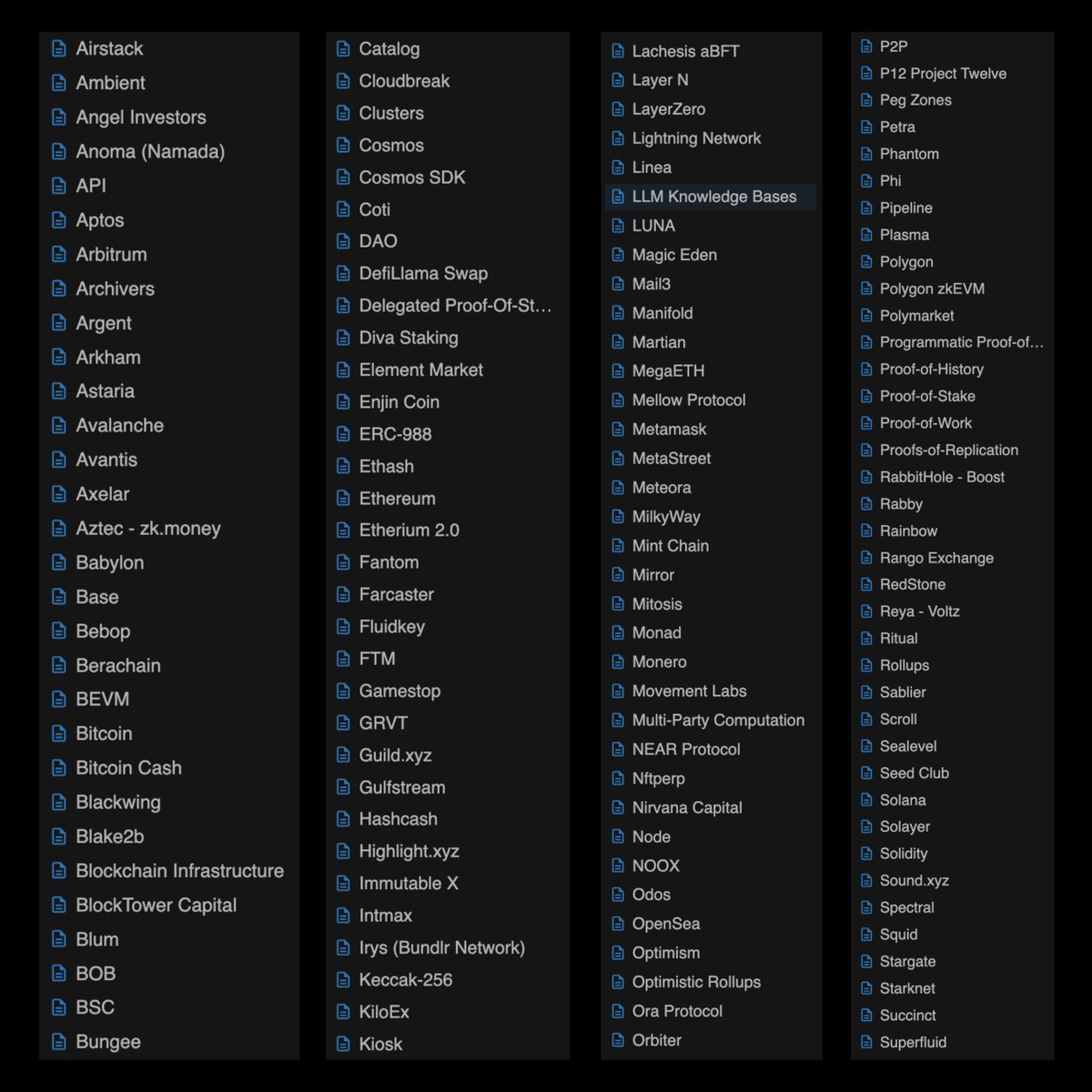
The LLM scans raw/ and produces or updates pages in wiki/. Each important concept gets its own .md file with:
You barely touch wiki/ manually. The LLM owns it.
Step 3 - Obsidian Is Your Second Brain IDE
Don't think of Obsidian as "a markdown editor". In this workflow, it's your knowledge IDE.
Why Obsidian works:
Karpathy's key observation: the human mostly reads, the LLM mostly writes. You browse, make small edits, and ask new questions. You don't hand-craft wiki pages like it's 2008.
Step 4 - Q&A on Top of Your Own Knowledge Graph
Once your wiki reaches ~50-100 articles, the real value kicks in.
Instead of asking "Explain prediction market arbitrage" in a stateless chat, you ask:
"Using only my wiki, explain the key edge strategies for prediction market traders based on everything I've researched so far."
Behind the scenes your agent:
Every serious question becomes a new permanent asset in your vault instead of disappearing into chat history.
Step 5 - Never Answer in Chat, Always Answer in Files
One habit that 10x-es the ROI of this system: force the LLM to answer as files, not as text in a UI.
Great output formats:
Then you:
Your queries literally compound into better future answers.
Step 6 - LLM Health Checks (This Part Everyone Skips)
Most people never think to use an LLM to clean and refactor knowledge - only to add it. Big mistake.
Karpathy runs periodic "knowledge linting" passes where an LLM scans for:
You can wrap this into a single weekly command. Over time, your wiki drifts toward higher integrity and less chaos with zero manual bookkeeping.
Where Claude Code + Skills Make This 10x Better
So how does Claude Code actually plug into all of this?
Claude Code is built for exactly this kind of system:
Here's a starter set of Skills to build for your second brain:

Skills can bundle extra markdown instructions, scripts, and reference files - you encode your personal style and domain preferences once, and reuse them across Claude apps, Claude Code, and the API.
You write the playbook once. Claude executes it on demand.
Why This Destroys Stateless "New Chat" Usage
Standard AI usage is stateless. You ask, get an answer, close the tab. Next session, the model remembers nothing. You start from zero. Forever.

An LLM knowledge base turns that into stateful, compounding memory:
Real-world benefits:
And all of this lives in plain markdown and images - not locked inside a closed SaaS. Fully portable. Fully yours.
Prefer Privacy? Run It Fully Local
Don't want your research going to the cloud? You don't have to.
The whole architecture runs locally with Obsidian + Ollama (local LLM runner):
You decide which projects stay fully private and which ones benefit from more powerful cloud models.

Advanced Mode: From Wiki to Finetuned Model
Once your wiki is large enough, another door opens.
Karpathy points out the natural end state: instead of always relying on massive context windows, you can treat your wiki as a finetuning corpus - baking your knowledge directly into a model's weights.
Even without finetuning, the compiled wiki pattern already gives massive leverage. Finetuning just compresses and accelerates it.
Bonus: Connect Claude Directly to Your Obsidian Vault via MCP
Claude Skills + Obsidian is already powerful. But there's one layer most people skip entirely.
MCP for Obsidian - an MCP server that lets Claude read and write directly into your vault in real time. Not copy-paste. Not export. Claude literally opens your notes, edits them, creates new files, and inserts content under specific headings - all from the chat window.
3.3k stars on GitHub. 384 forks. Runs stable.
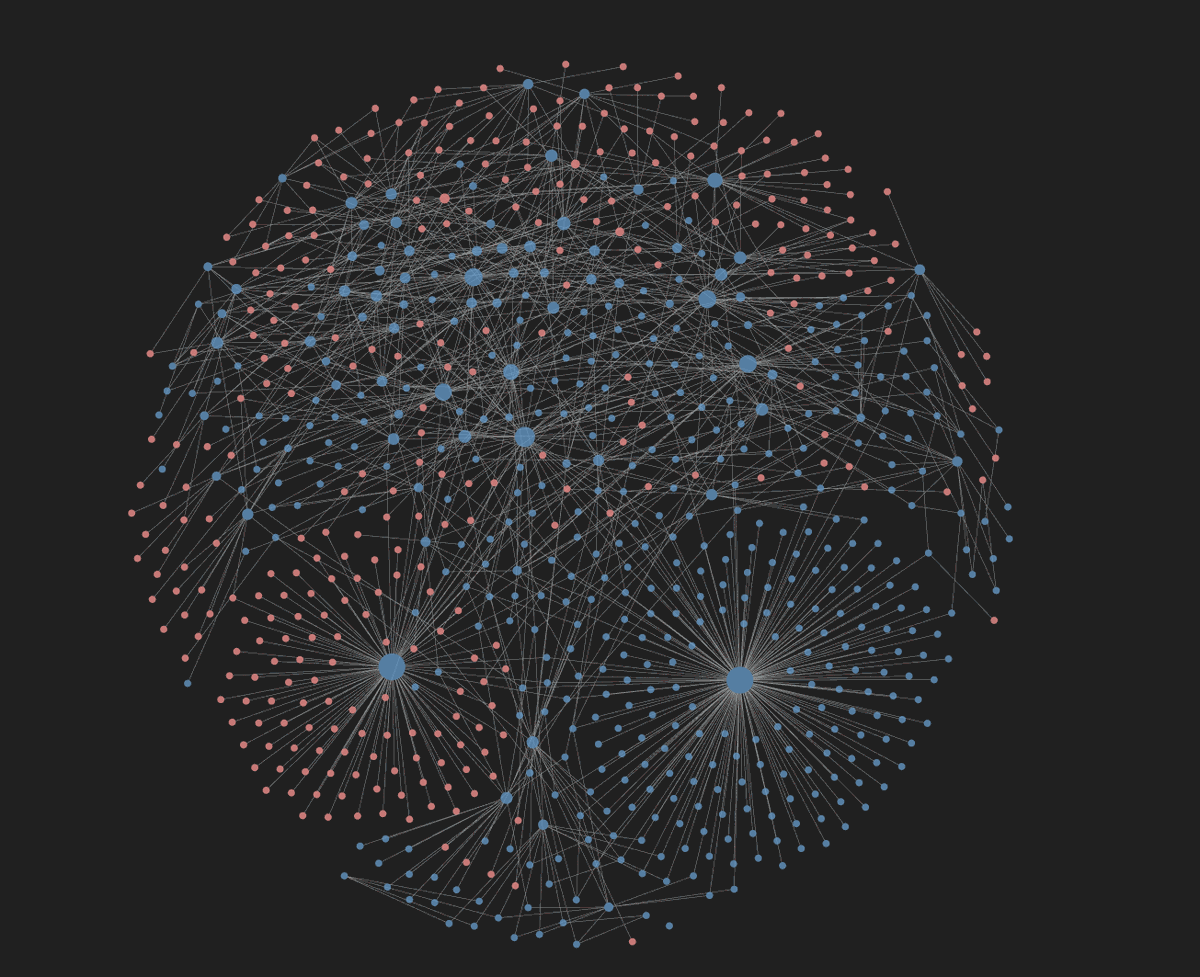
What Claude can do with your vault:
Real prompts you can use immediately:
Your Obsidian vault stops being a storage system. It becomes a live workspace Claude actively maintains.
Setup in 3 steps:
Step 1. Install the plugin in Obsidian
Settings → Community Plugins → Browse → search Local REST API → install and enable. Copy the API key from plugin settings.

Step 2. Open Claude Desktop config
Step 3. Add this block:
```
{
  "mcp-obsidian": {
    "command": "uvx",
    "args": [
      "mcp-obsidian"
    ],
    "env": {
      "OBSIDIAN_API_KEY": "",
      "OBSIDIAN_HOST": "127.0.0.1",
        "OBSIDIAN_PORT": "27124"
    }
  }
}
```
Restart Claude. Done.
Things to know before you start:
Your One-Weekend MVP Plan
Here's a realistic way to test this in 2 days:
Day 1 - Setup and Capture
Day 2 - Build the Loop
If you do this seriously for just one ongoing research theme, you will feel the difference within a week.
You're not "just chatting" anymore. You're growing a second brain that writes with you.
