@Hartdrawss: you can tell a vibe coded app ...
you can tell a vibe coded app in 3 seconds.

not because the code is bad. because the design decisions are wrong.
wrong font. inconsistent spacing. colors that don't quite work together. components that almost look like shadcn but are slightly off.
these things don't take long to fix. but you have to know what you're looking for.
[ IMAGE: Side-by-side screenshot: left shows a typical vibe-coded app with inconsistent spacing and a generic font. Right shows the same (or similar) app after applying a proper design system. Your own before/after from a real project is the best asset here. ]
1. font pairing logic (the one decision that changes everything)
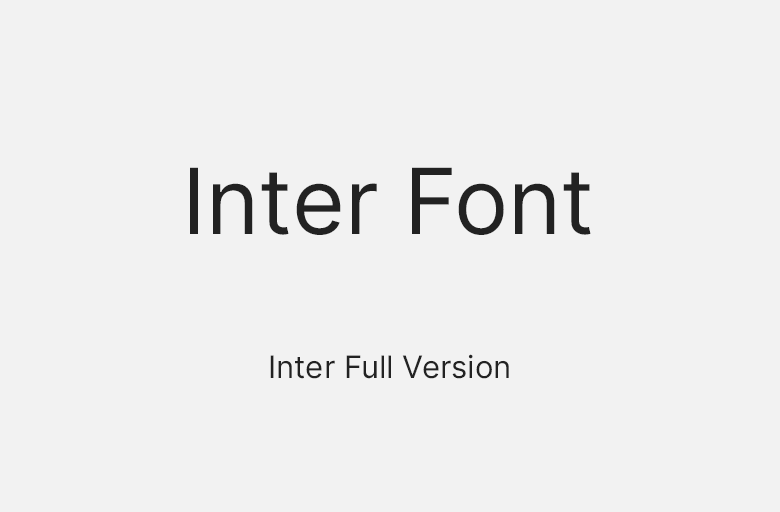
most vibe coded apps use whatever font came with the UI library. usually Inter. nothing wrong with Inter, except that when every app uses it, yours looks like every other app.
my font decision framework:
SaaS / productivity tools: Inter or Geist for UI, nothing for headings (same font, different weight)
consumer apps: Plus Jakarta Sans or DM Sans for a friendlier feel

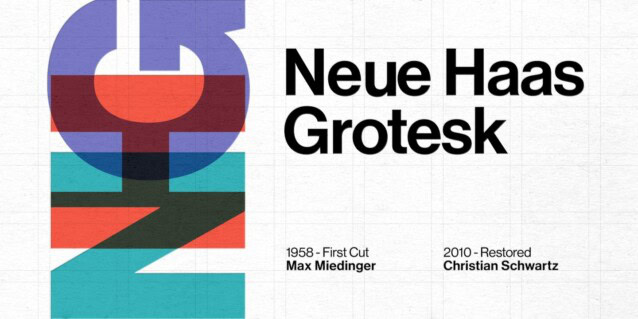
premium / finance / legal: Sora or Neue Haas Grotesk — more structured and authoritative
landing pages only: you can use a display font for headlines. never in the app itself.
one font family. two weights maximum. the discipline is the design.
2. spacing systems — the invisible thing that makes everything feel right
if your app feels 'off' but you can't explain why, the answer is usually inconsistent spacing.
set up a spacing scale and don't break it:
Tailwind's default spacing scale is already this system. if you're using Tailwind and still have inconsistent spacing, you're not using the scale — you're overriding it.

3. color token structure — stop picking colors per component
design systems use semantic color tokens. not individual hex codes per component.
the minimum token set you need:
define these in your Tailwind config or CSS variables. never hardcode a hex value in a component.
4. component consistency with shadcn — using it right
shadcn is the right call for most vibe coders. but most vibe coders use it wrong.
5. the 6 design decisions that separate agency-made from vibe coded

design is not about aesthetics. it's about signal.
a well-designed app signals that you care about detail. and users trust products made by people who care about detail.
that trust converts.